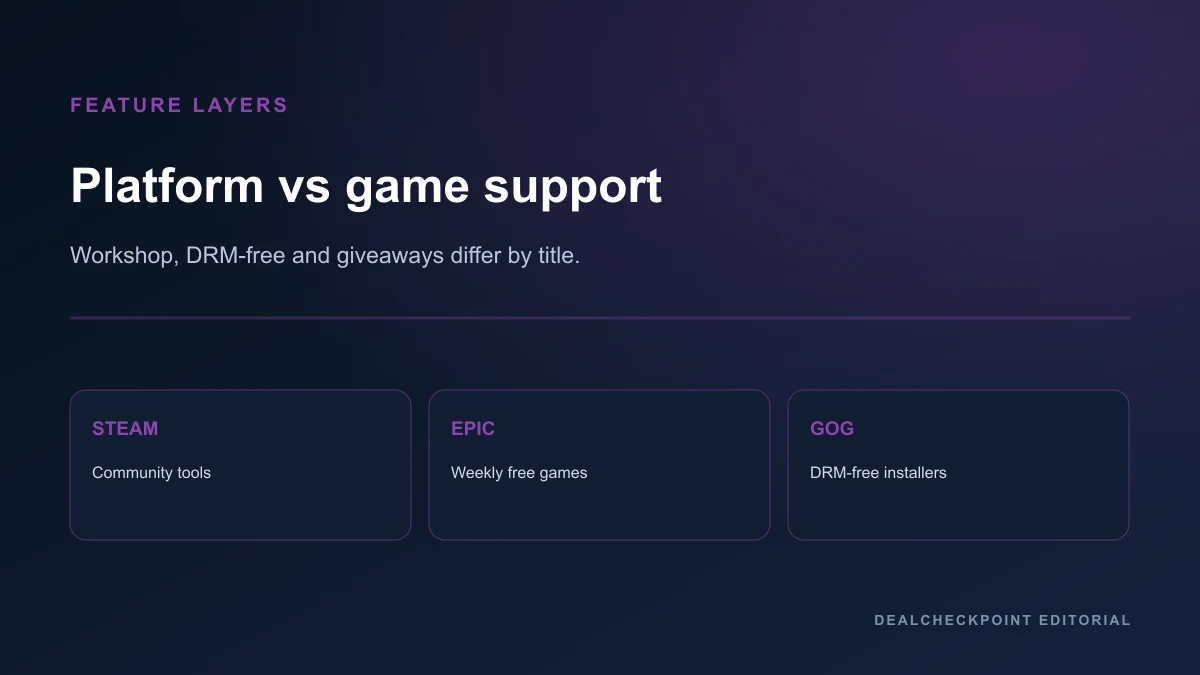
Steam, Epic Games Store and GOG are all first-party PC storefronts — not grey-market key bazaars — yet they optimize for different ownership models. Steam leans into community tooling and the broadest catalogue; Epic competes with timed free games and occasional exclusives; GOG emphasizes DRM-free installers for offline-friendly libraries. The right choice is almost always per game, not per brand loyalty.
Direct answer
Compare Steam, Epic and GOG on the exact game and edition first. Steam is the practical default when Workshop mods, large friend lists or Steam Deck verification badges matter for that title. Epic can win when a documented free promotion or store coupon applies to a game you already planned to buy. GOG wins when you want a standalone installer and accept a smaller catalogue.
None of the three replaces product-level checks for region, edition and refund labels. Authorised retailers such as Fanatical, GMG and Humble sell keys that activate on these platforms with separate refund rules. Source checked Jul 24, 2026.
What each store actually is
Steam is Valve’s PC storefront and social platform with the largest PC catalogue, community features, Steam Deck compatibility badges and seasonal sales documented on store.steampowered.com. Epic Games Store is Epic’s PC client emphasizing exclusives, coupons and weekly free-game promotions. GOG (gog.com) is CD Projekt’s DRM-free store with optional GOG Galaxy for library management.
All three are authorised first-party stores. DealCheckpoint compares them alongside authorised third-party sellers in where to buy PC games safely.
How to compare without picking a permanent winner
Split every feature into platform-level support (what the store provides) and game-level support (what the developer enabled). Cloud saves, achievements, mods and controller profiles can differ per title even on the same store.
Price alone rarely decides: a cheaper key from Fanatical or Green Man Gaming may activate on Steam but follow retailer refund rules instead of Valve’s checkout UI. Apply the real PC game deal checklist before any purchase path.
Catalogue size and exclusivity
Steam lists the largest PC selection, including the majority of indie and AAA releases with Steam Deck badges where applicable. Epic carries a growing subset with timed exclusives on some launches — verify current availability on the official Epic product page, not rumour posts or outdated wiki entries.
GOG curates a smaller library weighted toward DRM-free classics and select modern releases. Absence on GOG does not imply a game is unavailable elsewhere; it often means the publisher has not opted into GOG’s DRM-free model for that title.
When a game is exclusive to Epic at launch, a Steam wishlist entry will not help until exclusivity ends or the developer adds Steam.
DRM and ownership model
Steam games use Steam DRM and the Steam client for most titles, with offline mode available under documented conditions after installation. Epic games require the Epic client for most purchases, with offline access depending on title and Epic’s documented launcher behavior. GOG sells DRM-free installers you can back up locally; GOG explains its DRM-free approach on its site.
DRM-free on GOG does not automatically mean multiplayer or updates without Galaxy — online features may still need accounts. Ownership here means installer portability, not immunity from publisher online requirements.
Refund policies — conditions, not promises
Steam’s published standard for many games is a request within fourteen days and under two hours of play, with documented exceptions on Valve’s Steam refunds page. Epic labels purchases self-refundable, refundable or non-refundable and generally applies fourteen days and under two hours to eligible PC products per its store refund policy. GOG publishes a voluntary refund window up to thirty days with discretion and abuse safeguards in its refund policy article.
These are conditions for requesting refunds, not promises of approval. Read the current policy and product label before buying. Third-party keys follow the retailer you paid, as explained in Steam refund policy explained.
Cloud saves, achievements and social features
Steam Cloud and Steam achievements are widely supported where developers enable them; friend lists, groups and Workshop are Steam differentiators on supported games. Epic provides cloud saves and achievements on many titles but with a smaller social graph. GOG Galaxy adds optional cloud saves and achievements for participating games without forcing DRM on the installer.
Cross-store feature parity is rare. Buying where your friends play often beats small price gaps — especially for co-op titles with no cross-store multiplayer.
Mods and Steam Workshop
Steam Workshop is the dominant mod hub for supported games. Epic and GOG mod support is title-specific and usually routes through Nexus or in-game browsers rather than a unified Workshop. Mod-heavy games often justify a Steam purchase even when another store or authorised key seller is cheaper on paper.
Before choosing GOG or Epic for a mod-centric title, confirm on the official product page whether Workshop or equivalent mod tooling exists on that store version.
Free games and promotion cadence
Epic runs recurring free-game promotions with documented claim windows; claimed titles remain in your Epic library under Epic’s terms while those rules apply. Steam offers free-to-play titles and seasonal sales but not the same weekly paid-game giveaway cadence. GOG occasionally runs free giveaways and deep classic sales — check the live GOG promotions page rather than archived blog posts.
A free Epic claim is not interchangeable with a Steam library entry. Claim on the store where you will install and play.
Regional pricing, VAT and payment
All three stores localise pricing by region with taxes at checkout. Compare the final total in your account country; do not VPN to another region to chase foreign pricing. That violates platform terms and can lock purchases to the wrong territory.
DealCheckpoint tracked USD lows cover authorised comparison scope and are not worldwide price promises. European buyers comparing EUR totals may also evaluate Gamesplanet when region labels match.
Family sharing and household libraries
Steam Families replaces older family sharing with documented limits on simultaneous play and eligible titles. Epic and GOG household sharing features differ and are narrower or title-specific. Read current platform help pages before assuming household sharing works like Steam for a given game.
Third-party keys generally do not add family-sharing features beyond what the activation platform already grants for that license type.
Pre-orders, DLC and edition traps
Pre-orders on any first-party store carry performance and content uncertainty separate from refund labels. A refundable storefront process does not guarantee you will enjoy launch state — read should you pre-order PC games for timing discipline.
Deluxe editions, season passes and soundtrack bundles use publisher naming that differs across stores. Match package contents, not marketing adjectives, before comparing prices between Steam, Epic, GOG or authorised key sellers.
Linux, Steam Deck and hardware buyers
Steam publishes Deck Verified and Linux compatibility badges on many listings. Epic and GOG Linux support varies by title and installer type. Hardware-specific buyers should read the official compatibility label on the exact product page before assuming portability.
Deck badges apply to the Steam listing for that product identity — not automatically to an Epic or GOG build of a similarly named game.
Feature matrix
Side-by-side comparison table
| Dimension | Steam | Epic Games Store | GOG |
|---|---|---|---|
| Catalog size | Largest PC library | Smaller, some timed exclusives | Curated, DRM-free focus |
| DRM | Steam client for most titles | Epic client for most titles | DRM-free installers |
| Refunds | 14-day / 2-hour standard with exceptions | Label-based, often 14-day / 2-hour | Voluntary up to 30-day with discretion |
| Workshop / mods | Strong where enabled | Title-specific | Title-specific |
| Free games | F2P catalogue + seasonal sales | Timed free-to-keep promotions | Occasional giveaways |
| Offline play | Client offline mode after install | Title-dependent | Installer-based |
| Social graph | Large friends / groups | Smaller | Optional Galaxy overlay |
| Best default for | Mods, friends, Deck badges | Free claims, exclusives | DRM-free ownership |
Who should prefer Steam
Choose Steam when Workshop or mods matter, your friends are on Steam, you use Steam Deck badges for buying decisions, or you want the deepest sale-history visibility for a specific franchise on Steam. Pair with should you wait for a Steam sale for calendar context without treating dates as price promises.
Steam also fits buyers who value unified library management across thousands of titles even when Epic or GOG occasionally undercut individual prices.
Who should prefer Epic
Choose Epic when you will claim a documented free promotion, hold an Epic coupon that applies to a planned purchase, or need a timed exclusive available only on Epic at checkout. Verify exclusivity and refund labels on the official product page the day you buy.
Epic fits patient buyers who build libraries primarily through promotions and exclusives rather than mod ecosystems.
Who should prefer GOG
Choose GOG when DRM-free backups and offline installers are priorities and the game is available there in the edition you want. Accept catalogue gaps compared with Steam and verify whether online multiplayer requires Galaxy or publisher accounts.
GOG fits preservation-minded buyers and classic-game collectors more than players chasing every day-one AAA launch.
When authorised retailers beat first-party checkout
When the same Steam, Epic or GOG activation is cheaper at an authorised retailer, compare Fanatical, Green Man Gaming, Humble or Gamesplanet — with retailer refund rules, not first-party defaults. Browse Steam deals on DealCheckpoint for tracked context, then verify the checkout seller’s reveal and region terms.
A lower key price is not a substitute for reading activation territory and edition contents on the retailer product page.
Key reveal and wallet credits — a cross-store warning
First-party stores add games directly to the launcher account you paid with. Authorised key sellers introduce a reveal step that can end refund eligibility before you launch the game. If you might return a title, compare the first-party refund label with the retailer’s key-reveal policy before assuming Steam’s fourteen-day guideline applies.
Epic wallet coupons and Steam account credits likewise change effective price but not activation path — a coupon does not move a Steam-exclusive mod ecosystem onto Epic.
Safe-buying checklist across stores
- Pick the exact game and edition.
- Decide launcher based on friends, mods and offline needs.
- Compare first-party price with authorised retailers when keys match.
- Read refund label on the checkout store you will actually use.
- Confirm region for your account country — no VPN shopping.
- Apply the real deal checklist.
- Buy where you will actually install — not where a badge looks prettiest.
FAQ
Is Steam always the best place to buy?
No. Steam is the best default for many mod-heavy and social games, but Epic free claims or GOG DRM-free ownership can be better for specific titles and player types.
Do all three stores price match each other?
No. Regional pricing, coupons, sales timing and retailer keys create different totals. Compare the final checkout price for the same edition and activation path.
Can I move a game between stores later?
Generally no. Licenses are store-specific; rebuying on another platform is a new purchase unless the developer offers a rare transfer program documented officially.
Are Epic free games really free?
Epic documents timed free-to-keep promotions. Claim during the published window; the game remains in your Epic library under Epic’s terms for that promotion.
Does GOG being DRM-free mean I can share copies freely?
No. GOG DRM-free means installer portability for personal use under GOG’s terms — not unlimited redistribution. Read GOG’s user agreement for the product you buy.
Final verdict
Treat Steam, Epic and GOG as complementary stores, not rivals where one must win forever. Buy on the store that matches the game’s social, mod, offline and refund needs for your household, then verify price through authorised alternatives when keys align. Re-check official product pages before checkout — policies, exclusivity and catalogue availability change.
Source checked Jul 24, 2026 on Steam refunds, Epic’s store refund policy, GOG’s refund policy and GOG’s DRM-free explanation.