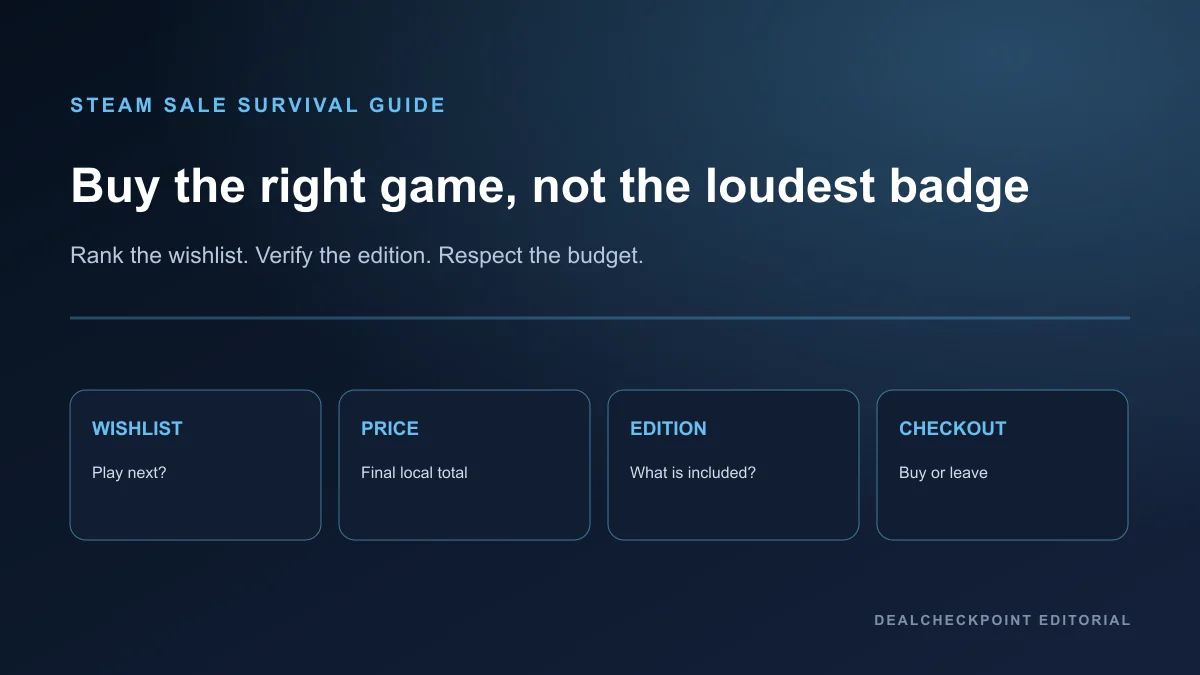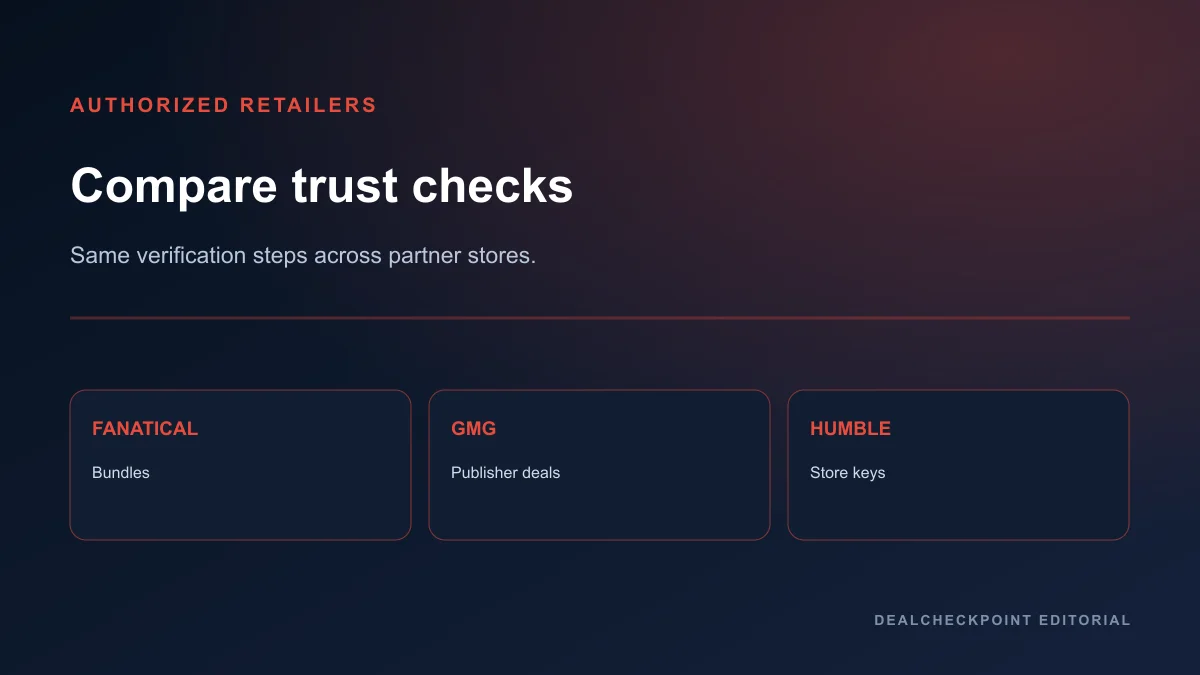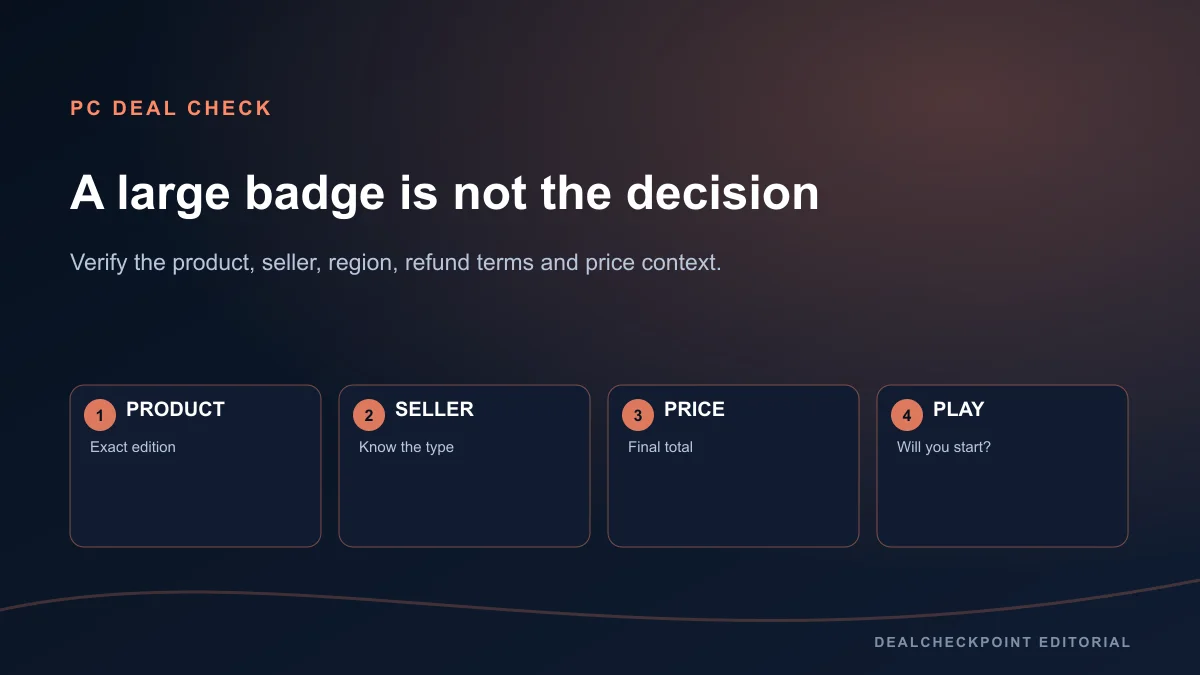
A real PC game deal is the correct playable product, from a seller you understand, at a final price that is good in the context of its tracked USD history and your actual plans. The discount percentage alone cannot answer that. Before paying, verify the edition, seller type, activation platform, region, refund conditions, bundle contents and whether you will start the game soon.
Direct answer
Use the same twelve checks for every purchase. If the listing is not the exact game or edition you want, the seller or activation path is unclear, the key is region-incompatible, or you would not play soon, stop. If those checks pass, compare the current final price with DealCheckpoint’s tracked USD low and current approved-retailer offers. A price can be worthwhile without matching a recorded low; it simply needs an honest reason to buy now.
| Fast decision | Buy or consider | Wait or leave||Product | Exact playable edition | DLC, soundtrack or account mistaken for the game||Seller | First-party store or verified authorised retailer | Unknown marketplace seller or account transfer||Activation | Named platform and compatible region | VPN, unclear region or wrong launcher||Price | Final total fits current tracked context | Badge hides a routine or higher price||Refund | Policy conditions are acceptable | Key or consumable terms remove expected protection||Timing | You will start soon | Purchase is only for an unplanned backlog |
|---|
The 12-check deal test
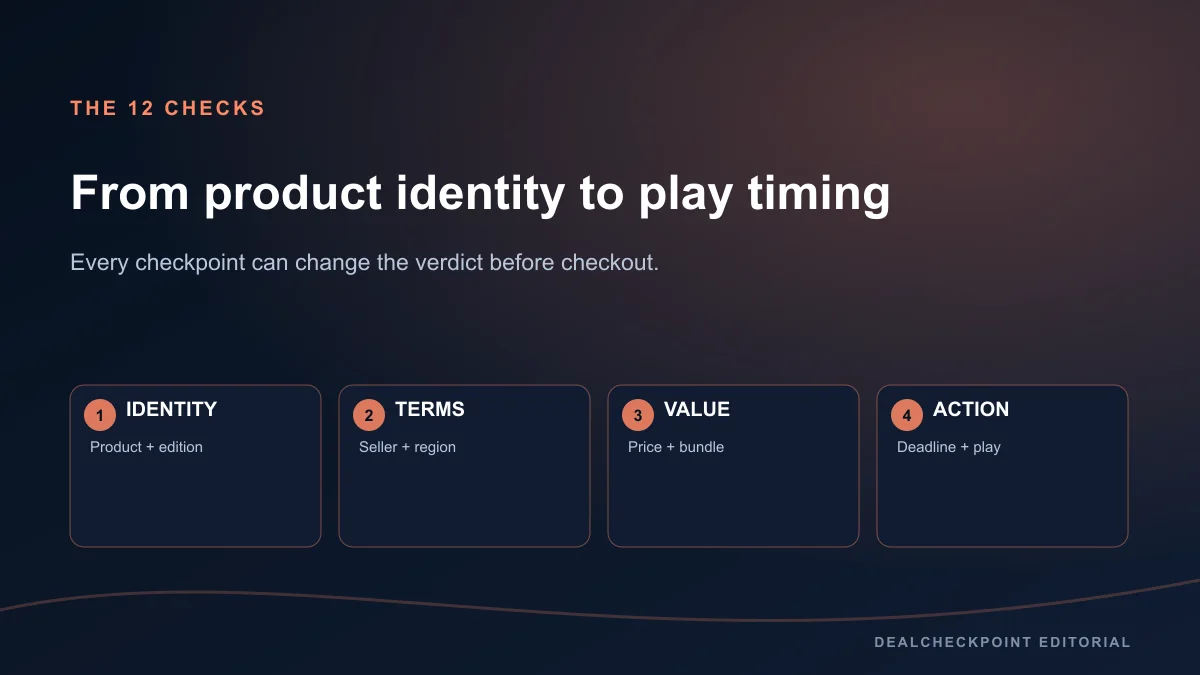
- Confirm the correct product, not an add-on or unrelated sequel.
- Confirm the exact edition and list the extras you value.
- Read the current final checkout price, including required fees or membership.
- Compare it with the game’s tracked USD low and other current tracked offers.
- Identify the seller type and who takes the payment.
- Confirm the activation platform such as Steam, Epic, GOG or a publisher launcher.
- Check region restrictions, supported language and account country.
- Read the point-of-purchase refund eligibility and exceptions.
- Inspect bundles for duplicate ownership or missing content.
- Check whether DLC requires the base game on the same platform.
- Read the offer deadline on the final product page.
- Ask whether you will play soon rather than buy for an imaginary backlog.
A failed check does not always prove fraud; it means the offer is not yet clear enough to recommend. Missing information is a reason to pause and verify, not a reason to make an accusation.
Current price versus tracked USD low
DealCheckpoint uses CheapShark comparison data for expanded USD retailer coverage and tracked USD low history, with product-identity checks before editorial game details are shown. “Tracked USD low” describes the recorded price for that matched identity in the provider-backed comparison scope. It does not mean every retailer, every country or every time in history.
Compare like with like: same game, same edition, same activation platform and a seller you are willing to use. A current price above the tracked low can still be reasonable when you plan immediate play and the difference is small. A matching low is not automatically valuable when the game is wrong for you.
Discount percentage versus actual value
A percentage starts from the seller’s current reference price. It does not describe quality, fit or the price at another time. Steam’s current partner rules require discounts to reference an established base price or bona fide launch price and set cooldown, threshold and duration constraints, but those platform controls do not turn every 75% badge into a personal buy recommendation.
Steamworks currently says ordinary discounts cannot run within 30 days of another discount, a product release or a price increase, with defined exceptions. Steam-wide seasonal sales are exempt from the ordinary discount cooldown but not from release or price-increase cooldowns. Discounts generally run from one to fourteen days, while launch discounts run seven to fourteen days and have separate limits. These rules explain scheduling; they do not predict the next price.
Base game, deluxe edition, DLC and soundtrack traps
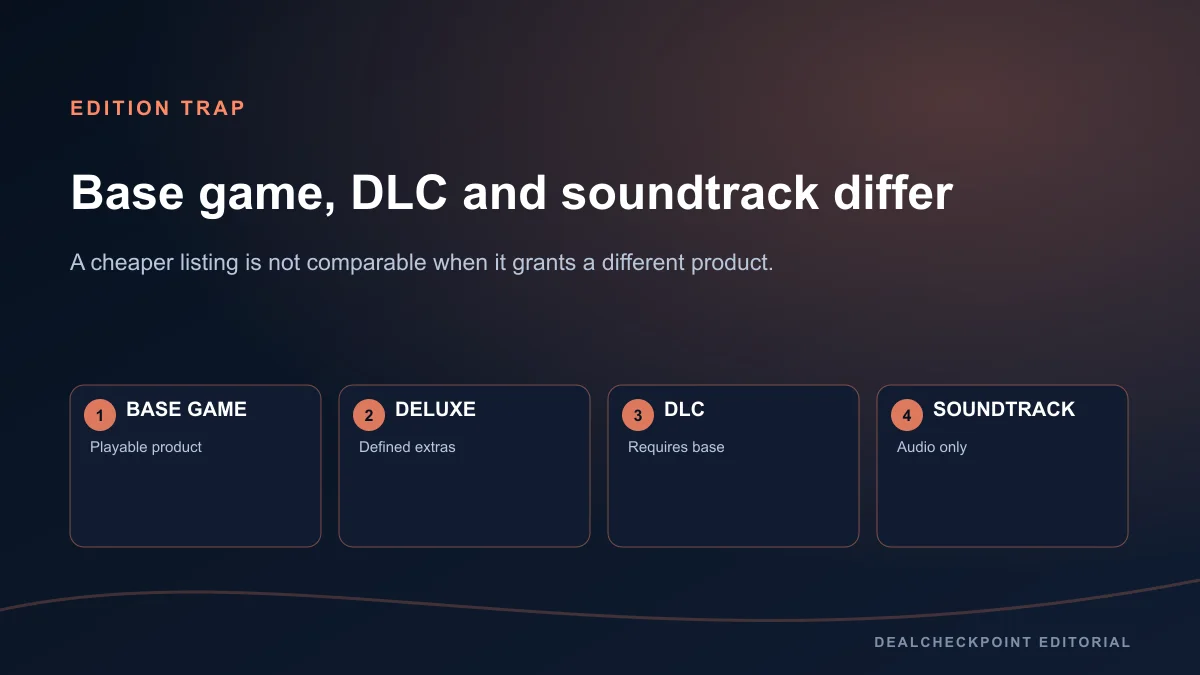
A low listing can refer to a soundtrack, cosmetic pack, virtual currency, upgrade or DLC that will not launch without the base game. Read the product type near the title and the dependency notice. A “Deluxe” label is meaningful only after you identify each included item; digital art and cosmetics may not justify the gap.
Complete, Ultimate and Game of the Year labels are publisher names, not universal guarantees. Confirm the included expansions on the official edition page. When two retailers use different names, compare package IDs or item lists rather than assuming equivalence.
Authorised retailer versus marketplace
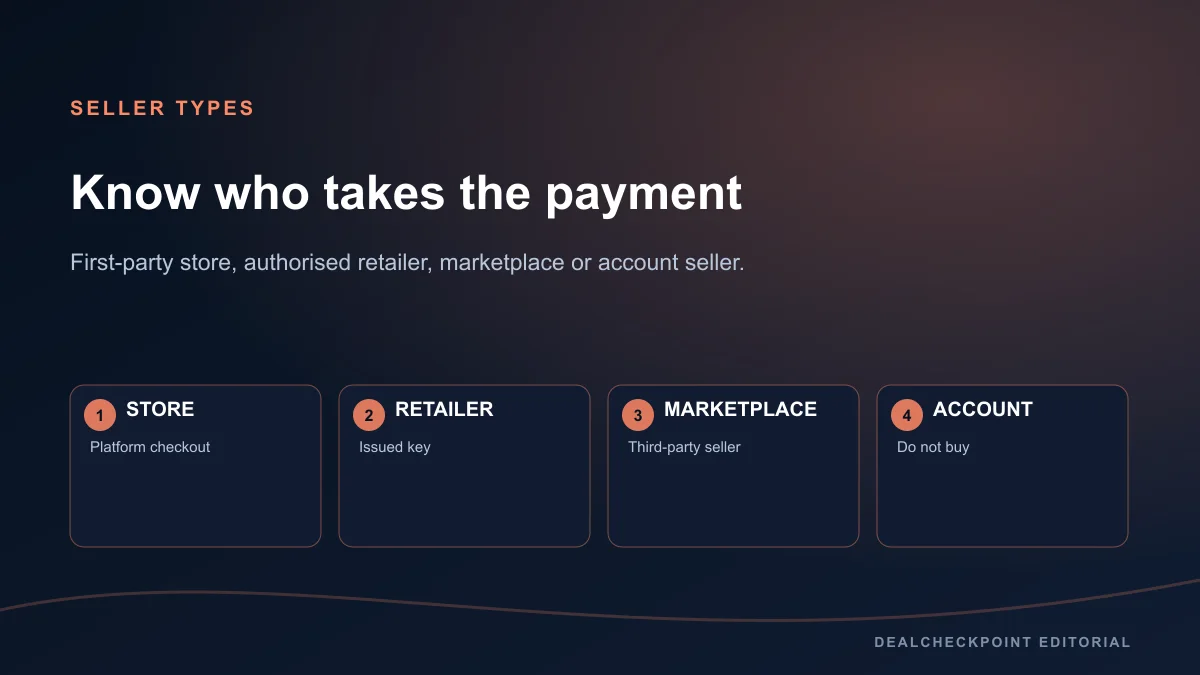
A first-party platform store takes payment and adds the license directly to that platform account. An authorised third-party retailer obtains keys through approved distribution and names the activation platform. An open marketplace lets independent sellers list keys, so source, support and region can vary by seller. An account-selling site transfers credentials instead of a license and should not be used.
Do not infer authorisation from a professional design or the presence of a Steam logo. Look for the publisher’s retailer list, the retailer’s publisher relationships, clear company and support information, and an exact activation label. DealCheckpoint’s tracked retailer links are a discovery aid; the checkout page remains the final source.
Region and currency
A key can be global, country-limited or restricted to a group of regions. “ROW” and similar shorthand need a retailer definition. Confirm activation eligibility for the country genuinely attached to your platform account. Do not use VPN region switching to bypass a restriction; it can violate store terms and leave you with an unusable product.
USD comparison figures are not a promise about local prices. Taxes, conversion, payment fees and regional pricing can change the final total. Compare the total shown immediately before payment and avoid doing currency math from a cropped promotional image.
Activation platform
The retailer and launcher can be different. A Humble or Fanatical purchase might supply a Steam key; a Ubisoft title bought on Steam may still require Ubisoft Connect; a GOG purchase normally lives in a GOG account. Check the exact platform icon and written activation instruction.
Platform choice affects friends lists, Workshop support, achievements, family sharing, cloud saves and refunds. A cheaper key on the wrong launcher is not the same product experience. Never download a third-party activation executable or key generator.
Refund policy
Refund protection belongs to the point of purchase, not automatically to the activation platform. Steam’s published standard for games is a request within fourteen days and less than two hours of play, with details and exceptions; Valve cannot refund third-party CD keys. Epic marks purchases self-refundable, refundable or non-refundable and generally applies fourteen days and less than two hours to eligible PC and Mac products. GOG publishes a voluntary request window of up to thirty days but reserves the right to refuse abuse.
These are conditions for requesting or qualifying, not a guarantee that every transaction will be refunded. Read the current policy and the product label before buying. Regional consumer rights can add protections.
Bundles and duplicate ownership
A bundle can be excellent when every component is wanted, but its headline value may count products already in your library. Check whether the store personalizes the price, grants giftable extras or simply repeats owned licenses. Divide the price by the items you genuinely plan to play, not by the marketing count.
Steam notes that bundle discounts can stack with discounts on included packages. That can create a strong total, but it also makes edition comparison harder. Inspect the final itemized cart.
Price increases and discount framing
A publisher can increase a base price and discount later. Steam’s partner rules impose a 30-day cooldown after a price increase, but the later percentage still uses the newer base. This is why price history and the final amount matter more than the badge.
Do not assume that any increase was designed to mislead. Currency changes, edition changes and publisher strategy can all affect pricing. Record the observable numbers and avoid claims about intent without evidence.
Release age and likely repeat sales
Older games often have more discount observations, while a new release may have only a launch offer. That pattern can inform patience but cannot guarantee a repeat. Steam’s cooldown rules set when certain discounts are permitted, not what percentage a publisher will choose.
Wait when the current price is routine, you have no immediate play plan, or a major sale is close enough that waiting costs nothing. Use the Steam sale timing guide for calendar context without treating dates as a price promise.
Pre-order and launch-discount risk
A launch discount can be legitimate and Steamworks allows a defined preconfigured launch offer. The missing information is often technical performance, server stability or independent review coverage. A refundable first-party purchase and a non-refundable third-party key carry different risk even at the same price.
For ordinary digital releases, wishlist and wait when the bonus is minor or the PC build is unverified. Apply the same seller, edition and refund checks in the PC game pre-order buyer guide.
A worked deal example
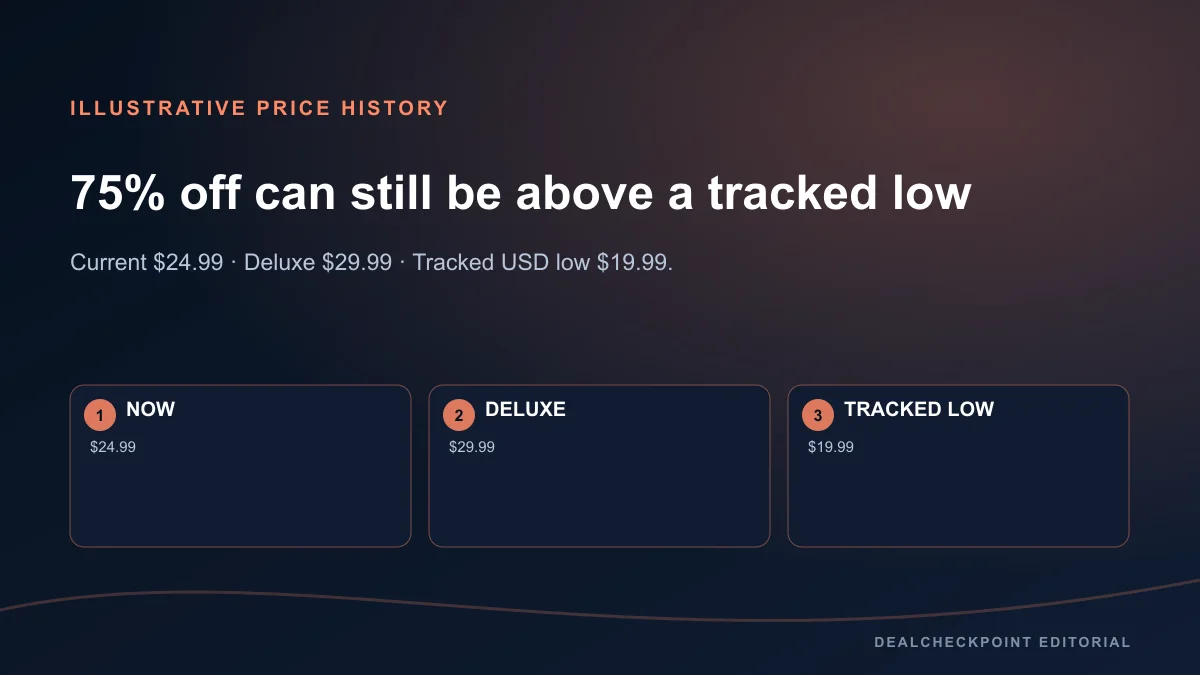
Illustrative example only—these are not real store prices. Imagine Standard Edition at $24.99, Deluxe Edition at $29.99, a 75% badge, and a matching Standard Edition tracked USD low of $19.99. The badge is large, but Standard is $5 above the recorded low. Deluxe costs $5 more than Standard, so its extras need to be worth that gap.
The conclusion is not automatically “wait.” Buy Standard if the identity, seller, region and refund checks pass, you plan to start now, and $5 is worth avoiding delay. Wait if it is another backlog purchase. Buy Deluxe only if named extras matter; never treat the edition label itself as value.
Red flags
- The listing sells an account rather than a key or direct license.
- Activation requires a VPN or false account country.
- The product title hides that it is DLC, currency or a soundtrack.
- The seller cannot name the activation platform or region.
- Checkout adds an unexplained fee or subscription.
- A login page uses a lookalike domain.
- A key generator or executable is required.
- Refund wording promises more than the named point-of-purchase policy.
- The timer resets or has no official product deadline.
A red flag means leave or investigate. It does not justify publishing an unsupported accusation against a named retailer.
Final checklist
Before payment, say the answer aloud: exact game and edition; final total; seller; activation platform; region; refund conditions; bundle or DLC dependencies; deadline; tracked USD context; and when you will play. If any answer is unknown, save the page and verify it. Browse verified live PC deals, review tracked USD low candidates, or set your own threshold in My Radar.
FAQ
Is the biggest discount percentage the best deal?
No. Compare the exact edition and final price with its tracked USD context, then decide whether the game fits and you will play it soon.
Does a tracked USD low guarantee the lowest price everywhere?
No. It is a recorded USD comparison value for the matched identity and tracked provider scope, not a worldwide every-store guarantee.
Will Steam refund a Steam key bought from another retailer?
Valve says purchases made outside Steam, including third-party CD keys, cannot be refunded by Steam. Check the original retailer policy.
Is every marketplace listing unsafe?
No blanket conclusion is justified. Marketplace risk varies by seller and source, so verify seller identity, region, support and refund terms before deciding.
Should I wait whenever the current price is above the tracked low?
Not necessarily. A small difference can be reasonable for immediate play; waiting is stronger when the purchase is unplanned or the price is routine.
Conclusion
A genuine deal survives inspection after the badge is removed. The exact product is playable, the seller and activation path are clear, the region works, refund expectations match the point of purchase, and the price makes sense beside tracked USD history and your play plan. Use the twelve checks consistently; the most valuable decision is often either a confident purchase or a confident wait.