Gamesplanet is a Germany-based PC game retailer that has sold digital keys since 2006 through gamesplanet.com as a single merchant of record. European shoppers often encounter it when comparing VAT-inclusive totals against US-dollar listings elsewhere — but a legitimate store still punishes region mismatches, wrong editions and key reveal done too early.
Direct answer
Yes: Gamesplanet is a legitimate authorised-style key seller focused on European customers, with product pages that name activation platforms such as Steam, Epic or Ubisoft Connect. Keys deliver through your Gamesplanet account after payment. Legitimacy at the store level does not replace per-product verification: EU-only, ROW and country-specific labels must match the platform account you will use.
DealCheckpoint does not yet operate a dedicated Gamesplanet store hub; compare prices through current PC deals and verify checkout on gamesplanet.com. Source checked Jul 24, 2026.
What legit means for an EU key shop
“Legit” here means Gamesplanet sells as a registered retailer with published terms, customer support channels and keys intended for normal activation — unlike open marketplaces where seller identity changes per listing. Gamesplanet’s FAQ and support materials describe authorised supply; individual publisher participation still varies by game and territory.
Legitimacy is not a promise of the lowest global price, immediate pre-order delivery before publisher release windows, or post-reveal refunds when digital content exceptions apply.
Who Gamesplanet is
Gamesplanet GmbH operates a digital games store serving European customers with localized pricing and VAT handling familiar to EU shoppers. It sells single keys, pre-orders and occasional bundles, emphasizing transparent product information in its public materials.
Gamesplanet is not a launcher. Purchases redeem on the platform shown on the product page. It is commonly compared with GMG, Fanatical and Humble for EU-friendly authorised key pricing when region labels align with buyer accounts.
Store model and single-merchant checkout
You buy from Gamesplanet directly, not from a random third-party seller profile. Order history, invoices and support tickets live in your Gamesplanet account. That fixed seller identity is why Gamesplanet belongs in the authorised cluster in where to buy PC games safely rather than with anonymous marketplace listings.
Authorization scope can differ by publisher and territory. A game available on Gamesplanet in one region may be absent or differently priced elsewhere. Catalogue gaps are normal; absence on Gamesplanet does not imply a title is unavailable on Steam.
Region lock — the critical EU check
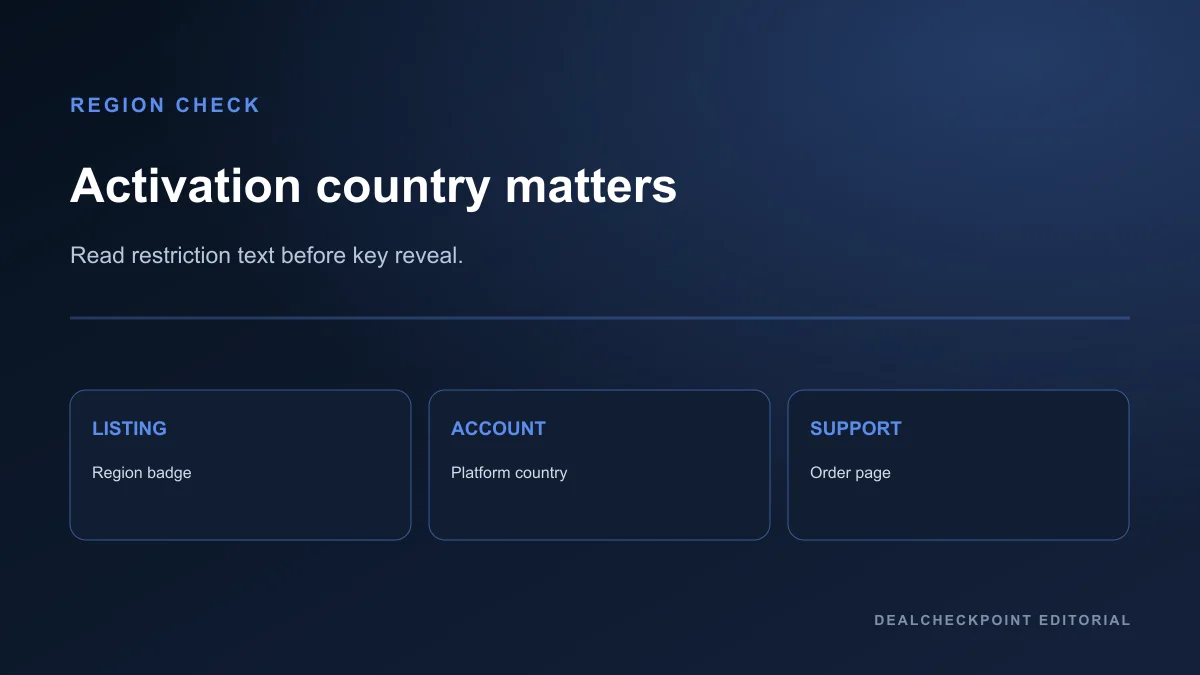
Region language is critical on Gamesplanet because many listings target EU or specific country groups. Read the activation country list on the product page and compare it with your Steam or Epic account country — not a billing address you cannot verify on the platform.
A key labelled for EU activation may fail on an account registered outside the listed territories even when payment succeeded. VPN region switching violates platform terms and is not a fix for incompatible keys.
Use how to spot a real PC game deal for cross-store edition matching before checkout.
Activation platform warnings
| Platform shown | What to verify before paying | Common mistake |
|---|---|---|
| Steam | Account country vs key territory | Assuming every Steam key is global |
| Epic | Epic account region matches listing | Treating Epic like Steam family sharing |
| Ubisoft / EA | Second launcher requirement after install | Buying only the Steam layer without reading notes |
Edition labels such as Standard, Deluxe or GOTY are publisher marketing names. Open the item list and confirm included DLC before assuming equivalence with another store’s edition name.
VAT, currency and payment warnings
Gamesplanet displays prices with VAT context appropriate to EU retail norms. Read the payable total immediately before confirming payment, including any payment-method fees your bank adds outside Gamesplanet’s control.
USD comparison figures on DealCheckpoint describe tracked comparison scope for matched identities; they are not a substitute for your EUR or local checkout total on gamesplanet.com.
Failed payments or fraud checks can delay key delivery until the transaction clears. Keep invoice PDFs until activation succeeds.
Refund and key-reveal warnings
Gamesplanet publishes refund and withdrawal rules for digital content under its terms and support pages. Digital keys often lose refund eligibility once revealed, downloaded or activated, following EU digital-content exceptions when you consent to immediate delivery.
Read the live policy before treating a purchase as reversible. Steam cannot refund a Steam key bought from Gamesplanet unless Steam’s own purchase path was used — see Valve’s Steam refunds page and Steam refund policy explained for direct Steam purchases.
Pre-order delivery timing
Released games usually deliver keys shortly after payment. Pre-orders may withhold keys until launch or publisher release windows. Delivery timing is product-specific; support articles describe typical workflows but the order page status is authoritative on launch day.
Do not reveal pre-order keys for gifts until you confirm edition and region with the recipient’s platform account country.
DLC and edition dependency traps
Listings can reference season passes, cosmetic packs or soundtracks that do not include the base game. Read product type labels and dependency notices carefully.
When comparing Gamesplanet totals against Fanatical or Green Man Gaming, match package contents — not just headline discount percentages.
Support and order proof
Keep order confirmation email, invoice PDF and the key page until activation succeeds. If activation fails, contact Gamesplanet support with proof rather than redeeming repeatedly on different accounts.
Activation failures after correct region verification should go through Gamesplanet’s ticket system with timestamps and error messages from the platform client.
EU consumer context — without overpromising
Gamesplanet operates under EU retail norms where digital content may be delivered immediately after you waive the standard withdrawal period at checkout. That waiver is why key-reveal timing matters: once delivery begins with your consent, statutory cooling-off rights may no longer apply the way they do for physical goods.
This is not legal advice for your jurisdiction — it explains why Gamesplanet’s FAQ emphasizes reading product pages carefully before confirming payment. When in doubt, buy the same SKU on a first-party store whose refund UI you already understand.
Gamesplanet versus other EU-friendly authorised sellers
Gamesplanet, GMG and Fanatical can all list EU-compatible Steam keys for the same title during a sale week with different VAT-inclusive totals. None automatically wins on trust — compare region text, edition contents and refund wording line by line.
When Gamesplanet undercuts Green Man Gaming or Fanatical on a verified matching SKU, the savings only matter if your Steam or Epic account country appears inside the activation list on the Gamesplanet product page.
Main advantages
- Long EU operating history with named corporate identity and published FAQ
- Clear product pages with platform icons and region notes when listings are maintained
- VAT-inclusive pricing familiar to European buyers comparing local totals
- Authorised-style single-merchant model distinct from grey-market bazaars
- Useful for EU shoppers when local totals beat US-dollar listings on the same SKU
Main limitations
- Smaller catalogue than Steam; not every global promotion appears
- Region locks punish account mismatches with limited recovery options
- Refund windows narrow after key reveal under digital content rules
- No DealCheckpoint dedicated store hub at publication of this guide
- Pre-order key timing varies by publisher workflow
Who should use Gamesplanet
Gamesplanet fits European buyers who verified region compatibility and want an authorised-style key price in EUR with transparent VAT. It also fits shoppers comparing Gamesplanet totals against Fanatical, GMG and first-party stores for the same activation path and edition contents.
Who should buy elsewhere
Not fit: accounts whose platform country does not match the listing territory. Not fit: buyers who need the broadest refund simplicity without reading Gamesplanet terms. Prefer Steam or GOG directly when first-party library tools matter more than a modest EU retailer discount.
US-focused shoppers without EU-compatible accounts should verify territory lists carefully or choose a seller whose region label matches their platform country.
Safe-buying checklist
- Create or log in only at gamesplanet.com.
- Match platform account country to listing region text.
- Confirm edition contents on the product page.
- Read pre-order delivery notes if applicable.
- Compare VAT-inclusive total with other authorised sellers.
- Understand refund rules before revealing the key.
- Activate once on the intended platform account.
- File support tickets with invoice proof if activation fails.
Alternatives
Other authorised guides: Green Man Gaming, Humble Bundle, Fanatical. Store comparison: Steam vs Epic vs GOG. Pillar: where to buy PC games safely.
FAQ
Is Gamesplanet only for Europe?
Gamesplanet focuses on European customers and EU pricing norms. Many keys activate on global Steam accounts when the product page says so; always read the territory list for that SKU.
Are Gamesplanet keys Steam gifts or keys?
The product page specifies activation method. Treat the listed platform icon and instructions as authoritative.
Can I use Gamesplanet from outside the EU?
The site may allow purchases from supported countries, but activation still depends on the key region and your platform account — not your VPN.
Does Gamesplanet sell grey-market keys?
Gamesplanet describes authorised distribution and sells as a single retailer. That differs from anonymous seller marketplaces, though product-level checks still apply.
How does Gamesplanet compare to Fanatical for EU buyers?
Compare VAT-inclusive finals for the same edition and activation path. Either can win on price; region labels and refund terms decide compatibility, not store loyalty.
Final verdict
Gamesplanet is a legitimate authorised-style option for European PC buyers who complete region and edition checks. Use it when the VAT-inclusive total, activation path and refund terms are acceptable compared with other trusted sellers. Buy first-party when platform-native features outweigh a third-party discount.
Source checked Jul 24, 2026 against Gamesplanet FAQ and support pages and Steam refund documentation. Policies and catalogue change — re-read the live product page before paying.