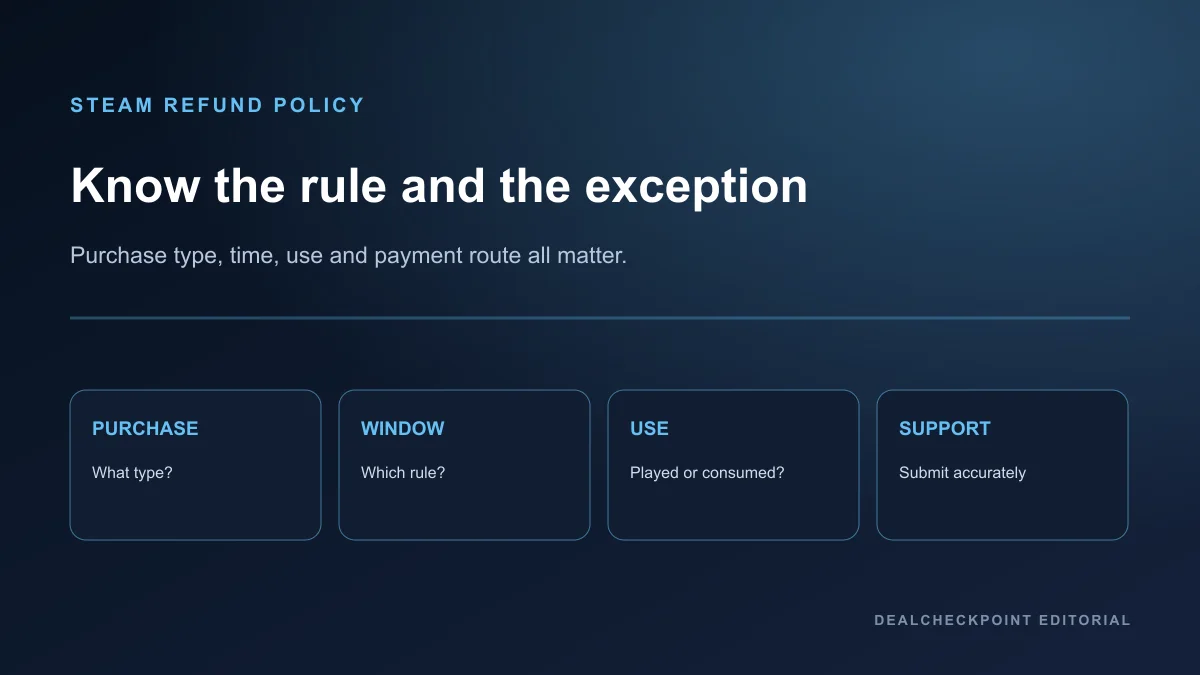
Steam’s common guideline for games and software is a request within 14 days of purchase and under two hours of playtime. That rule does not cover every purchase type, and falling outside it does not prevent you from asking Valve to review a request. Approval, destination, and timing depend on the purchase, use, payment method, account status, and applicable consumer law.
Direct answer
Start at Steam Support, sign in, open Purchases, select the transaction, choose the problem and refund option shown, then submit an accurate explanation. For an ordinary game, act before either the 14-day or two-hour boundary. Do not use those limits as a trial entitlement: Valve describes refunds as purchase-risk protection and may restrict access when it identifies abuse.
This guide is a fit for purchases processed by Steam and the rules Valve publishes. It is not a fit for predicting the outcome of an individual review, interpreting local law, or recovering money for a key bought from another retailer.
Standard 14-day and two-hour guideline
Valve’s refund offer generally applies to games and software requested within two weeks of purchase when the title has less than two hours of playtime. Steam Support says relevant playtime includes online, offline, and shared-library use. Both limits matter: staying under two hours does not erase a late request, and requesting quickly does not erase excess runtime.
The careful wording is: “The common guideline is a request within 14 days of purchase and under two hours of playtime, but Valve evaluates requests and lists separate rules for some purchase types.” Valve also says a request outside its stated rules may still be submitted for review. That is permission to ask, not a promise of approval.
Why eligibility is not a guarantee
A storefront rule cannot account for every transaction. Steam checks the purchase record, accumulated use, whether an item was consumed or transferred, payment route, bundle contents, and restrictions such as a VAC ban. Local consumer rights may also apply when software is faulty.
The standard limits are best treated as a strong eligibility screen. Submit truthful details and let Valve decide. Do not create certainty from phrases such as “case by case,” and do not assume one accepted exception establishes a rule for future requests.
Purchase-type comparison
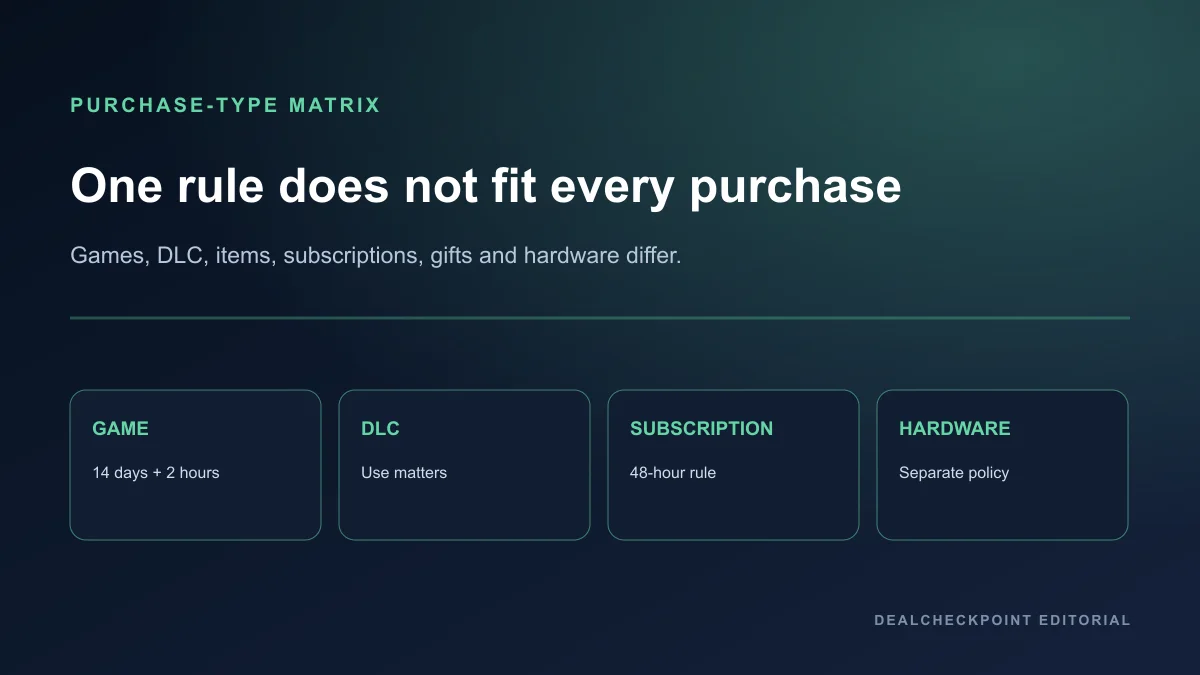
| Purchase type | Standard window | Runtime rule | Key exception | Refund handled by Steam? |
|---|---|---|---|---|
| Game or software | Within 14 days | Under 2 hours | Outside-window requests may still be reviewed | Yes, for Steam purchases |
| DLC | Within 14 days | Underlying title under 2 hours since DLC purchase | Must not be consumed, modified, or transferred | Usually, unless marked nonrefundable |
| Valve-game in-game item | Within 48 hours | No game-runtime rule stated | Item must not be consumed, modified, or transferred | Yes |
| Third-party-game item | Developer-defined participation | Developer terms | Steam identifies eligibility at purchase | Only when enabled |
| Pre-purchase | Any time before release | Playtime counts when playable | Standard period starts at release | Yes |
| Early or Advance Access | 14 days starts at release | Playable time counts toward 2 hours | Beta-testing time is treated separately | Yes |
| Renewable subscription | Within 48 hours of purchase or renewal | Any included game use can count as use | Benefits must remain unused | Yes |
| Steam bundle | Standard purchase window | Combined use under 2 hours | Nothing transferred | Yes when checkout marks bundle refundable |
| Gift | Standard window | Standard runtime conditions | Recipient initiates after redemption | Yes, funds return to purchaser |
| Steam hardware | Hardware policy window | Not applicable | Return instructions and condition rules apply | Yes |
| Third-party key or wallet card | Retailer’s policy | Not applicable | Purchased outside Steam | No |
How to request a refund
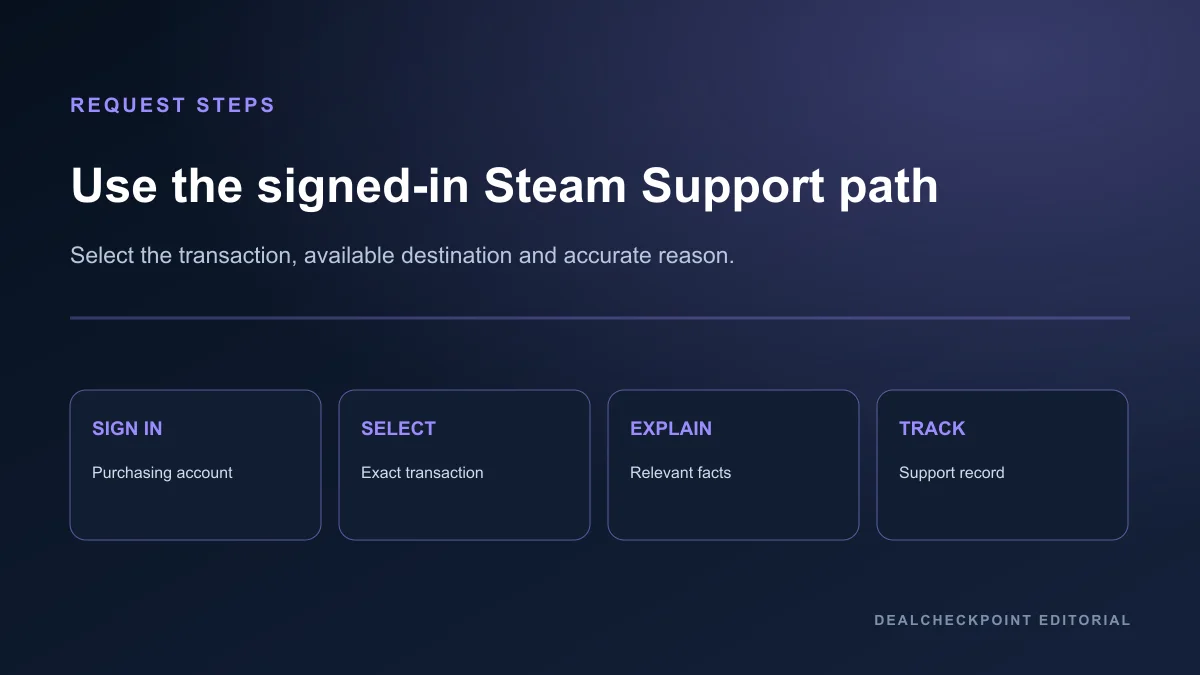
1. Go directly to Steam Support and sign in to the account that made the purchase.
2. Open Purchases and select the exact transaction. If it is absent, confirm the account, payment record, and whether another retailer sold the key.
3. Choose the problem and the refund option Steam makes available. Select an offered destination rather than assuming every payment method supports the same route.
4. Give a concise, accurate reason and submit. Save the support confirmation and answer follow-up questions through the same ticket.
Never post account credentials, payment details, or a support ticket publicly. A troubleshooting summary is useful; a password, full card number, or authentication code is not.
Refund destination and timing
Valve says an approved purchase is refunded to Steam Wallet or the same payment method used for purchase. If the initial method cannot accept the refund, Steam Wallet receives the amount. Valve’s policy says it issues a full refund within a week of approval, while the support FAQ warns that international payment methods may take longer to display.
Those are separate stages: Valve’s issuance and the bank or payment provider’s posting. Do not promise a fixed arrival day. Check the support status, then contact the payment provider if Steam shows completion but the credit remains absent beyond the guidance shown for that method.
Games bought during sales
A discounted Steam game follows the same game/software eligibility guideline as a full-price Steam game. Valve also says it does not consider it abuse to refund a title bought shortly before a sale and immediately repurchase it at the sale price, provided the request otherwise qualifies.
That statement does not turn every sale-price request into an approval promise. Verify the current price, exact edition, playtime, and purchase date before acting. The Steam sale survival guide explains edition and checkout checks, while the real PC game deal guide covers product identity.
Pre-purchases
A title pre-purchased before release can be requested for refund at any time before release when it is not playable. After release, the standard 14-day period starts, and the two-hour rule applies. If access begins before release, playtime treatment changes as described in Valve’s pre-release section.
Review refund terms before committing to a pre-purchase. The PC game pre-order guide separates refundable storefront process from the evidence needed to justify buying early.
Early Access and Advance Access
Valve states that playtime in Early Access or Advance Access counts toward the two-hour limit. The 14-day period begins on the release date for a title purchased before release, but playable time is not reset merely because the official date arrives. Valve’s policy separately excepts beta-testing time from that pre-release playtime statement.
Do not confuse Valve’s capitalized Advance Access wording with a general promise for every beta, test, preview, or publisher entitlement. Open the current product and support record for the exact purchase.
DLC
Steam-store DLC is generally refundable within 14 days if the underlying title has been played for less than two hours since the DLC purchase and the DLC has not been consumed, modified, or transferred. Some third-party DLC creates an irreversible account or character change; Steam says those exceptions are marked nonrefundable before purchase.
Check whether the transaction is DLC, an edition upgrade, currency, or an in-game item. Similar store presentation does not give those products identical rules.
In-game purchases
In-game purchases in Valve-developed games may be refundable within 48 hours when the item has not been consumed, modified, or transferred. Third-party developers can choose to offer refunds on those terms, and Steam identifies eligibility at purchase. Otherwise, Steam does not refund in-game purchases in non-Valve games under this offer.
For a missing item, Valve’s support FAQ recommends contacting the game’s support team first and attaching that correspondence if Steam Support must review the issue. A missing delivery and buyer’s remorse are different support problems.
Bundles
A Steam Store bundle can receive a full refund when none of its items has been transferred and combined usage across included items remains under two hours. If nonrefundable DLC or an in-game item affects the bundle, Steam says checkout will identify whether the whole bundle is refundable.
Combined usage is the important distinction. Do not apply a separate two-hour allowance to every game in the package.
Gifts
An unredeemed Steam gift can be refunded under the standard 14-day/two-hour conditions. After redemption, the recipient must initiate the eligible refund; the funds return to the original purchaser. The recipient does not choose a new cash destination.
Coordinate before submitting so the recipient does not keep using the game while the parties expect a refund.
Subscriptions
A renewable subscription may be requested within 48 hours of its initial purchase or an automatic renewal when it has not been used during the current billing cycle. Valve counts a subscription as used when included games are played or included benefits or discounts are used, consumed, modified, or transferred.
Canceling stops future renewal but normally preserves access through the paid cycle. Cancellation and refund are therefore different actions; complete the refund request separately when eligible.
Hardware
Steam hardware and accessories use Valve’s Hardware Refund Policy rather than the game-runtime rule. That policy currently describes a 14-day cancellation period after the buyer or designated recipient receives eligible hardware, followed by return instructions and deadlines. Regional rights and hardware condition requirements can matter.
Use the support path for the exact order and follow its return authorization instructions. Do not ship hardware to an address found in an old forum post.
VAC bans and cheating restrictions
Valve states that a VAC ban on a game removes the right to refund that game. The policy does not say that one VAC ban changes the refund rule for every unrelated purchase, so keep the statement limited to the affected title.
Third-party keys
Valve cannot refund purchases made outside Steam, including third-party CD keys and Steam Wallet cards. The seller’s own terms control those transactions. Activating a product on Steam does not make Steam the retailer that received the payment.
Before buying elsewhere, verify the seller, product, region, platform, and refund policy. Browse current records through the PC deals hub or save a target in My Radar, but resolve an outside-store refund with the actual seller.
Abuse and repeated refund requests
Valve says refunds are not a method for obtaining free games and may stop offering them when it identifies abuse. Steam Support also says users may submit eligible requests, but that does not create immunity for every pattern of use.
Repeated installation, near-limit play, refund, and repurchase behavior can look unlike an ordinary mistaken or incompatible purchase. Use demos, system requirements, reviews, and publisher tests when available instead of designing a play routine around the refund boundary.
Regional and payment-method differences
Some Steam payment methods cannot return funds to the original method, and consumers in some jurisdictions may have additional statutory rights for faulty products. Taxes, payment-provider posting times, and available destinations can vary.
Use the options shown in the signed-in support flow. This article summarizes Valve’s published offer and is not legal advice about a specific country.
Common rejection reasons
- The request exceeds both the normal time and runtime limits without a clear exceptional basis
- The wrong account or transaction was selected
- DLC or an in-game item was consumed, modified, or transferred
- Combined bundle use exceeds the stated limit
- A subscription benefit was used
- A redeemed gift request was not initiated by the recipient
- The game has a VAC ban
- The payment was made to a third-party key seller rather than Steam
- The explanation conflicts with account records
A rejection should not be answered with invented details. If Steam Support misunderstood a material fact, submit a clear follow-up with the purchase, date, runtime, technical issue, and prior troubleshooting.
What to include in a manual request
State the product and transaction, what failed or differed, when the issue began, relevant error text, and the troubleshooting already attempted. Mention accessibility, hardware incompatibility, missing content, or a publisher support response only when it is true and relevant.
Keep the request short enough to review. Attach safe evidence when the support flow permits it, redact unrelated personal data, and distinguish an exception request from a claim that the standard rule was met.
Frequently asked questions
Does under two hours mean my refund will be approved?
No. It is part of the common game/software guideline, but Valve evaluates the request and publishes separate rules and restrictions for other purchase types.
Can I request a refund after 14 days or two hours?
Yes, Valve allows an outside-rule request to be submitted for review. The policy does not promise that the exception will be accepted.
Can Steam refund a key bought from another store?
No. Valve says it cannot refund purchases made outside Steam. Contact the retailer that sold the key.
Does Early Access playtime count?
Yes. Valve says Early Access and Advance Access playtime counts toward the two-hour limit for pre-release purchases; beta testing is treated separately in that rule.
When will the money appear?
Valve describes issuance after approval, but the payment provider may take additional time and some methods cannot accept a return. Check the destination and status shown by Steam Support.
Final checklist
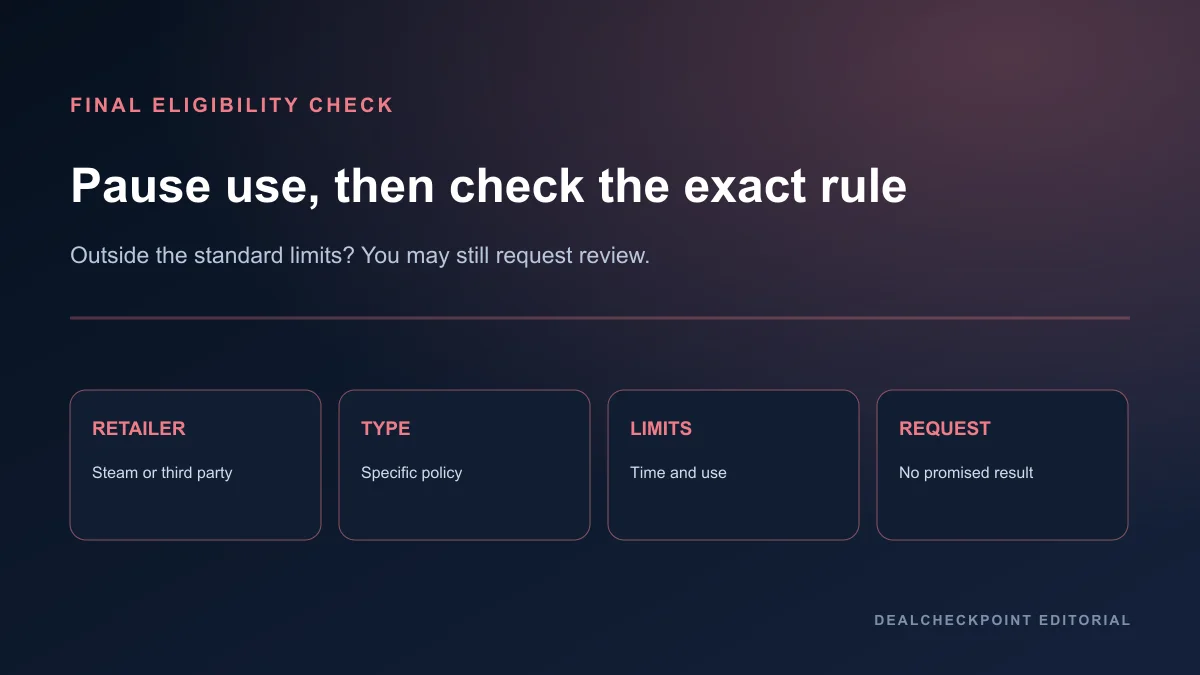
1. Confirm Steam processed the payment. 2. Identify the exact purchase type. 3. Check its specific time, runtime, use, transfer, and account rules. 4. Stop using the product while deciding. 5. Submit through the purchasing account with accurate details. 6. Select only a destination Steam offers. 7. Save the confirmation and monitor the support record. 8. Treat an exception as a review request, not a promised result.