The smart way to shop a Steam sale is to decide what you want, what edition you need, and what you can spend before opening the cart. Judge the final price in your account’s currency, compare the exact product with its supported price history, and buy only games you expect to start soon. A large discount badge or an approaching deadline creates urgency; neither proves that a purchase is good value.
Direct answer
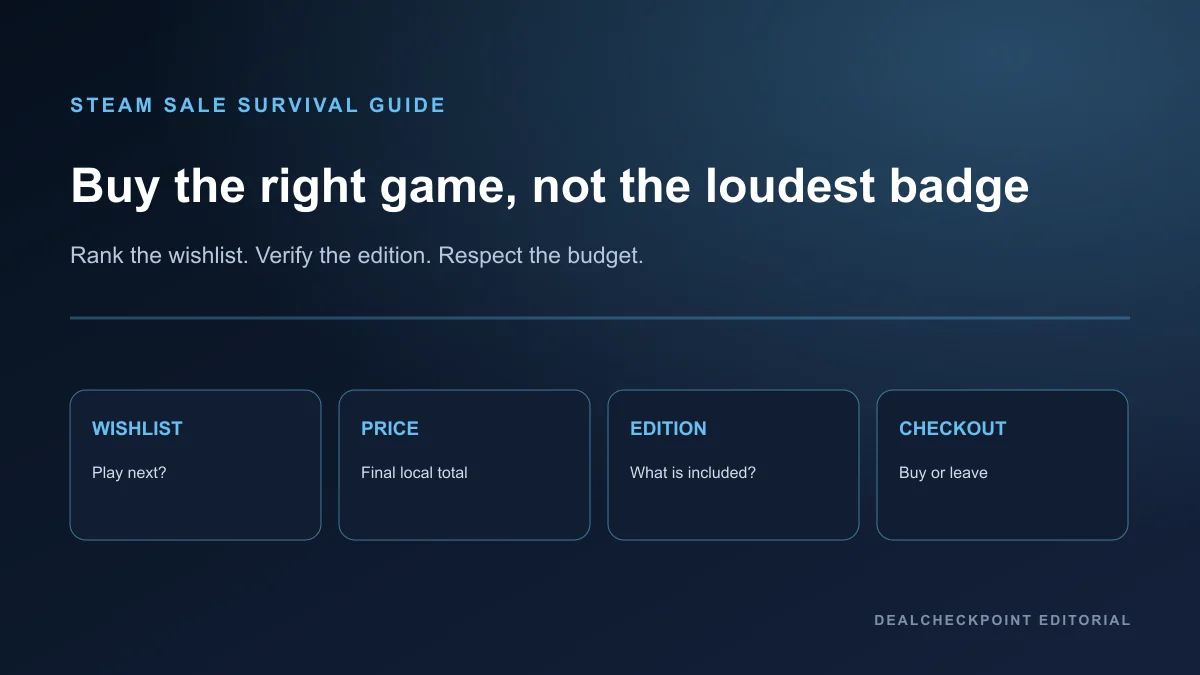
Start with a ranked wishlist and a fixed budget. For each candidate, confirm the base game, edition, included downloadable content, region, tax-inclusive or tax-exclusive total, and likely start date. Then compare the live checkout price with the game’s current official price and DealCheckpoint’s tracked USD low where that history is available.
Treat the tracked low as one comparison signal, not a promise. DealCheckpoint can only describe the supported stores, editions, regions, currencies, and observation period in its comparison history. Your local Steam cart is the authority for what your account can buy today.
Before the sale starts
Preparation removes most of the pressure from a live event. Sign in through Steam’s official client or website, review your account security, clean the wishlist, and write down a maximum total. If you need to discover games after the event begins, browse outside the cart first and return after a cooling-off period.
Steamworks documentation says publishers control participation in discounts. Valve invites games to its four major seasonal sales, but a publisher is not required to discount a particular product. A themed festival, publisher sale, weekend promotion, or later seasonal event can therefore beat a large event for one title—or leave that title at full price.
Use the 2026 Steam sale calendar to separate confirmed events from estimates, then set price targets in My Radar. Steam’s current wishlist documentation says a promotional alert normally requires at least 20% off, more than eight hours, and inclusion of the game’s lowest-priced package; account verification, preferences, traffic, and notification cooldowns can still affect delivery. An alert only tells you that a qualifying discount exists. It does not evaluate the edition, local total, or whether you will play the game.
Clean and rank the wishlist
A long wishlist is useful for remembering games but poor as a checkout queue. Divide it into three practical groups: play next, play this year, and merely interested. Remove demos, soundtracks, duplicate editions, abandoned interests, and products you added only because a creator mentioned them.
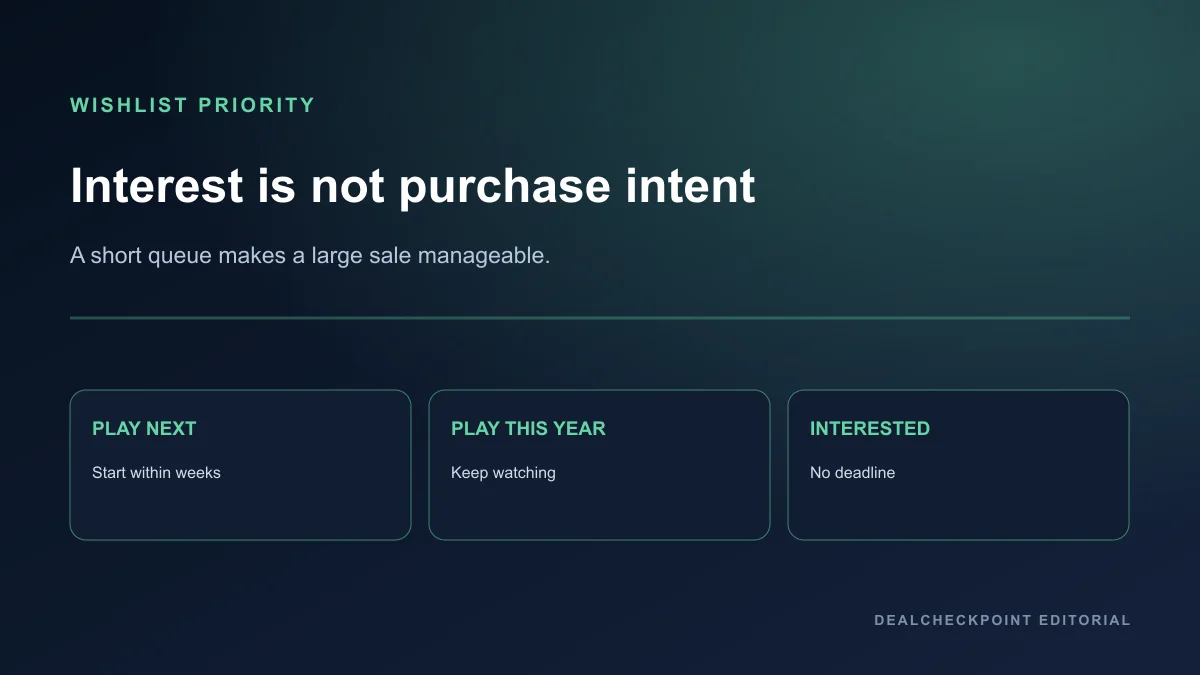
Put no more than a few games in “play next.” For each one, write a one-line reason to buy and one reason to wait. “Friends are starting Friday” is a concrete reason. “It might never be this cheap again” is not evidence unless the product, region, and recorded history support it.
Set a realistic spending limit
Choose a hard sale budget that will not interfere with ordinary expenses. Split it into a planned amount and a small optional amount; do not treat the optional amount as money that must be spent. If the planned games exceed the cap, remove the lowest-ranked item instead of stretching the cap.
You can also budget by playable months. If your next six weeks already contain a long RPG and a competitive game, buying four more campaigns is unlikely to create value now. A low unit price multiplied across an unused backlog is still wasted money.
Compare the final price, not only the percentage
Discount percentages are calculated against a reference price. They do not tell you whether the starting price recently changed, whether another edition is better, whether a bundle stacks an additional reduction, or whether your region’s final total matches a USD example. Compare money paid and content received.
Steamworks discount rules are designed around pricing transparency and generally reference a base price that has been in place for at least 30 days or a genuine launch price. That policy helps define how publishers schedule discounts; it still does not turn every high percentage into a recommendation.
Here is a fictional cart example for method only. These are invented prices, not live Steam offers:
| Cart item | Reference price | Fictional sale price | Decision check |
|---|---|---|---|
| Northstar Base Game | $39.99 | $19.99 | Correct product, planned for Friday |
| Northstar Deluxe Upgrade | $14.99 | $11.99 | Skip if the extras are cosmetic and unwanted |
| Northstar Soundtrack | $9.99 | $1.49 | Music files, not the base game |
| Old Harbor Complete-the-Set | Personalized total shown in cart | $8.40 | Open contents and confirm owned items are excluded |
The 85% soundtrack discount is not comparable with the 50% base-game discount because the products serve different purposes. The bundle total may also be personalized. The only honest comparison is between like products with known contents.
For live options, open the PC deals hub, then verify the selected Steam package in your own account before paying. The guide on spotting a real PC game deal explains identity, seller, and edition checks in more detail.
Tracked USD low methodology
A DealCheckpoint tracked USD low means the lowest positive USD price observed for the matched product identity within the comparison data that DealCheckpoint supports. It is not a claim about every store, every historical date, every country, or a price before the observation window.
The match must refer to the same purchasable identity. A base game cannot inherit the low of a soundtrack, demo, DLC pack, subscription, or differently composed bundle. Deluxe and complete editions also require their own identities because their included content can change the value calculation.
A current price above the tracked low may still be reasonable when you will play now and the difference is small. A price matching the low may still be a bad buy when the game will sit untouched. Use the low to answer “How does this observed price compare?”—not “Will I enjoy this?” or “Will this price return?”
Regional pricing prevents a USD history from being a universal local history. Currency conversion alone is not enough because publishers can set regional package prices independently and taxes can be displayed differently by jurisdiction. Always finish the comparison with the local cart.
Standard, Deluxe, Complete, DLC and soundtrack traps
Read the product name and the package contents before reading the discount badge. “Standard” usually points to the base offering, while labels such as Deluxe, Ultimate, Complete, Gold, or Game of the Year are publisher-defined. There is no universal promise that a Complete edition contains every item ever released.
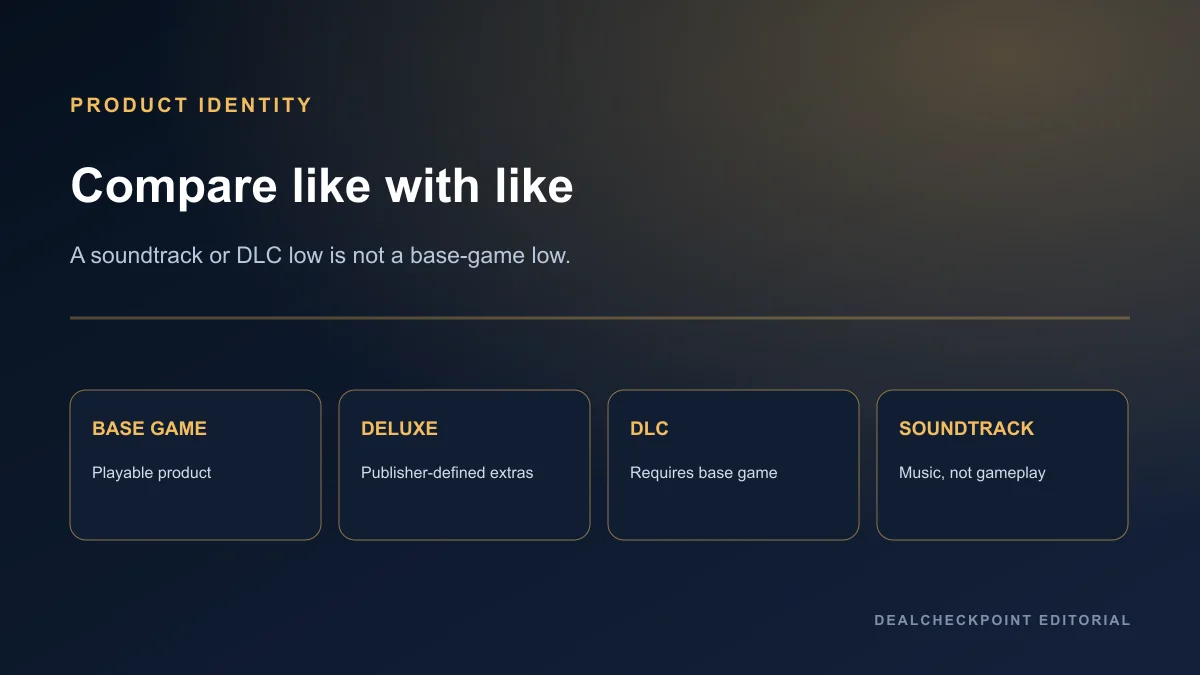
Open the list of included items. Separate playable expansions from cosmetic packs, virtual currency, digital art, and soundtrack applications. If you only want the campaign, an expensive edition with unwanted extras can be worse value despite a larger percentage reduction.
Check ownership at item level. A DLC requires the relevant base game, and a soundtrack is not a playable copy. Also inspect whether the “upgrade” is intended for existing owners or whether the package includes another base-game license. Never compare a low-priced add-on as though it were the full game.
Pre-purchase editions deserve an additional evidence check. Bonuses and advance access can increase urgency without resolving performance or launch-state uncertainty. Read the PC game pre-order guide before turning a sale event into an unsupported pre-order decision.
Bundles and duplicate ownership
Valve documents two Steam Bundle types. A Complete the Set bundle charges for and grants only included items the account does not already own. A Must Purchase Together bundle can be bought only when the account owns none of its products. The cart presentation should identify which structure applies.
Bundle discounts can stack on top of discounts applied to included packages. That can make the final personalized total attractive, but it also makes the headline bundle percentage a poor shortcut. Expand the bundle, identify each unowned item, and ask whether you would purchase those items separately.
Refund eligibility
Valve’s common guideline for games and software bought on Steam is a refund request within 14 days of purchase with less than two hours of playtime. Valve also says requests outside those rules may still be submitted for review, and it lists separate conditions for DLC, in-game purchases, bundles, gifts, pre-release purchases, subscriptions, hardware, and other categories.
A refund policy is a safety policy, not a free-demo guarantee. Valve explicitly says refunds are not designed as a way to get free games and may stop offering them when it believes the system is being abused. Plan purchases as purchases, and use demos, free weekends, or official trials when available.
Eligibility also does not mean every issue fits the standard game rule. Combined bundle usage, transferred content, consumed DLC, payment method, and purchase source can matter. Purchases made outside Steam, including third-party keys, are not refundable by Valve through Steam.
If a sale begins just after you buy, Valve’s policy says it does not consider it abuse to refund a title bought just before a sale and immediately repurchase it at the sale price, provided the request otherwise qualifies. Do not convert that example into a guarantee of approval.
Region, currency and tax
The amount shown to one reader may not be the amount offered to another. Steam displays account-appropriate currency and availability, while publishers manage prices across supported currencies. The Steam Subscriber Agreement also permits applicable sales taxes and states that prices in the European Union and United Kingdom include VAT.
Do not change or disguise residence to chase another region’s price. Valve’s agreement prohibits IP proxying or other methods used to disguise residence for geographic restrictions or pricing not applicable to the user’s geography.
At checkout, confirm currency, tax treatment, payment method, billing details, region restrictions, and the final charge. If DealCheckpoint displays a USD comparison, treat it as a supported USD observation. It does not replace the price and terms attached to your Steam account.
When to buy on day one
Buy on day one when the exact product is already at or below your target, your budget is set, you intend to start soon, and waiting provides no useful information. A co-op game that your group will begin tonight can justify acting earlier than a solo game with no planned start date.
Do not buy early merely because the event is large. Publishers choose discounts, and Steamworks rules allow different promotional formats. Themed festivals and publisher promotions can produce a better individual offer before or after a seasonal sale, although no future discount is guaranteed.
When to wait until the end
Wait when the edition is unclear, your friends have not committed, your hardware compatibility is uncertain, the budget would require dropping a higher-priority game, or the price remains above your target. Waiting is also sensible when you are using the event to discover a game for the first time.
Use the remaining sale window to inspect official requirements, current user feedback for technical issues, and package contents. A deadline tells you when the offer ends. It does not tell you whether the game is suitable or whether another promotion will be better.
Backlog and playtime test
Before checkout, name the day you expect to install each game and the game you will pause or finish first. If you cannot name either, move the title back to the wishlist. This test is intentionally stricter for long campaigns and live-service games than for a short game planned for the weekend.
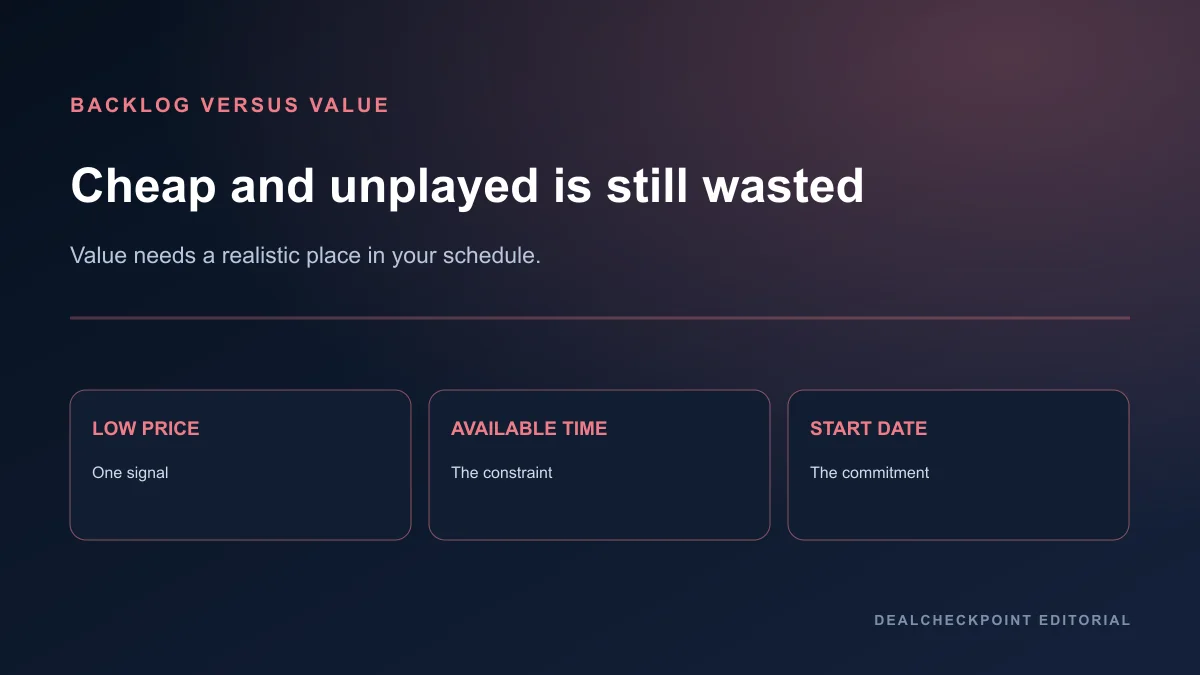
Do not rely on advertised hours as a value score. A focused six-hour game you finish can be better value than a hundred-hour game you abandon. Time commitment is a fit constraint, not proof that one genre is worth more.
Secure checkout and account safety
Use the Steam client or an official Steam domain. Steam Support advises users not to share passwords and to enter credentials only on official Steam websites. Treat messages offering private sale links, account trades, item verification, or urgent support contact as potential account-theft attempts.
Enable Steam Guard and protect the connected email account with a unique password and its own multi-factor authentication where available. Review the cart from a trusted device. Never send an authentication code, recovery code, QR approval, or screen-share access to someone claiming to validate a purchase.
Ten-minute checkout checklist
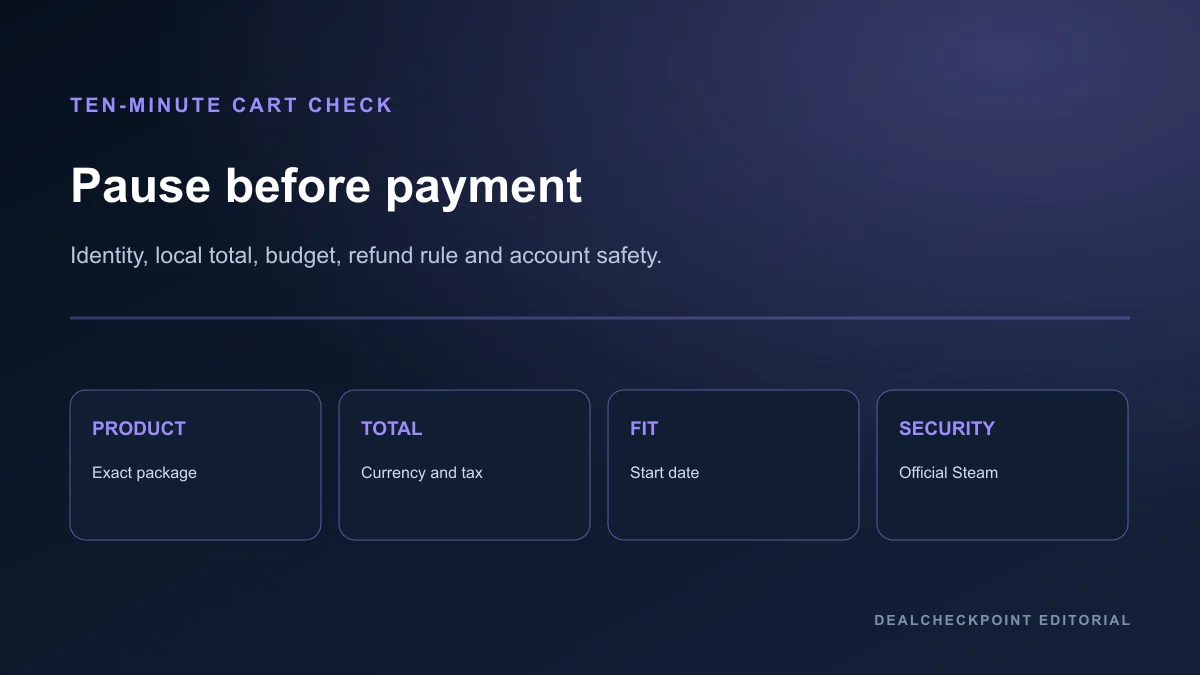
- Confirm the seller is Steam and the sign-in domain or client is authentic.
- Open every cart item and verify base game, edition, DLC, soundtrack, and bundle contents.
- Compare the final local price—not only the percentage—with your target and the correctly matched tracked history.
- Check currency, tax treatment, region restrictions, payment method, and total charge.
- Confirm the purchase fits the sale budget without borrowing from essential spending.
- Name when you will install each game and what you will play first.
- Read the applicable refund rule without treating it as a demo promise.
- Remove any item that depends on urgency rather than fit or evidence.
- Review account security and approve no unexpected Steam Guard request.
- Take one final pause, then buy only the items that still pass.
Frequently asked questions
Is a 90% Steam discount automatically a good deal?
No. It may apply to an unwanted product, an inflated starting point, a soundtrack, DLC, or an edition that does not fit. Compare the exact identity, final price, contents, and your planned use.
Should I wait for the final day of a Steam sale?
Wait when you still need evidence or budget clarity. Buy earlier when the exact item already meets your target and you plan to play immediately. The deadline does not prove value either way.
Does Steam remove games from my cart when I already own part of a bundle?
It depends on the bundle type. Complete the Set charges for unowned included items, while Must Purchase Together is unavailable when the account owns any included product. Read the live cart and bundle contents.
Can I use Steam refunds to try every sale purchase?
No. Valve describes refunds as purchase-risk protection, not a method for obtaining free games, and warns that abuse can cause refund access to be withdrawn.
Is DealCheckpoint’s tracked USD low the all-time low everywhere?
No. It is limited to the matched product and the supported USD comparison history. It does not cover every store, date, region, currency, or bundle configuration.
Final recommendation
Enter a Steam sale with a ranked wishlist, a hard cap, and a planned start date. Verify each product identity and local final total, use tracked history only within its stated limits, and treat refunds as a safety policy rather than a shopping strategy.
If an item fails one of those checks, leave it on the wishlist. Seasonal sales, publisher weekends, themed festivals, and custom promotions create future opportunities, but none guarantees a lower price. The goal is not to win the sale; it is to buy the right game without wasting money.