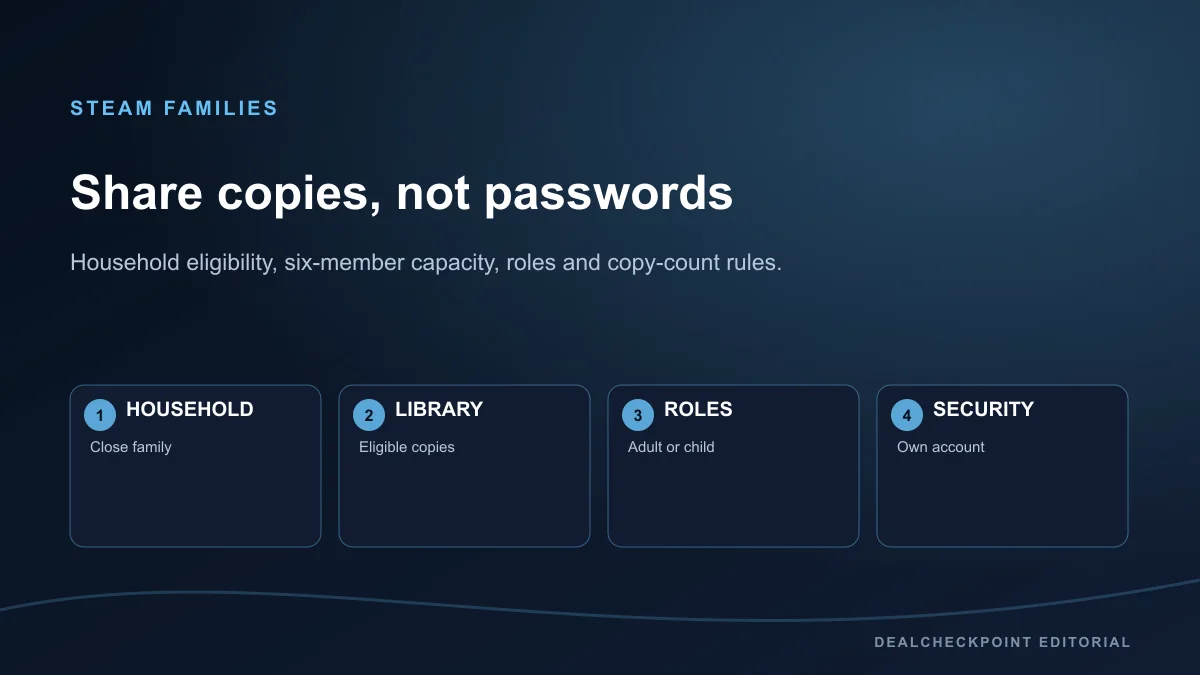
Steam Families lets a household of up to six close family members combine eligible game copies into a family library while everyone keeps a separate Steam account, saves and achievements. It does not let six people play one copy of the same game at once. One eligible copy supports one active player; a second family copy may support a second simultaneous player. Publishers can exclude games, household checks and cooldowns apply, and no one should share a password.
Direct answer
Create a Steam Family only for trusted people in the same household. Each member signs in to their own account and gains access to shareable games owned across the group. Members may play different available games simultaneously, even while an owner is online in another title. If two people want the same game at the same time, the family library needs two eligible copies. The current Steam Families User Guide and FAQ is the deciding source when the client and an old tutorial disagree.
| Question | Current rule||Who is it for? | A household of up to six close family members||Do accounts merge? | No, ownership and account progress remain separate||Can members play different games at once? | Yes, when an eligible copy of each game is available||Can two members play one copy of the same game? | No, another eligible copy is required||Can every Steam game be shared? | No, publisher choices and technical restrictions apply||Must passwords be shared? | No, use invitations and separate accounts |
|---|
Steam Families versus old Family Sharing
Valve made Steam Families available to all users in September 2024 and described it as the replacement for both Steam Family Sharing and Family View. The important change is not merely a renamed menu. The family library now pools the group’s eligible copies, allows use while another member is playing a different game, and places adult and child management in the same system.
Old instructions that tell you to authorize a particular computer, open a legacy Family View menu or stop playing whenever the owner launches any game can be obsolete. Use Account Details and Family Management in the current client, mobile experience or web interface.
Who can join
Valve says Steam Families is intended for a household of up to six close family members. This is an eligibility rule, not a general sharing circle for friends in different homes. Steam can use account activity to determine whether an invited account appears to be in the same household, and Valve warns that participation requirements can change as it monitors use.
Do not promise that a matching country, IP address or billing method alone will make an invitation work. Valve does not publish a single guaranteed checklist for household verification. Use genuine household accounts and follow the explanation shown by Steam when an invitation is rejected.
How many accounts
A Steam Family can contain up to six members in total, including the person who creates it. The creator can therefore invite up to five other members. Each person uses an individual Steam account; the family name and membership group do not transfer ownership between accounts.
Capacity and copy count are different. Six member slots do not create six licenses for every title. The group only has the copies its members actually own and that the publisher allows Steam Families to share.
How the shared library is built
After joining, shareable games from member libraries appear in the family library. Purchases remain owned by the account that bought them, and a new purchase is added to that purchaser’s collection. Steam can group family games by library so a member can see which copies are available.
The system shares eligible titles automatically across the family rather than asking an adult to approve each game for every adult. Parental controls can limit which games a child may access. A game marked private by its owner is among the content Valve lists as unavailable for sharing.
Playing different games simultaneously
Family members can use different available games at the same time. For example, one person can play an eligible copy of Portal 2 while another uses an eligible copy of Half-Life. The owner of Portal 2 can also play another game while a family member is using that copy. This differs from the old whole-library lock behavior many older guides still describe.
The practical limit is one active user per available copy, not one active user per owner library. Online services, third-party accounts and individual game restrictions can still prevent a title from being shareable.
Playing the same game simultaneously
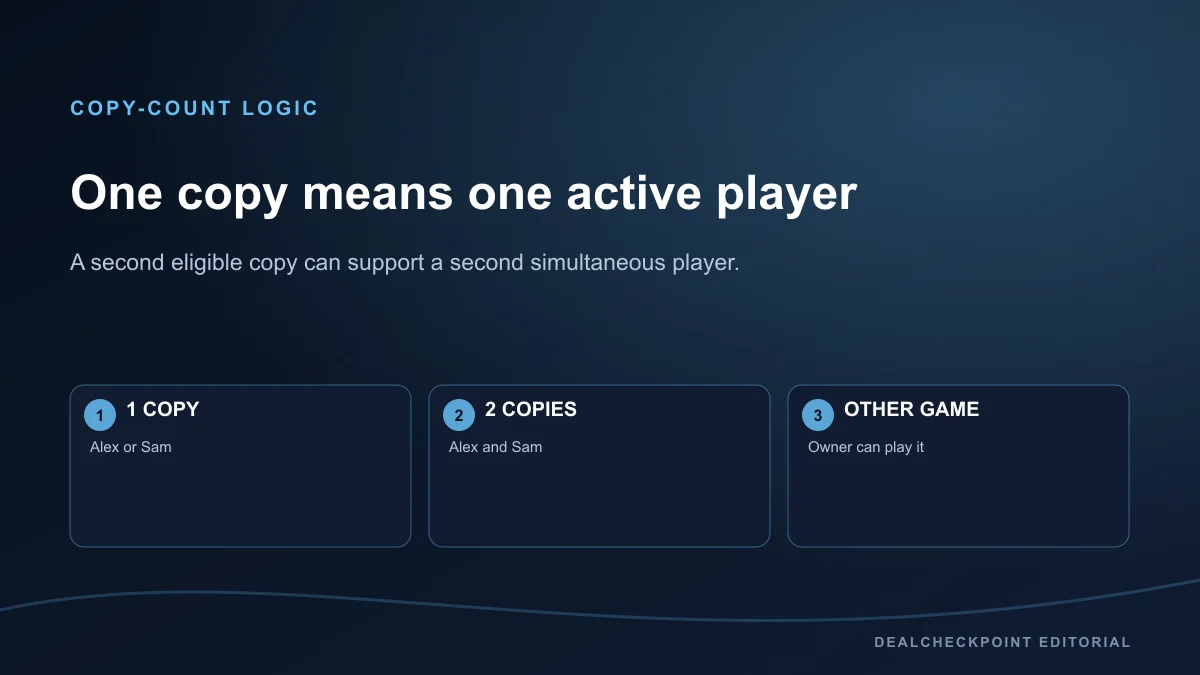
One shared copy means one family member can use that copy at a time. If two family members each own an eligible copy of the same game, the family has two copies and two members can play simultaneously. Steam’s official example uses Portal 2: a second purchase creates a second usable family copy.
When several members own a game, Steam can ask which member’s copy to use and remembers the choice. If a selected copy is busy, Steam first looks for another copy with identical DLC. It may then offer a copy with different DLC, but Valve warns that saves may not work with a changed DLC set.
Games that cannot be shared
Publishers control Family Sharing eligibility and may opt a title out. Valve also lists technical exclusions: games requiring an additional third-party key, account or subscription; free-to-play games and purchased DLC for those games; region-restricted games or DLC; games unsupported on the other member’s operating system; games explicitly disabled by a publisher; and games marked private by the owner.
Check the Steam product page and family library instead of assuming that a popular game participates. Eligibility can change later. A shared base game also does not bypass age ratings, anti-cheat, third-party service terms or regional availability.
DLC, saves and achievements
When a member launches another person’s game copy, Steam says the player receives that owner’s DLC that the publisher marked shareable. If several copies exist, the DLC set is tied to the selected copy. Switching to a copy with different DLC can make a save incompatible, so confirm the active copy before loading important progress.
Achievements remain tied to each player’s Steam account. Saves depend on the game: Steam Cloud support and game-specific save design determine how progress is stored. Valve does not allow progress, achievements or saves to be transferred wholesale to a newly created child account.
Shared games can be played offline when that game supports Family Sharing. Offline capability is not a promise that every game works without its own online service.
Adult and child controls
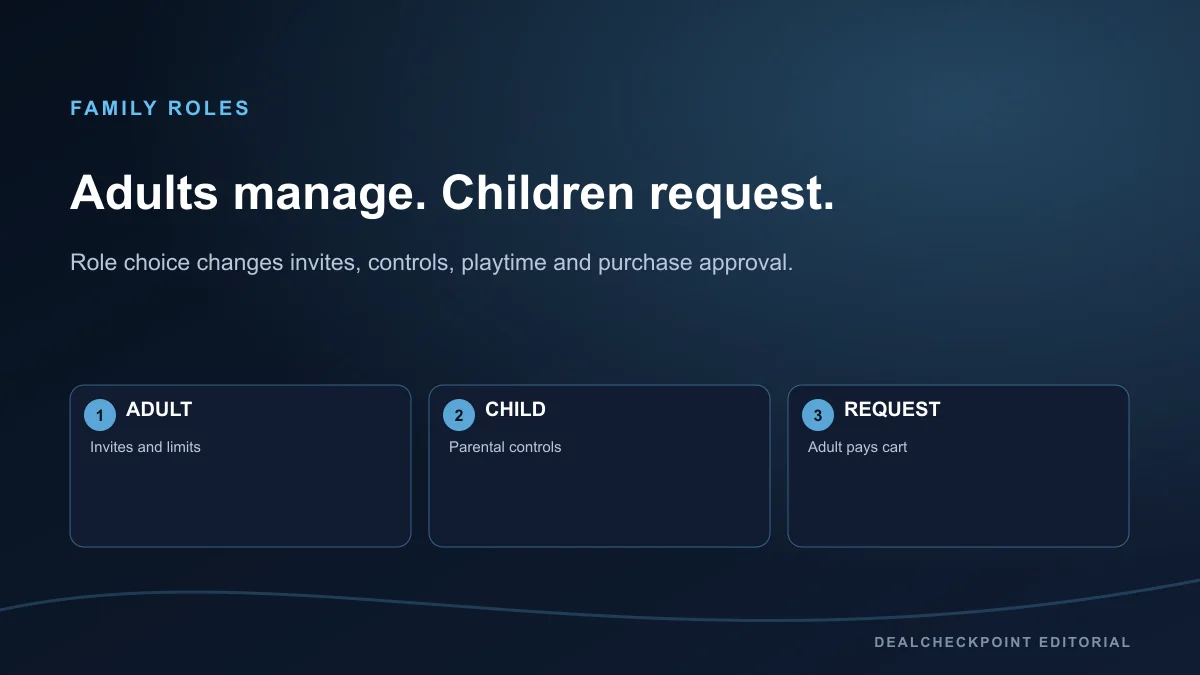
Every member is assigned an adult or child role. Any adult family member can manage invitations and apply account restrictions. Child members are subject to parental controls and cannot manage the family. Choose the child role when an account needs limits on games, features or playtime; otherwise Valve directs families to use the adult role.
Adults can allow selected games, restrict the Store, Community or Friends Chat, set daily or hourly playtime limits, review playtime reports, and approve requests for extra time or features. An adult can recover a child account after the child has been in the family for at least 30 days. These controls manage access; they do not move ownership to the adult.
Purchase requests
A child can send a shopping-cart request to an adult in the Steam Family. The adult can approve and pay from email or a mobile device. Approved games are added to the child’s account, so the child—not the adult payer—becomes the owning account for those purchases.
Review the exact edition, region and total before approving. A purchase request is not a transfer from another member’s library, and ordinary Steam purchase and refund terms still apply.
How to create a Steam Family
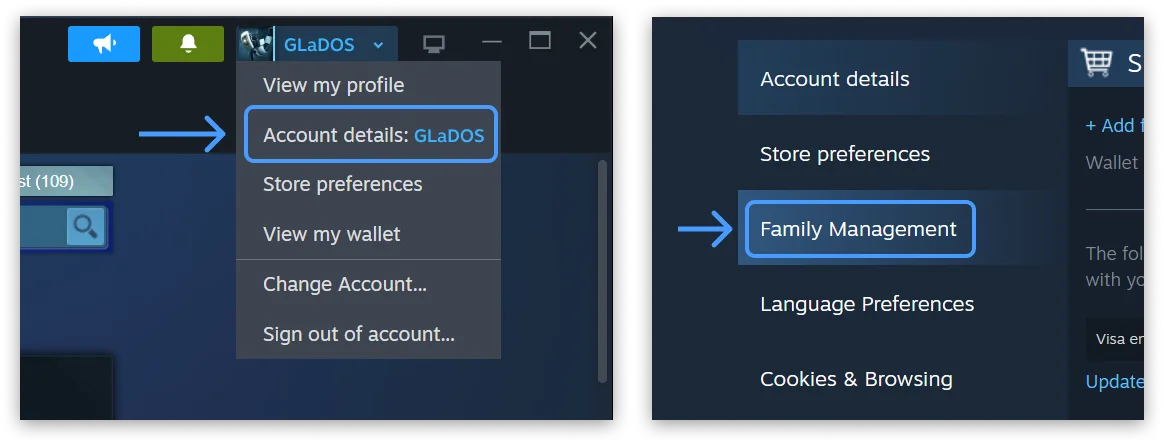
- Sign in to your own Steam account and open Account Details on the Store page.
- Open Family Management.
- Choose Create a Family and enter a family name; Valve says the name can be changed later.
- Choose Invite a Member and search for the household member’s Steam account.
- Select the correct adult or child role before sending the invitation.
- Ask the invited person to review and accept the Steam alert on their own account.
Steam says families can be managed through the client, mobile device or web browser. Menu labels can move, so use the current Family Management page rather than following a screenshot from the outgoing Family Sharing system.
How to invite or join
Adults can send invitations from Family Management. The recipient should verify the family name, inviter and assigned role before accepting. A child invitation should only be used for an account managed by a parent or guardian; a person accidentally added as a child may need Steam Support to remove the account.
A join attempt can fail when account activity does not show the same household, the account is still on cooldown from another family, the destination family is full, or the family slot itself is cooling down. Steam displays the remaining cooldown when applicable. Do not try to defeat household checks with account sharing or location manipulation.
Leaving, cooldowns and restrictions
An adult can leave at any time, but must wait one year from the date they joined the previous family before creating or joining a new one. A person can rejoin the last family without waiting when it still has fewer than six members. Child members cannot leave on their own; an adult or Steam Support must remove them.
Each vacated family slot also has a one-year cooldown before a new member can occupy it. That means removing someone may not immediately free usable capacity. Adults can remove family members, so discuss role and household expectations before accepting an invitation.
Common errors
- Invite rejected: confirm the accounts genuinely belong to the same household and read Steam’s displayed eligibility reason.
- Family is full: count all adults and children; the maximum is six total.
- Slot unavailable: a removed member can leave that slot on its one-year cooldown.
- Game is locked: another member may be using the only eligible copy.
- Game is absent: check publisher eligibility, privacy status, region, operating system and third-party account requirements.
- DLC differs: select the family copy with the DLC set your save expects.
- Child cannot leave: an adult or Steam Support must remove the child account.
Use Steam Support when the message does not match these documented cases. Do not send account credentials or Steam Guard codes to another family member for troubleshooting.
Security and terms
Steam Families is designed around invitations between separate accounts. Do not share passwords, authenticator approvals or recovery codes. Invite only trusted household members: Valve warns that if someone cheats or commits fraud while using your shared game, sharing privileges can be revoked and the owner’s account may also receive a game ban or VAC ban in relevant circumstances.
The Steam Subscriber Agreement governs Steam accounts and subscriptions. Family sharing does not sell, transfer or merge an account or its licenses. Ownership remains with the purchaser, and game-specific terms can add restrictions.
FAQ
Can two people play the same shared game at once?
Only when the family library has two eligible copies. One copy supports one active player, while a second owned copy can support a second player.
Can six family members share every Steam game?
No. Six is the family-member capacity, not a promise of six copies, and publishers or technical requirements can exclude games and content.
Do family members share saves and achievements?
No. Achievements remain tied to each Steam account. Saves depend on the game and its Steam Cloud or local-save behavior.
Can a child leave a Steam Family without an adult?
No. Valve says an adult family member or Steam Support must remove a child account.
Can shared games work offline?
Yes when the individual game supports Family Sharing and offline play. Third-party services or game-specific online requirements can still block offline use.
Final summary
Steam Families is useful for a genuine household that wants shared access without shared credentials. The safe model is simple: one account per person, up to six members, one active player per eligible copy, adult controls for child accounts, and acceptance that exclusions and one-year cooldowns can apply. Read the official Steam Families FAQ before changing membership, check the Steam refund policy before buying an extra family copy, then browse co-op PC games only after confirming that each title supports the sharing and player setup you need.