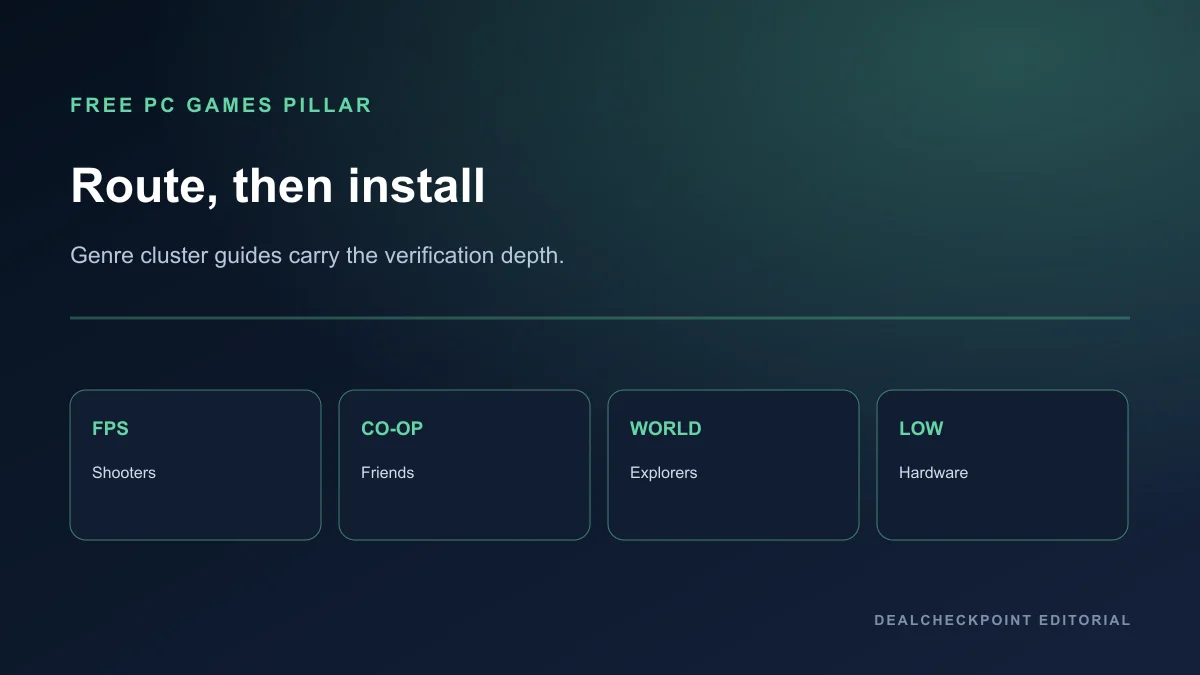
The best free PC games in 2026 depend less on a single universal top ten and more on what your hardware, friend group, genre taste, and monetisation tolerance can support. This pillar guide routes you to the right free-entry game without repeating the full cluster articles that already cover shooters, co-op, open worlds, and low-end hardware in depth.
Direct answer
If you want one starting point, choose by need: competitive skill on modest hardware → Counter-Strike 2 or League of Legends; co-op progression with friends → Warframe or Destiny 2; large-world exploration → Genshin Impact or Guild Wars 2; lowest install friction on weak PCs → Brawlhalla or Old School RuneScape.
Use the supporting guides linked below when a genre deserves a full comparison table, anti-cheat checklist, party-size map, or world-structure label set. Every pick here was free to enter in the checked US region on July 22, 2026, and none should be described as permanently costless in every sense.
How to use this pillar
This article is a router, not a replacement for the dedicated Batch 03 cluster guides. When you already know you want first-person shooters, read the free FPS guide. For shared progression with friends, use the free co-op guide. For exploration structure and gacha boundaries, use the free open-world guide. For CPU, RAM and GPU floors, use the low-end PC guide.
Each concise pick below states who it fits, the main launcher, and the first paid boundary you should expect. Follow the linked cluster guide when you need per-game verification tables, FAQ depth, or platform-specific anti-cheat notes.
Fit and not a fit
Fit: players comparing free-to-play installs who want one map to the Batch 03 cluster guides before downloading five launchers. Not fit: anyone expecting this page to replace the FPS, co-op, open-world or low-end guides in full, or looking for keyshop installers instead of official clients.
By player type
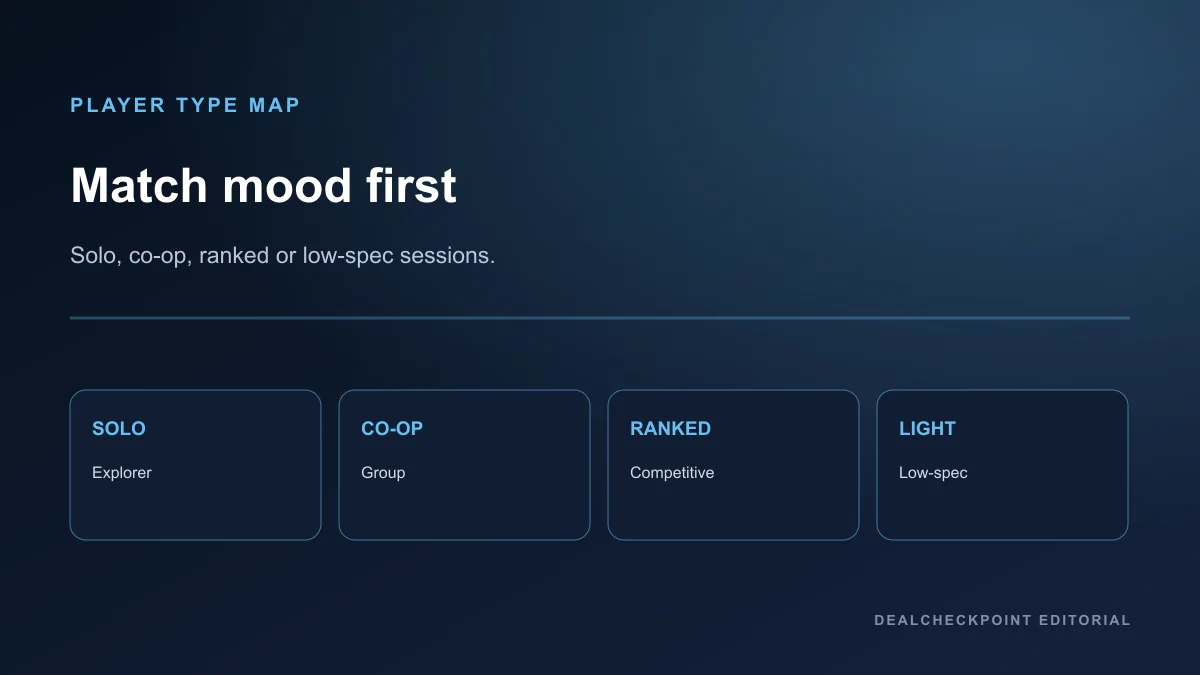
Solo explorer: Genshin Impact, Wuthering Waves, Path of Exile, and Guild Wars 2 offer long solo paths with different pacing systems.
Friends co-op: Warframe, Destiny 2, Once Human, Palia, and Lost Ark prioritize group content with different party sizes and paywalls.
Competitive ranked: Counter-Strike 2, VALORANT, Dota 2, League of Legends, and Overwatch center on skill-based PvP.
Low-spec or short sessions: Brawlhalla, Old School RuneScape, Hearthstone, and Team Fortress 2 stay lighter than many live-service shooters.
By hardware budget
Weak laptops and older desktops should start with the low-end PC guide before installing Warzone-scale clients. Stronger PCs can branch into Apex Legends, The Finals, Once Human, or Throne and Liberty once storage and RAM headroom are confirmed.
Storage planning matters as much as GPU branding. Call of Duty: Warzone, Destiny 2, Lost Ark, and Genshin Impact can exceed one hundred gigabytes after updates, while Brawlhalla, Hearthstone, and Old School RuneScape remain the safest low-footprint starting points on tight drives.
If you are on a metered connection, prefer games with smaller day-one patches or offline-adjacent modes only when the publisher documents them. Every live-service pick here still requires online access for core progression even when install size is modest.
By genre and cluster guide
| Genre need | Start here | Full cluster guide | Checked |
|---|---|---|---|
| First-person shooters | Counter-Strike 2 or VALORANT | Free FPS guide | Jul 22, 2026 |
| Co-op progression | Warframe or Destiny 2 | Free co-op guide | Jul 22, 2026 |
| Open-world exploration | Genshin Impact or Guild Wars 2 | Free open-world guide | Jul 22, 2026 |
| Steam-only library | Counter-Strike 2 or Warframe | Best free Steam games | Jul 22, 2026 |
| Battle royale | Apex Legends or Warzone | Free battle royale guide | Jul 22, 2026 |
| Low-end hardware | Brawlhalla or OSRS | Low-end PC guide | Jul 22, 2026 |
By group size
Duos and trios fit Apex Legends, Once Human, and many Destiny 2 activities. Four-player groups align with Warframe and The First Descendant. Larger MMO groups belong in Lost Ark, Guild Wars 2, and Albion Online. Competitive five-stacks map cleanly to Counter-Strike 2, VALORANT, Dota 2, and League of Legends.
Group size alone does not guarantee a smooth free experience. Matchmaking pools, expansion ownership, and gear floors still matter after you pick the right player count on paper.
By monetisation tolerance

Zero-spend competitive: Counter-Strike 2, VALORANT, Dota 2, and League of Legends remain playable without purchases, but cosmetics, battle passes, and Prime-style layers still exist.
Zero-spend exploration: Guild Wars 2 base, Palia, Unturned, and Old School RuneScape offer broad free paths, though expansions or membership still matter long term.
Gacha-tolerant exploration: Genshin Impact, Wuthering Waves, and Tower of Fantasy require accepting banner and stamina-style pacing.
Co-op with paid expansion splits: Destiny 2, Lost Ark, and Guild Wars 2 need group agreement on who buys which expansions or convenience products.
Read Are Free-to-Play Games Pay-to-Win? before assuming any pick stays fair at zero spend.
Seventeen concise picks
The entries below stay intentionally short. Each one names the player fit, launcher, first paid boundary, and the cluster guide that contains verification tables, screenshots policy, and extended FAQ answers.
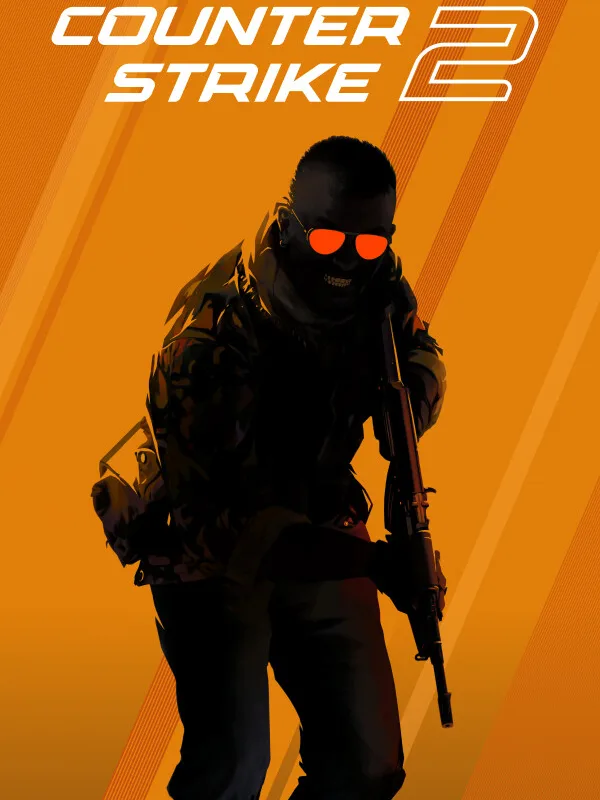
Counter-Strike 2
Best for round-based PC skill and esports-style improvement. Launcher: Steam. First paid boundary: Prime status, cases, skins, and Community Market activity. Install when your group wants disciplined 5v5 practice rather than large-map chaos. Deep dive: free FPS guide.
VALORANT
Best for tactical rounds with agent abilities and clear ranked ladders. Launcher: Riot Client with Vanguard anti-cheat. First paid boundary: cosmetics, battle pass content, and rotating store offers. Install when your stack accepts kernel-level anti-cheat and ability-heavy duels. Deep dive: free FPS guide.
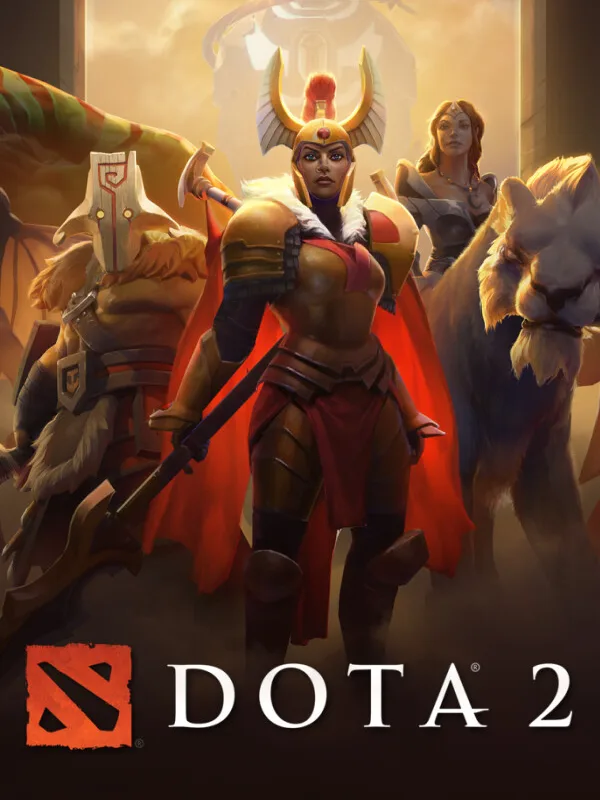
Dota 2
Best for deep MOBA strategy, draft complexity, and long-term mastery. Launcher: Steam. First paid boundary: cosmetics, Dota Plus, and event products rather than core hero access. Install when your group already enjoys MOBA pacing and can tolerate steep onboarding. Deep dive: best free Steam games.
League of Legends
Best for accessible MOBA ranked play with frequent balance updates. Launcher: Riot Client. First paid boundary: champion unlock paths, cosmetics, and event passes. Install on supported Windows hardware with enough RAM for the client and background apps. Deep dive: low-end PC guide.
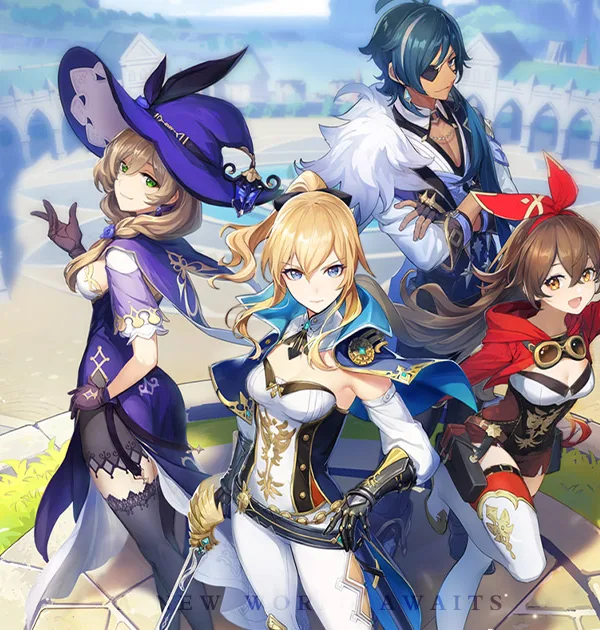
Genshin Impact
Best for story-led open-zone exploration with elemental traversal. Launcher: HoYoverse. First paid boundary: wishes, resin-style limits, and banner pacing. Install when you accept gacha systems and mandatory online access. Deep dive: free open-world guide.
Warframe
Best for fast four-player co-op loot with public matchmaking. Launcher: Steam and other official paths. First paid boundary: Platinum, slots, and convenience products that affect inventory flow. Install when your group wants action-first co-op rather than MMO questing. Deep dive: free co-op guide.
Destiny 2
Best for FPS co-op strikes and patrol loops with strong gunfeel. Launcher: Steam / Epic Games Store / Microsoft Store. First paid boundary: expansion bundles, Dungeon Keys, Premium Rewards Pass tracks, Eververse products, and Trials of Osiris outside the documented free layer. Install when the group accepts partial free access rather than the entire live timeline. Deep dive: free co-op guide and free FPS guide.
Path of Exile
Best for build-heavy ARPG co-op and seasonal ladders. Launcher: Steam. First paid boundary: stash tabs, cosmetics, and supporter packs that matter for loot-heavy groups. Install when your friends enjoy spreadsheet depth and visual effect density. Deep dive: free co-op guide.
Apex Legends
Best for hero movement battle royale with three-player squads. Launcher: EA app or Steam. First paid boundary: legends, cosmetics, and event products. Install when your group wants BR pacing with first-person gunplay rather than tactical round games. Deep dive: free battle royale guide.
Overwatch
Best for hero shooter team fights with readable roles. Launcher: Battle.net or Steam. First paid boundary: cosmetics, Overwatch Coins, Premium Battle Pass tracks, tier skips, Mythic cosmetic products, and shop bundles rather than core hero access. Install when you want faster team action than CS2 without abandoning ranked structure entirely. Deep dive: free FPS guide.
Guild Wars 2
Best for full open-world MMO exploration without gacha pulls. Launcher: Steam or ArenaNet. First paid boundary: expansions, Living World unlocks, and store convenience. Install when your group wants map completion and events rather than instanced gacha zones. Deep dive: free open-world guide.
Lost Ark
Best for action MMO raids, dungeons, and combat-heavy co-op. Launcher: Steam. First paid boundary: Crystals, cosmetics, and pacing-related store products. Install when your group can commit to MMO install size and structured raid nights. Deep dive: free co-op guide.
The Finals
Best for destructible arena team fights and loud, short matches. Launcher: Steam. First paid boundary: battle pass tracks and cosmetics. Install when your group wants arcade energy rather than loot progression or MMO quest chains. Deep dive: free FPS guide.
Palia
Best for cozy co-op gathering, housing, and social exploration. Launcher: Steam and official paths. First paid boundary: store cosmetics and convenience products. Install when your group wants low-combat downtime together. Deep dive: free co-op guide.
Albion Online
Best for persistent sandbox group play and player-driven economies. Launcher: Steam. First paid boundary: premium time and market-related purchases that affect pacing. Install when your group accepts sandbox risk and shared travel time. Deep dive: free open-world guide.
Brawlhalla
Best for low-spec platform fighting and short sessions. Launcher: Steam. First paid boundary: Mammoth Coins, cosmetics, and character unlock paths. Install when hardware or session length is the main constraint. Deep dive: low-end PC guide.
Old School RuneScape
Best for long-term low-action MMO progression and skilling together. Launcher: Steam or Jagex. First paid boundary: membership, cosmetics, and convenience services. Install when your group prefers slow progression over reflex-heavy co-op. Deep dive: low-end PC guide.
Steam, Epic and standalone launchers
Many top free games live on Steam, but VALORANT, League of Legends, Genshin Impact, Overwatch, and Call of Duty: Warzone require their own launchers or account systems. The best free Steam games guide stays Steam-only; this pillar includes cross-store picks intentionally.
Treat each launcher as a maintenance obligation. Riot, EA, HoYoverse, and Blizzard clients all patch on their own cadence, which means co-op groups should pick one shared game before asking everyone to update five separate services on the same night.
What we did not duplicate here
Anti-cheat matrices, co-op party-size tables, open-world label definitions, and low-end settings targets live in the cluster guides above. Returning here after reading those guides should leave you with one or two installs, not five launchers downloaded at once.
That separation is intentional. The FPS guide carries first-person-only exclusions, Destiny 2 free-entry caveats, and kernel-driver notes. The co-op guide carries party-size and expansion-fragmentation detail. The open-world guide carries gacha, energy, and world-structure labels. The low-end guide carries official minimum requirements and conservative first settings.
How to test safely
Install one game, verify storage after the first update, enable multi-factor authentication on official domains, and agree with friends on expansion or gacha spending rules before co-op progression begins.
Reading order
If you are in a hurry, use this sequence: confirm hardware with the low-end guide, confirm genre with the FPS, co-op, or open-world guide, then return here only to pick the first install. That order avoids reading seventeen concise picks before you know whether your laptop can even handle the download.
Competitive players should read the FPS guide first, then the battle royale guide only if squads want BR instead of round-based games. Co-op groups should read the co-op guide first, then check the open-world guide only if the group prefers exploration over mission-based loot. Solo explorers should read the open-world guide first, then the low-end guide if performance becomes the bottleneck.
Parents and budget-conscious households should read the pay-to-win guide immediately after this pillar, because several picks here include gacha, battle pass, or expansion systems that matter beyond cosmetic skins.
Cluster guide index
Use these Batch 03 guides as the verification layer behind this pillar. Each one contains comparison tables, official-source checks dated July 22, 2026, and article-specific FAQ answers that this page intentionally does not repeat.
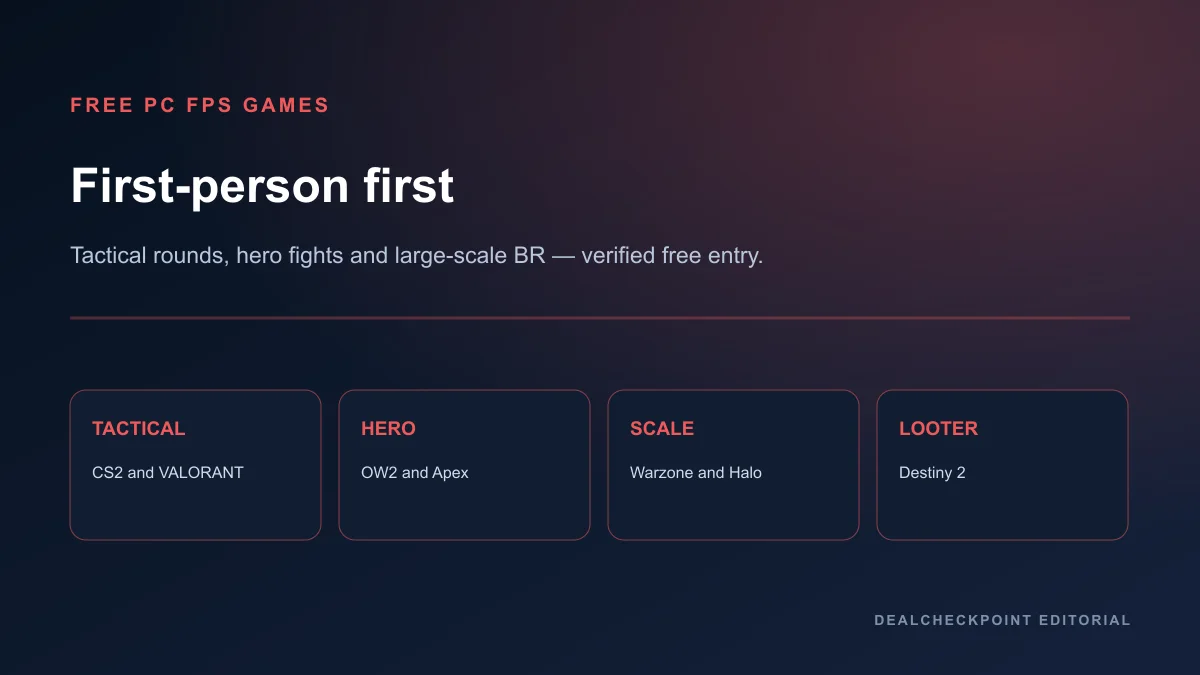
Free FPS guide covers ten first-person-primary shooters with anti-cheat, launcher, and Destiny 2 free-entry boundaries. Use it when your group wants round-based skill, hero shooters, large-scale battle royale, or co-op looter shooting from a first-person camera.
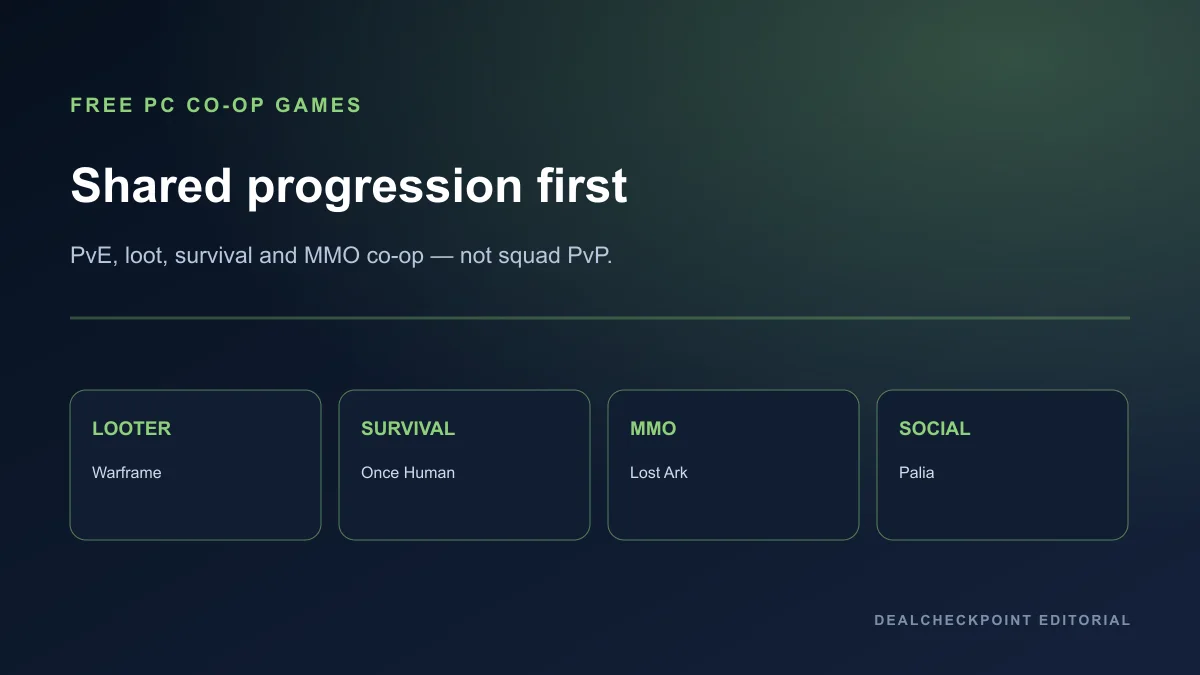
Free co-op guide covers ten cooperative PvE or shared-progression titles with party-size notes, cross-play reminders, and paid-content fragmentation warnings. Use it when the goal is a recurring friend-group night rather than ranked PvP.
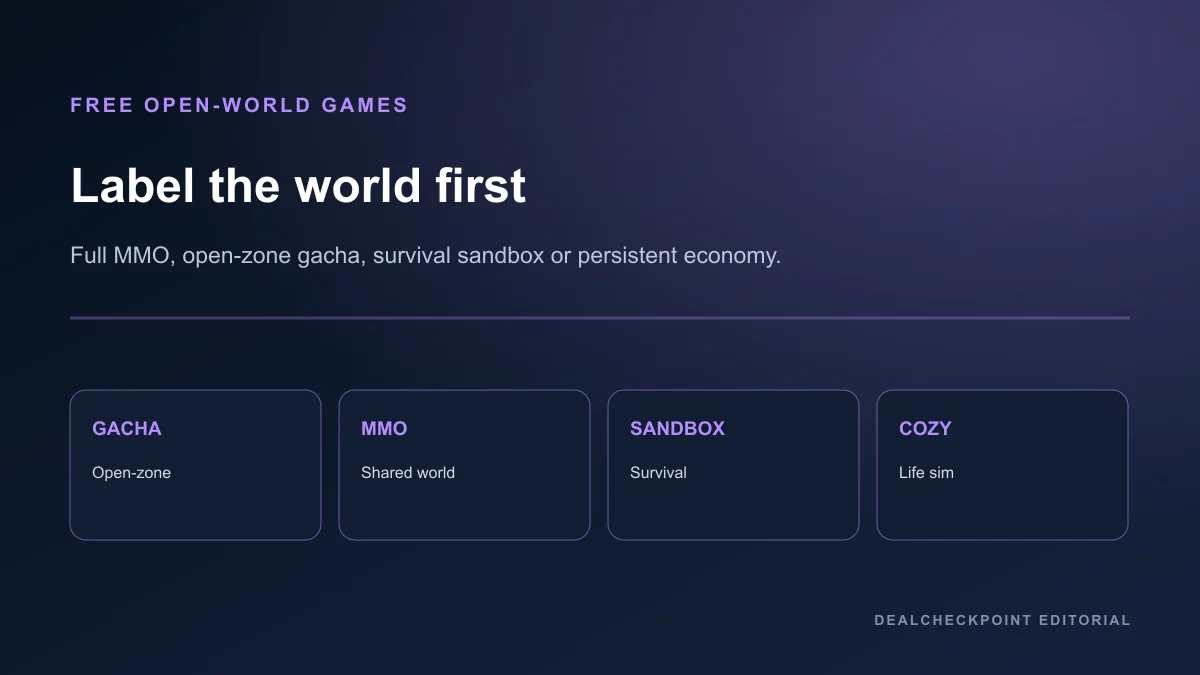
Free open-world guide labels each world as full open world, shared MMO, open-zone gacha, survival sandbox, or persistent-world sandbox, with mandatory online access and gacha or energy boundaries spelled out. Use it when exploration mood matters more than match length.
Low-end PC guide compares official minimum requirements, editorial hardware tiers, and conservative first settings for modest Windows machines. Use it before installing large live-service clients on laptops or older desktops.
Best free Steam games stays inside Steam-only free-entry apps with monetisation boundaries per title. Use it when you want to avoid extra launchers entirely for the first install.
Free battle royale guide focuses on BR-specific mode boundaries and squad logistics. Use it when Apex Legends or Warzone is the likely destination rather than tactical round games.
Weekly install plan
Week one should contain one launcher and one game. Week two can add a second title only if storage, anti-cheat policy, and friend availability still look stable. This sounds conservative, but it prevents the most common free-game regret: five half-updated clients and no group ready to play any of them.
Use Monday for research, Tuesday for install and patching, and the first co-op or ranked session on the weekend when everyone can confirm the activity requirements. Competitive players should queue unranked first; explorers should finish tutorial regions; co-op groups should run one public mission before scheduling a raid night.
If a game fails the first session because of anti-cheat, unsupported hardware, or missing expansion access, stop and switch cluster guides rather than forcing the same install on every machine.
Track patch size and login friction during that first week. Some launchers bundle separate anti-cheat updates, email verification, and phone-linked security steps that take longer than the base game download itself.
Frequently asked questions
What is the single best free PC game in 2026?
There is no honest universal winner. Competitive players should start with Counter-Strike 2 or VALORANT, co-op groups with Warframe or Destiny 2, and explorers with Genshin Impact or Guild Wars 2. The correct answer depends on hardware, group size, genre taste, and how much store friction you will accept.
Are free PC games really free?
They are free to enter, but storage, accounts, online access, and optional purchases still cost money or time. Several picks gate major content behind expansions, gacha, or premium currencies, so treat free as an entry model rather than a promise of zero lifetime cost.
Should I use this pillar or a genre guide?
Use this pillar to choose direction, then open the linked genre guide before installing multiple launchers.
Which free games fit a weak PC?
Start with Brawlhalla, Old School RuneScape, Hearthstone, and Unturned, then read the low-end PC guide before trying Counter-Strike 2 or Path of Exile.
Where do battle royale games fit?
Use the dedicated free battle royale guide for Apex Legends, Warzone, and mode-specific paid boundaries.
How should families use this pillar?
Families should compare monetisation boundaries in the pay-to-win guide first, then choose Palia, Unturned, or Old School RuneScape if the goal is lower-intensity co-op or exploration before any competitive ranked title.
Which cluster guide should a solo player open first?
Open the free open-world guide for exploration, the free FPS guide for competitive shooting, or the low-end PC guide if hardware is the main constraint.
Final recommendations
Pick one cluster guide that matches your mood, install one game from that cluster, and only expand after a successful first session. Competitive players should anchor on Counter-Strike 2 or VALORANT, co-op groups on Warframe or Destiny 2, explorers on Genshin Impact or Guild Wars 2, and weak-hardware owners on Brawlhalla or Old School RuneScape.
If you already know your monetisation tolerance, skip straight to the relevant cluster rather than reading every concise pick above. Zero-spend competitive players can ignore gacha open-zone entries entirely, while gacha-tolerant explorers can ignore tactical round-game minutiae until they want a secondary competitive title.
Keep a simple decision log after your first week: launcher size, patch time, friend availability, and whether any paid boundary appeared earlier than expected. That log makes the next install choice faster and prevents repeating the same mismatch between game genre and group expectations.
Use the free-to-play hub to compare platform records, follow the linked Batch 03 guides for verification depth, and read the pay-to-win guide before attaching payment methods.