PC Game Pass is Microsoft’s PC-only subscription: you pay a recurring monthly fee, install eligible titles through the Xbox PC app, and play while membership stays active. It is access, not ownership — and the catalog rotates.
Direct answer
PC Game Pass fits players who want a rotating PC library, EA Play on PC, and many day-one Microsoft releases without buying each title outright. It does not fit players who replay one owned game for years, need Steam Workshop mods on every title, or expect permanent keys. US price checked Jul 22, 2026: $13.99/month on the standard monthly plan after Microsoft’s April 2026 adjustment — confirm the signed-in Microsoft Store price in your region before checkout.
Current PC Game Pass price and market
Microsoft announced on Xbox Wire (April 21, 2026) that PC Game Pass in the US dropped from $16.49 to $13.99/month, while Game Pass Ultimate dropped to $22.99/month. Prices may vary by region and tax treatment; the amount charged at checkout on your signed-in Microsoft account is the authoritative figure.
Introductory trials and promotional rates are separate from the standard monthly price. A $1 trial for new members still reverts to the standard rate when the promotional window ends — never treat a temporary trial as the normal monthly cost.
This guide uses US dollars because Microsoft’s April 2026 announcement quoted US pricing explicitly. Canadian, European and other markets use different list prices on the local Xbox storefront.
Annualized, the US standard rate checked Jul 22, 2026 equals $167.88 per year if you never skip a month — but most value-focused players should not assume twelve uninterrupted months. Compare selective months in Is PC Game Pass worth it in 2026? before treating the subscription like a flat yearly pass.
What the subscription includes
According to the current PC Game Pass product page checked Jul 22, 2026, the plan includes:
- 300+ games playable on PC only through the Xbox PC app.
- New games on day one for many Microsoft and partner releases on PC, subject to current policy exceptions.
- EA Play on PC, adding a separate layer of EA titles inside the Xbox app — not every EA game on Steam is included.
- Member benefits in supported live games such as League of Legends and Call of Duty: Warzone benefit tracks, per Microsoft’s current marketing copy.
- Rewards multipliers on eligible Microsoft Store activity while subscribed.
Each line above describes access while subscribed, not a permanent license. Installing a title creates a local copy tied to your Microsoft account entitlement, but that entitlement expires when membership ends unless you buy the game or a qualifying add-on under separate store rules.
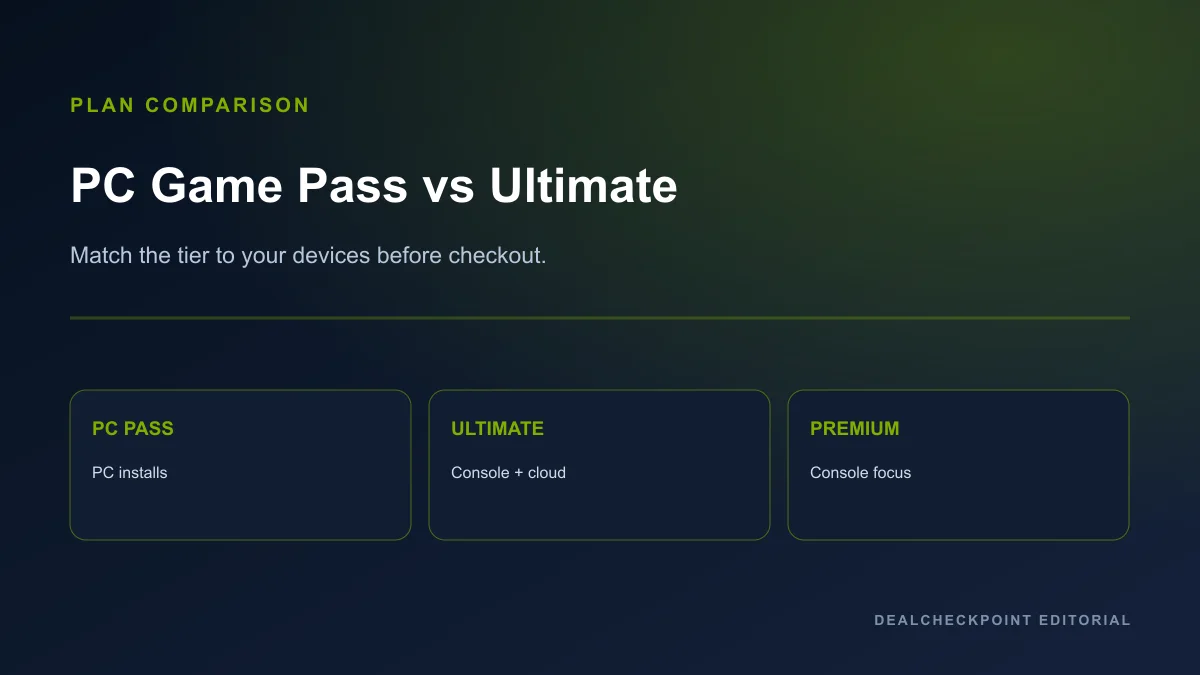
The PC catalog overlaps Ultimate on many titles but is not identical to every cross-device tier. PC Game Pass remains the separate PC-focused plan Microsoft markets for Windows installs — it includes EA Play on PC but does not bundle Xbox Cloud Gaming through PC Game Pass alone. Essential, Premium and Ultimate now include differing PC catalog sizes alongside console access, unlimited cloud gaming and online console multiplayer at their respective price points.
None of these benefits transfer permanent ownership. Cancelling ends Game Pass launch access unless you buy a discounted or full license.
PC Game Pass versus Ultimate and other current plans
| Plan | Catalog scope | Day-one | EA Play | Cloud gaming | Console multiplayer | US price checked Jul 22, 2026 | Best for |
|---|---|---|---|---|---|---|---|
| PC Game Pass | 300+ games on PC | Many titles, subject to exclusions | Yes on PC | No | No | $13.99/month | PC-only players sampling the catalog |
| Game Pass Ultimate | 500+ across console, PC and supported devices | Many titles, subject to exclusions | Yes | Unlimited Xbox Cloud Gaming | Yes | $22.99/month | Console + PC + cloud households |
| Game Pass Premium | 200+ across console, PC and supported devices | New Xbox-published within ~1 year | No | Unlimited cloud gaming | Yes | $14.99/month | Smaller cross-device catalog with cloud |
| Game Pass Essential | 50+ across console, PC and supported devices | No day-one promise | No | Unlimited cloud gaming | Yes | $9.99/month | Entry cross-device catalog with cloud |
On the US plan comparison page checked Jul 22, 2026, PC Game Pass stays PC-focused while Essential, Premium and Ultimate include console, PC and supported-device catalogs at different sizes. Premium and Essential both include unlimited cloud gaming and online console multiplayer — they are not console-only tiers. Ultimate adds the largest cross-device catalog, Ubisoft+ Classics, Fortnite Crew and EA Play.
If you own an Xbox console and a gaming PC, Ultimate is often the cleaner single subscription because it covers the largest cross-device catalog plus unlimited Xbox Cloud Gaming. If you only game on PC and never stream, PC Game Pass avoids paying for console multiplayer and cloud features you will not use — even though Premium and Essential also include PC catalog access at smaller sizes.
Day-one releases
Many first-party and partner titles still launch into Game Pass on PC the same day they hit the Microsoft Store. Microsoft’s April 2026 Xbox Wire post also changed Call of Duty policy: future Call of Duty titles will join Ultimate and PC Game Pass during the following holiday season rather than at launch, while existing Call of Duty titles already in the library remain available under current rules.
Day-one inclusion is policy-dependent, not a universal promise for every franchise. Read the current Xbox Wire post for any live-service game you follow before assuming launch-week access.
Pre-ordering a premium edition on the Microsoft Store is also separate from Game Pass access. A day-one Game Pass install typically covers the base entitlement shown in the app, not every deluxe cosmetic pack or season pass bundled into a higher-priced SKU.
EA Play and third-party benefits
EA Play on PC is bundled with PC Game Pass according to the current product page. It adds sports, action and RPG titles through a separate EA Play tab in the Xbox app. Expansion content, Ultimate Team currencies and premium editions may still require separate purchases even while subscribed.
Sports annual modes, FUT points and other live-service currencies remain paid add-ons. Treat EA Play as a broad sampler of EA’s PC catalog inside Microsoft’s client, not a replacement for every EA purchase on Steam or Origin history.
Third-party benefit tracks (League of Legends, Warzone, etc.) are not full game ownership. They are promotional entitlements that can change season to season.
Catalog rotation and leaving games
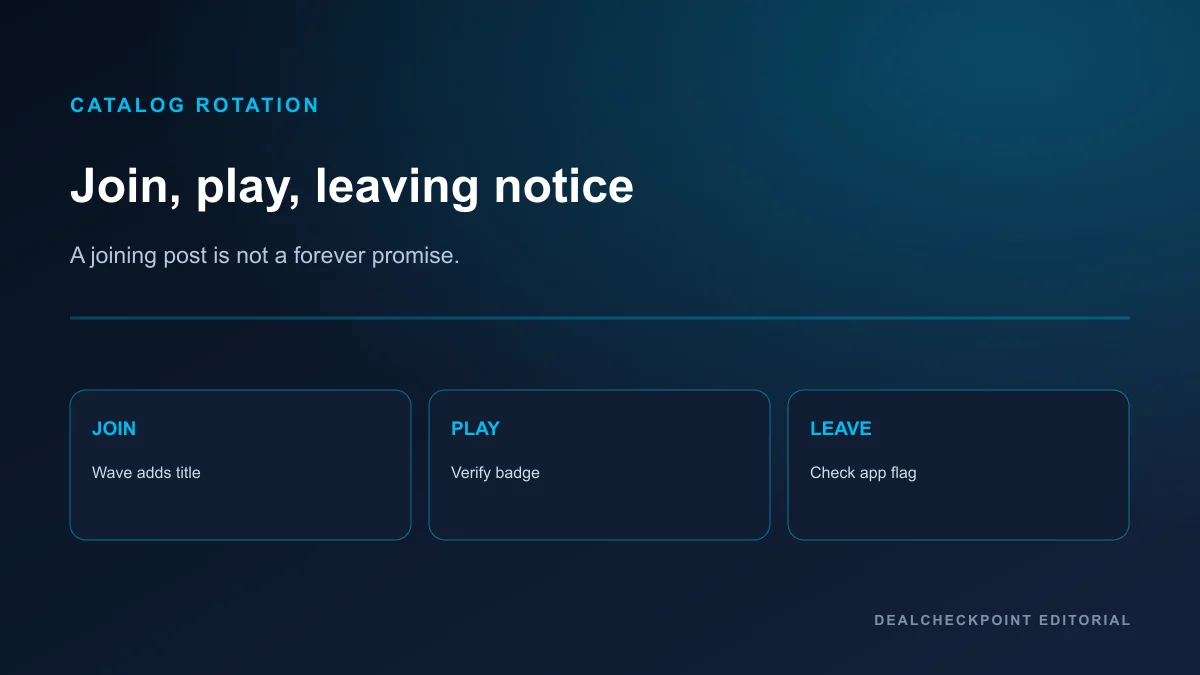
Titles enter and leave the PC Game Pass catalog continuously. Microsoft publishes joining and leaving announcements on Xbox Wire and surfaces leaving-soon notices in the Xbox app when available.
A joining announcement does not guarantee indefinite availability. Before starting an 80-hour RPG, check whether the title shows a leaving-soon flag. “No leaving notice found” on a given check date is not a promise the game will remain forever.
Prefer Microsoft’s “300+ games” presentation rather than inventing a precise live count unless you derive one from a timestamped official inventory export.
Practical rotation workflow: before a long playthrough, open the title in the Xbox app, note any leaving-soon banner, and set a calendar reminder to re-check mid-campaign. For shorter games, rotation risk matters less — for 60-hour RPGs it can define whether subscription access beats buying on sale.
Xbox PC app, Windows and account requirements
Install the Xbox PC app on Windows 10 or Windows 11 version 22H2 or higher, per Microsoft’s current PC Game Pass page. You need a Microsoft account and enough local storage for chosen titles.
First-time setup usually means signing into the Xbox app with the same Microsoft account you will use at checkout, accepting the PC Game Pass terms, then installing from the Game Pass tab rather than the generic Microsoft Store web cart. Family accounts and child profiles follow Microsoft family settings — do not assume every household member shares one entitlement automatically.
Microsoft’s subscription terms state Game Pass PC installs are not supported on Windows PCs with Arm architecture and require switching out of Windows S mode before installing Game Pass games on S-mode devices.
The Xbox PC app is the distribution hub for Game Pass PC entitlements. It is not the same storefront as Steam, Epic or GOG.
Local installation versus cloud gaming
PC Game Pass is built around local PC installs through the Xbox app. Xbox Cloud Gaming is not included through PC Game Pass alone. Game Pass Ultimate, Premium and Essential include unlimited cloud gaming on the current US plan comparison page checked Jul 22, 2026, with catalog size differing by tier.
Do not subscribe to PC Game Pass expecting to stream every title to a phone without upgrading to Essential, Premium or Ultimate.
Cloud gaming also uses different input and latency constraints than local PC installs. A title you enjoy on desktop hardware may feel different streamed to a phone browser even when Ultimate includes both access paths.
Offline access
Most Game Pass PC titles require periodic online license validation through the Xbox app. Offline play is limited and game-specific. Verify in-app before travelling without internet; treat offline as a cautious exception, not a default.
Some single-player campaigns allow extended offline windows after an initial online check, but live-service titles, anti-cheat-enabled multiplayer and always-online RPGs may refuse launch without connectivity. Check the specific product page and in-app settings rather than assuming PC Game Pass behaves like a GOG offline backup.
DLC, expansions and member discounts
Subscription access covers the Game Pass entitlement shown in the app for each base game. Expansions, season passes, premium currencies and deluxe edition upgrades are usually sold separately.
Example pattern: a base RPG may be included while its expansion remains a paid Microsoft Store SKU. Member discounts can reduce that add-on price for active subscribers, but the discount percentage and eligible products change — read the live cart total before assuming twenty percent off every DLC pack.
Active PC Game Pass and Ultimate members may save up to 20% on select games in the Game Pass library according to Microsoft’s current marketing copy checked Jul 22, 2026. Add-on and DLC discounts vary by product and must be checked on the current store listing — do not assume twenty percent off every game, every add-on or every market.
Saves, achievements and ownership
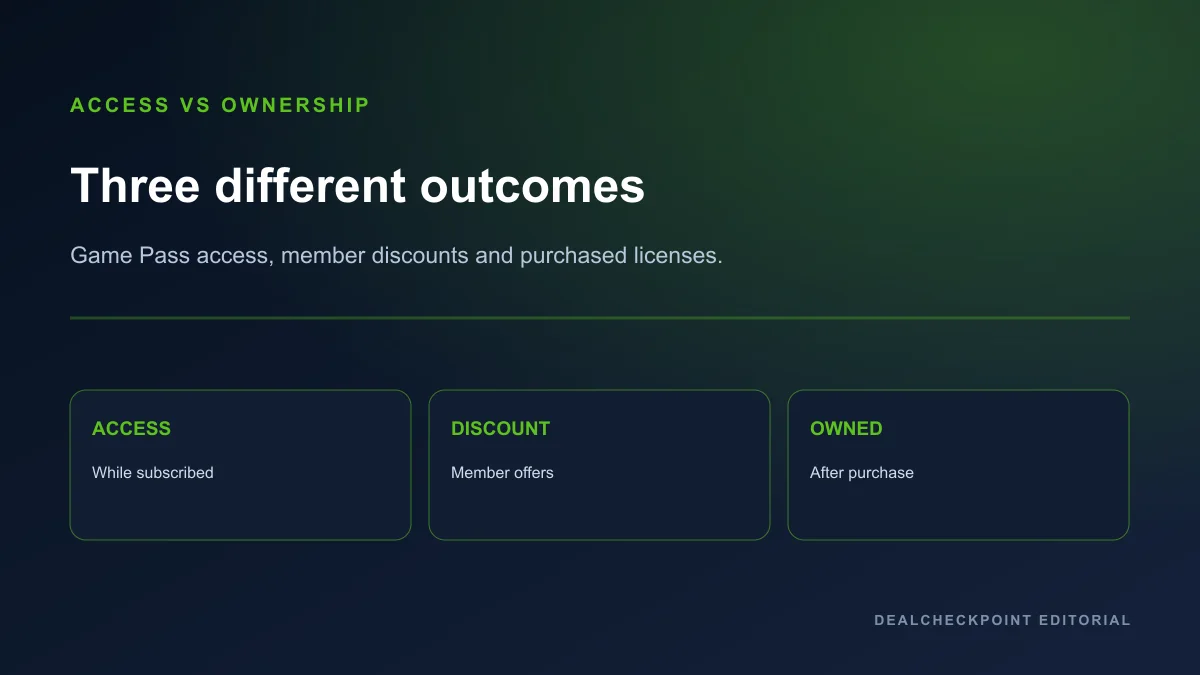
Progress and Xbox achievements often persist on your Microsoft account after cancellation, but you cannot launch Game Pass installs without an active entitlement or a purchased license. Cloud save behaviour varies by title.
Buying a member-discounted copy converts that SKU to ownership on your Microsoft account. Steam, Epic and GOG purchases remain separate libraries — Game Pass does not merge outside stores.
Game Pass access is not Play Anywhere ownership. Read Xbox Play Anywhere on PC explained for cross-buy rules on purchased Microsoft titles.
Cross-save between Xbox console and PC is also not automatic for every Game Pass title — that is a separate per-game feature from subscription access. Cross-play multiplayer likewise depends on each game’s networking stack, not on your Game Pass badge alone.
Cancellation, recurring billing and refund eligibility
Cancel recurring billing at account.microsoft.com/services or through the Xbox app before your next renewal date to stop future charges. Cancellation and refund are different actions. Turning off recurring billing prevents the next charge but does not automatically refund prior months.
Typical workflow: open Services & subscriptions, select PC Game Pass, choose Manage, then turn off recurring billing. You usually retain access until the end of the current paid period unless Microsoft’s live billing page states otherwise for your market.
Microsoft’s account billing help describes refund eligibility that varies by region, payment method and how recently the subscription renewed. Some first-time purchases may qualify for refund windows in supported markets; others may not. Third-party reseller codes follow the seller’s policy, not Microsoft’s web checkout rules.
Do not assume cancelling produces a refund. Do not assume every support request succeeds.
If you subscribed through a third-party bundle or prepaid card, cancellation paths may differ from direct Microsoft checkout. Read the receipt issuer’s terms before disputing a charge.
Who should subscribe
- Players who finish or sample multiple genres per quarter.
- Groups chasing day-one Game Pass releases on PC under current policy.
- EA Play dabblers who would otherwise buy several EA titles separately.
- Shoppers using member discounts to convert a finished Game Pass trial into a owned copy.
- Players evaluating best PC Game Pass games for newcomers who will actually install within the first week.
Who should skip
- One-game loyalists who already own their main title on Steam or another store.
- Mod-heavy players who need Steam Workshop or non-Microsoft clients for core hobbies.
- Slow marathon players who may not finish before rotation notices appear.
- Buyers who only want permanent keys on open PC stores.
- Shoppers comparing every title to full MSRP instead of realistic Steam sale prices — see should you wait for a Steam sale? for owned-copy timing.
Frequently asked questions
Is PC Game Pass the same as Xbox Game Pass Ultimate?
No. PC Game Pass is PC-only. Ultimate bundles console access, cloud gaming where available, online console multiplayer and other cross-device benefits at the higher US price checked Jul 22, 2026 ($22.99/month).
Does PC Game Pass include cloud gaming?
Not by itself. Xbox Cloud Gaming requires Essential, Premium or Ultimate on the current US plan comparison page checked Jul 22, 2026 — PC Game Pass alone does not bundle cloud streaming.
Do I keep games after canceling?
No. Game Pass installs stop launching unless you buy a license or resubscribe. Some save data may remain on your Microsoft account depending on the title.
Can I get a refund if I cancel immediately?
Maybe, depending on region, payment method and how recently you subscribed — but cancellation alone does not guarantee a refund. Read Microsoft’s current billing help before assuming a chargeback path.
Where should newcomers start?
Browse best PC Game Pass games for newcomers, then run the math in Is PC Game Pass worth it in 2026?.
How does this compare to buying on Steam?
Subscription access and Steam ownership solve different problems. For buy-now versus wait decisions on owned copies, read should you wait for a Steam sale?.
Final summary
Treat PC Game Pass as a month-to-month access budget tied to the current US $13.99/month standard rate checked Jul 22, 2026. Subscribe when you will actually play from the rotating PC catalog; cancel recurring billing when your queue goes idle; and buy member-discounted copies when you want to keep a finished game after access ends.
Game images are official promotional or store assets belonging to their respective publishers and are used for editorial identification and commentary. DealCheckpoint does not claim ownership of publisher artwork.