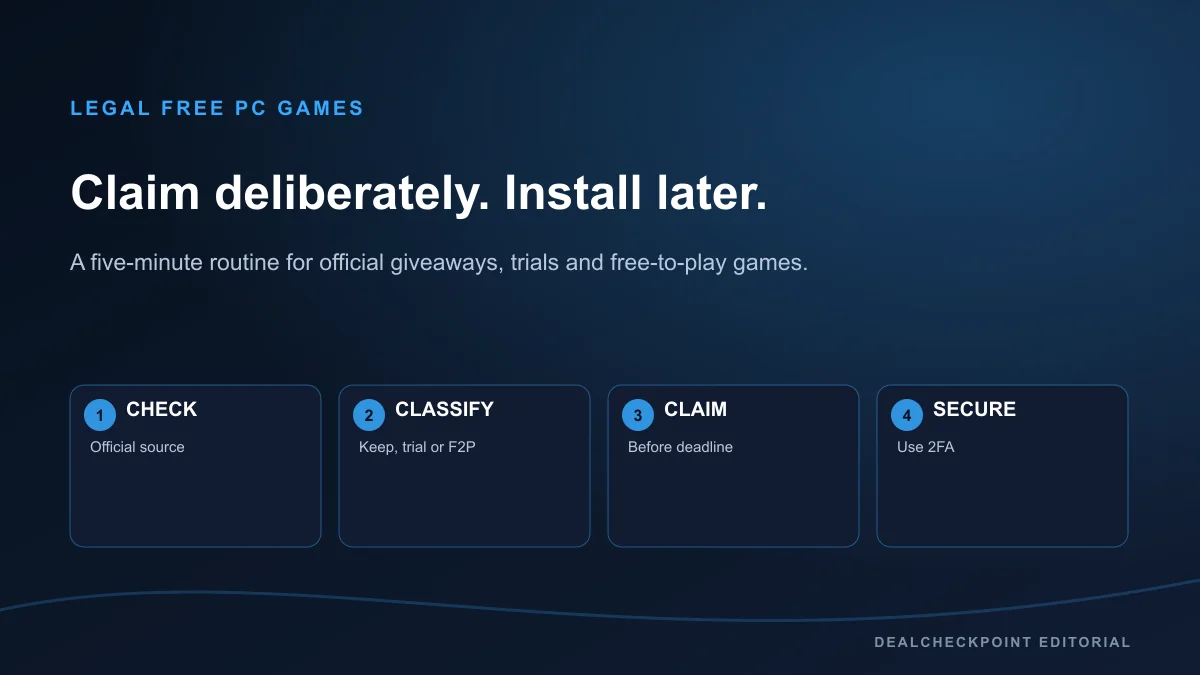
You can build a legal PC game library without visiting key resellers or installing mystery files. The reliable method is to check official storefronts on a short weekly schedule, identify what each offer actually grants, and claim only through the named store or publisher. Epic currently presents rotating free games, Amazon offers game claims as a Prime membership benefit, GOG publishes occasional giveaways, and Steam mixes permanent free-to-play games with temporary events. The title, deadline, region and launcher shown on the live official page always outrank a roundup.
The direct answer
Set one reminder each week. Open the official DealCheckpoint tracker, then verify every interesting item on the storefront before signing in. Read the offer label and end date, confirm that the account and region are correct, and complete the zero-price order only if the page says the game will be added to your library. A claim that requires an active paid membership is a benefit, not a no-strings-attached free game.
| Source | Offer type | Membership required | Typical timing | Keep permanently? | Main limitation | Official link||Epic Games Store | Free-to-keep | No | Current page presents a weekly rotation | Account license after a valid claim | Deadline and regional catalog | Epic Free Games||Prime Gaming | Membership claim | Eligible Prime membership | Rotating offers | Depends on the stated redemption terms | Membership and destination launcher | Amazon eligibility help||GOG | Giveaway or free catalog | Usually an account | Irregular | When the offer grants a library license | Campaign-specific steps | GOG News||Steam | Free-to-play, trial or giveaway | No general membership fee | Catalog and event dependent | Only when the specific offer says so | Offer types are easy to confuse | Steam Free to Play||Publishers | Giveaway, trial or beta | Varies | Irregular | Only under the stated campaign terms | Account, platform and region vary | DealCheckpoint sale calendar |
|---|
Know what “free” means before clicking
The zero on a button does not describe the license. Look for verbs such as “get,” “add to library,” “play free,” “trial,” or “included with Prime,” then read the adjacent terms. A free-to-keep promotion has a claim deadline and should create a library entitlement. A free-to-play title is already priced at zero and may sell optional content. A weekend promotion temporarily unlocks a paid game. A demo covers only part of a game. These categories answer different needs, so DealCheckpoint keeps them separate instead of presenting every zero-price item as ownership.
Best fit: players willing to use official store accounts and verify a short set of terms. Not a fit: anyone seeking cracked downloads, shared accounts, key generators or a promise of new premium games every day.
If the page does not state what is retained after the event, do not infer ownership from a promotional headline. Take a screenshot or save the confirmation email when the claim matters to you; the store account history is the final record.
The weekly five-minute routine
Use bookmarks rather than search ads or influencer links. The useful set is the Epic Games Store Free Games page, the Amazon Prime Gaming eligibility help page, GOG News, the Steam free-to-play browse page, and the Steam events hub. DealCheckpoint’s Free Games This Week tracker is the quick starting point; it is not a substitute for the live claim page.
Current availability status was checked on July 22, 2026. Offer catalogs and campaign pages are live data, so recheck them on the day you claim.
Avoid bookmarking a single game landing page as your weekly source. Campaign URLs expire, regional storefront paths change, and a publisher can move the claim button. A durable official hub is easier to verify.
Epic Games Store: verify the live weekly offer
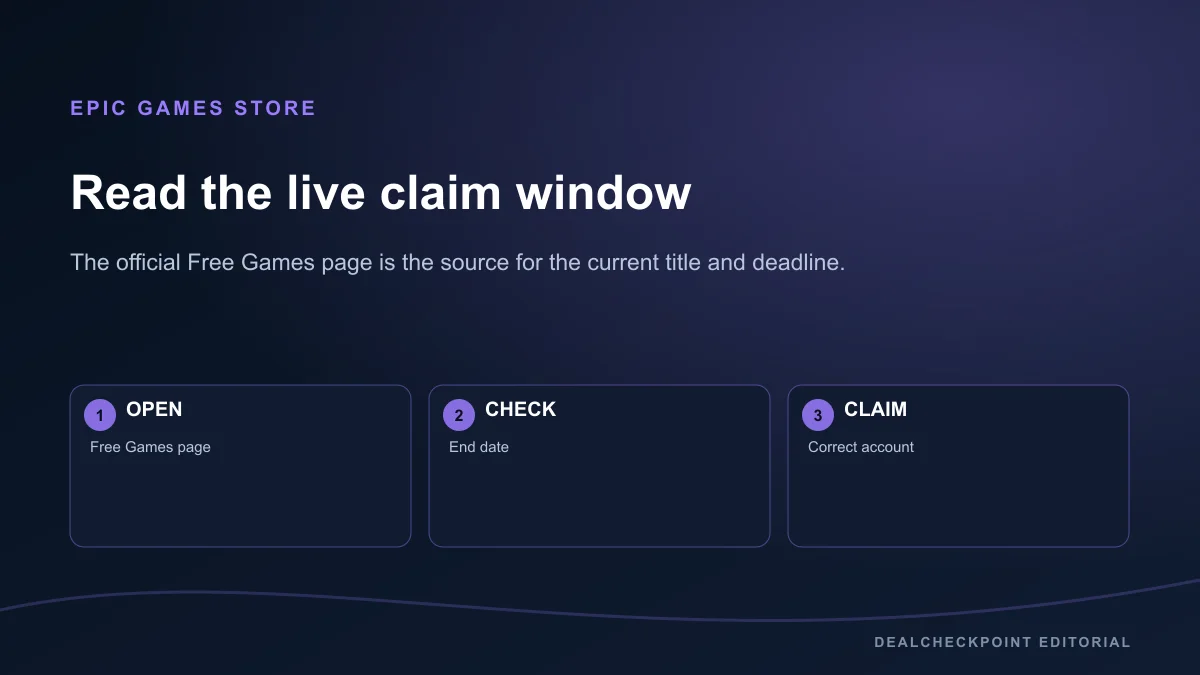
Epic’s official Free Games page currently says a new free game is available every Thursday. Treat that statement as the current presentation, not a permanent promise about every territory or every future week. The live tile supplies the game, local availability and countdown that matter for a claim. Sign in at Epic, open the offer from the official store, confirm that checkout totals zero, and finish the order before the displayed end time.
A claimed Epic license is associated with the Epic account used at checkout. The game may require an additional publisher account or launcher if the product page says so. Read that requirement before claiming when account linking is a concern.
Prime Gaming and Luna: a paid-membership benefit
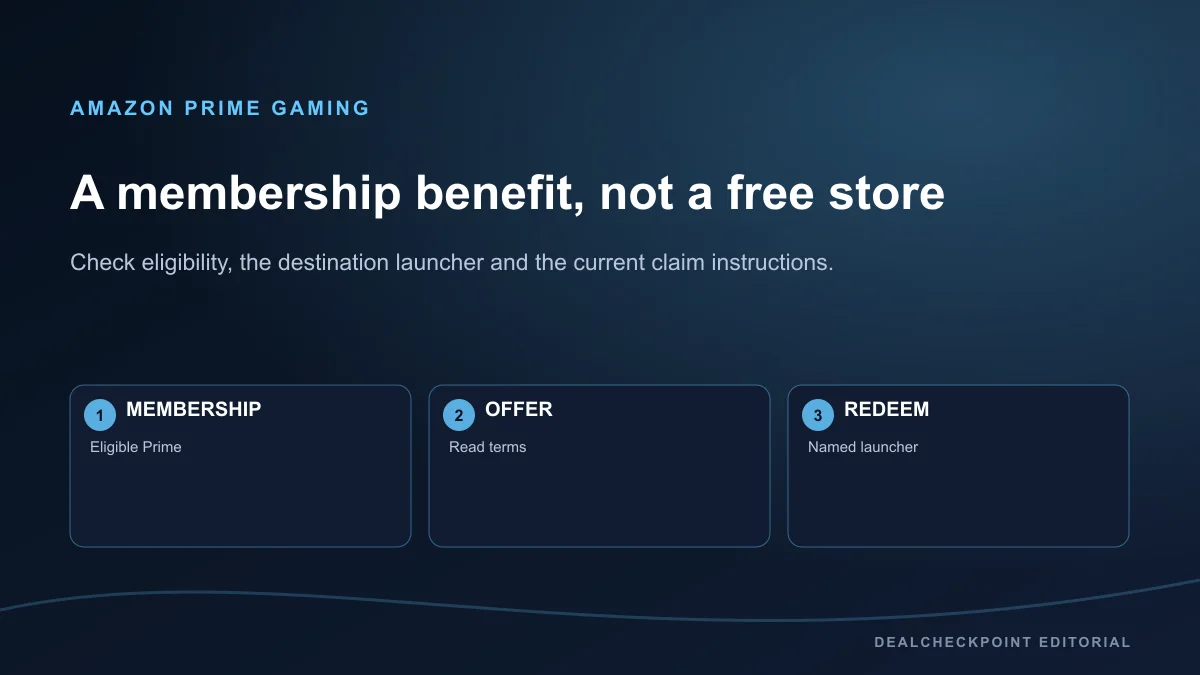
Amazon’s current help page lists game benefits for eligible Prime memberships and notes eligibility limits. That makes these offers different from a public storefront giveaway: Prime is paid or trial-based, and the claim can be restricted by membership, household, age or country. Amazon has also changed the way gaming benefits are presented across Prime Gaming and Luna pages, so use the current Amazon instruction attached to each offer rather than an old tutorial.
Before redeeming, check three details: whether your membership is eligible, where the resulting license will live, and whether a code or account link is required. Some offers redeem to another store or publisher launcher. The offer card, not the Prime logo alone, determines the destination and retention terms.
GOG: follow promotions, not a weekly promise
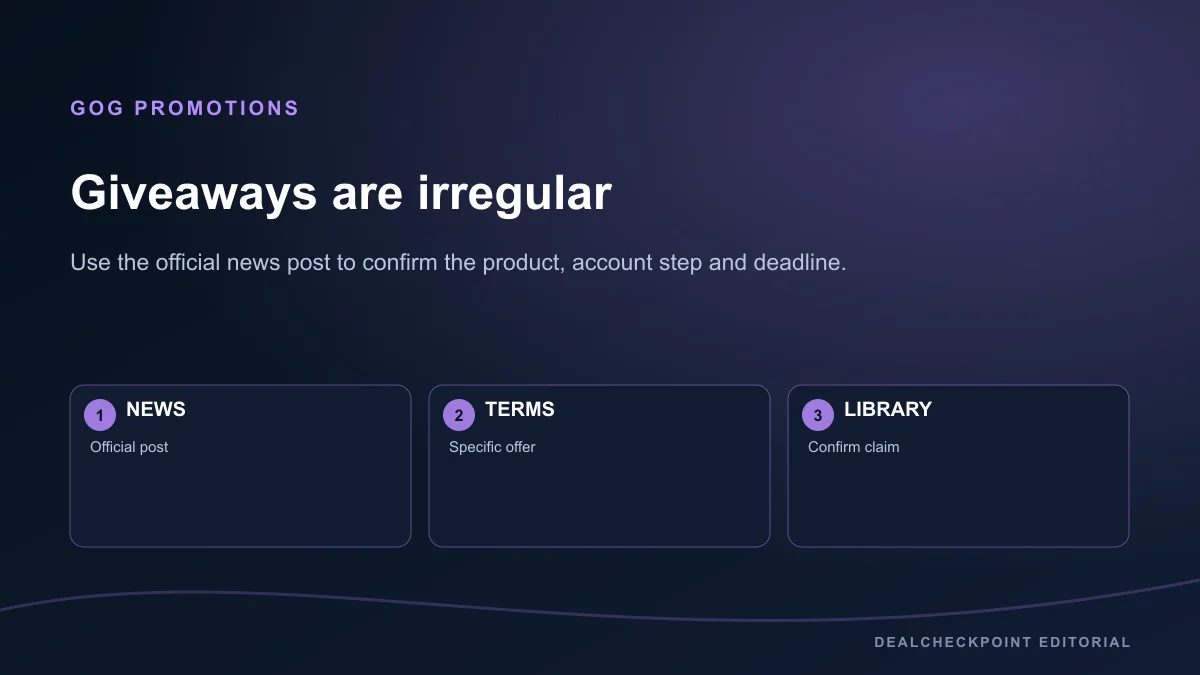
GOG publishes limited giveaways in official news posts and also maintains a free-games collection, but it does not promise the same weekly cadence as Epic. The news post should name the included product and deadline. Some promotions may require a GOG account, GOG Galaxy, a newsletter choice or another expressly stated step. Read that offer’s instructions rather than applying terms from a previous giveaway.
GOG is known for DRM-free installers, but do not turn that general store identity into a blanket claim for every promotion or bonus. Confirm the downloads and extras shown in your library after redemption.
Steam: separate free-to-play, events and free-to-keep
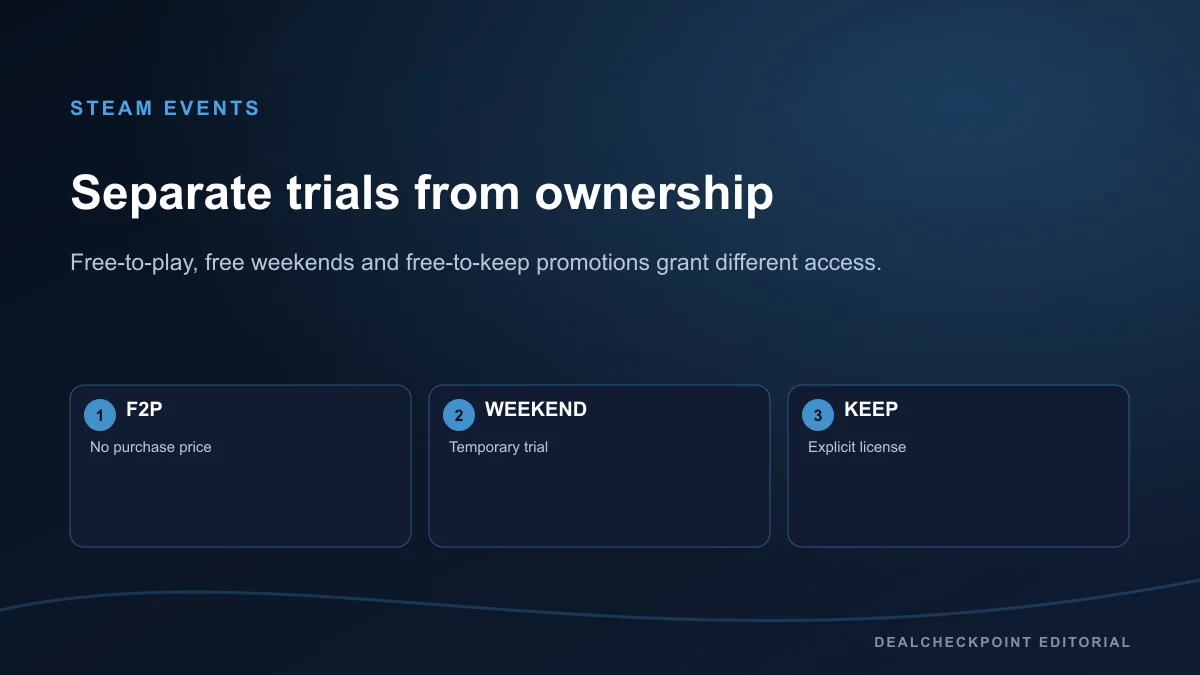
Steam’s free-to-play category is a catalog, not a giveaway calendar. A “Play Game” button on a free-to-play product does not mean a formerly paid game was gifted. Steam also hosts free weekends and festival demos; those are useful trials but generally end with the event. Only describe an offer as free-to-keep when the official product or event page explicitly says the license can be added and retained.
For event discovery, review the official event page and the individual product page. Confirm whether progress carries into a purchase, whether online service is required, and whether the promotion covers the base game or only a mode.
Publisher promotions and other legitimate sources
Publishers sometimes run free weekends, anniversary gifts, beta tests or launcher-specific giveaways. Start from the publisher’s verified website or launcher news feed. A legitimate promotion should identify the product, platform, dates and account requirement. Community posts can alert you, but they should link back to the primary source before you sign in.
A public-domain game, an open-source release and a commercial giveaway are also different categories. Each can be legal, but each has different license terms. Do not download a commercial title from an archive or file host merely because a post calls it “abandonware.”
How to verify that an offer is legitimate
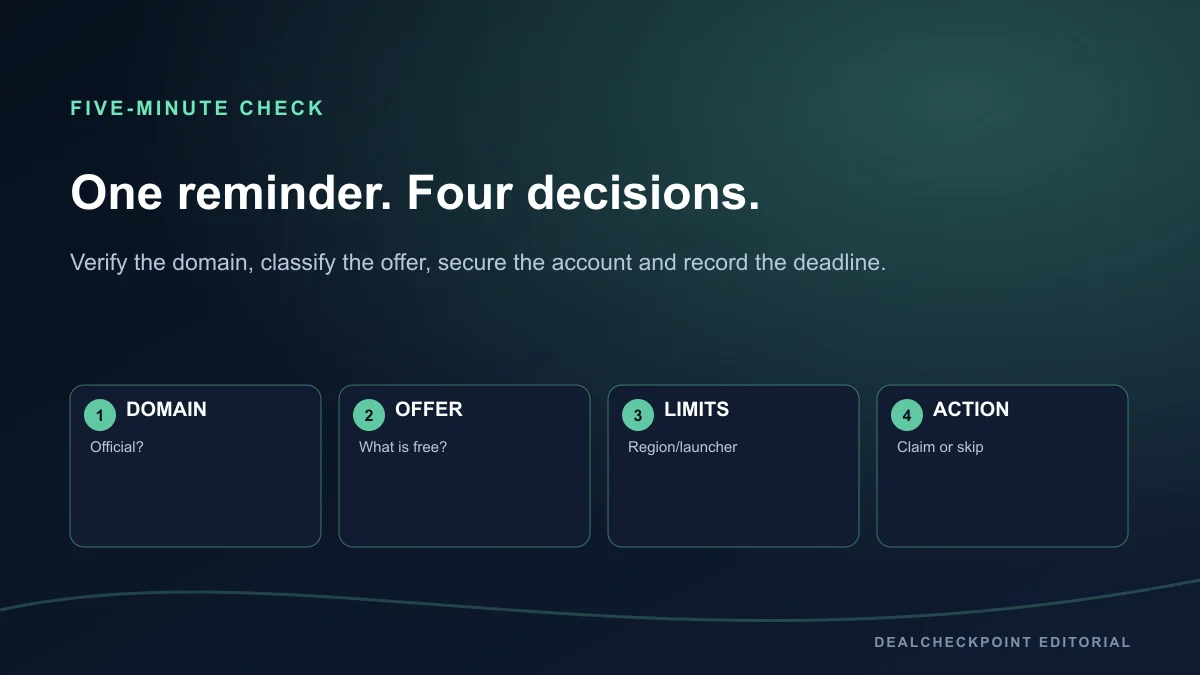
- Open the weekly free-games tracker and shortlist offers you would actually play.
- Open each official claim page in a new tab; ignore copied buttons and shortened links.
- Classify the offer as free-to-keep, free-to-play, temporary access, demo or subscription benefit.
- Check the displayed deadline, region, launcher, account and base-game or DLC requirement.
- Sign in on the official domain, complete the claim, and confirm the item appears in the correct library.
Do this once near the start of the platform’s current offer window and once before a saved deadline if an account issue blocked the claim. There is no benefit to repeatedly refreshing a completed order.
Account security and scam warning
- Confirm the browser address belongs to the store or publisher.
- Read the product title and edition; DLC may require a separately owned base game.
- Check that the total is zero and that no recurring membership is being started unintentionally.
- Confirm the correct account and region before submitting.
- Read any third-party launcher or account-link requirement.
- Look for a library or order-history confirmation after checkout.
- Save a receipt when the store sends one.
Never paste a password, backup code or Steam Guard code into a third-party giveaway form. A promotion that distributes an authorized key should still explain who provides it, where it activates and what region it covers.
Use a unique password for each important account, secure the associated email address, and enable the store’s strongest available second factor. Epic’s security guidance recommends an authenticator app and warns that Epic asks for passwords only on official sign-in pages. Steam Support likewise says to enter a Steam password only on official Steam websites and that support representatives will not ask for it.
Stop when a page promises an unreleased premium game for completing surveys, asks you to install a claim tool or key generator, requests remote access, sells a shared account, or hides the activation platform. Verify the final domain, do not use VPN region switching to bypass terms, and identify whether the offer is a game, DLC, cosmetic or limited key raffle.
Claim now, install later
For a free-to-keep offer, finish the zero-price order and confirm the library entitlement before the deadline. You normally do not need to download the game during that window, so claiming first avoids a large install becoming the reason you miss an offer. Follow a different instruction only when that specific official campaign clearly requires another activation step.
A free-to-play install is different: there may be no timed ownership claim at all. A temporary trial can require installation before the event ends, but access still expires according to the event terms.
Regional and launcher limitations
Offers can vary by country because of publishing rights, ratings, tax rules or service availability. A global announcement does not prove that the same product is claimable in every storefront region. Use the region attached to your real account and avoid location workarounds that may breach store terms.
A PC label also does not guarantee compatibility with your operating system or device. Check the product’s system requirements. Launcher requirements matter after the claim: an Epic entitlement does not automatically become a Steam entitlement, and an Amazon benefit may redeem elsewhere. Cross-save and cross-progression need separate official confirmation.
Weekly checklist
- Check the verified weekly tracker.
- Open the official destination.
- Identify free-to-keep, free-to-play, trial or membership access.
- Verify region, account, launcher and deadline.
- Complete the claim and confirm the library entitlement.
- Install later when the offer permits it.
FAQ
Are Epic Games Store weekly games really free to keep?
When the live Epic offer says the game can be claimed for zero and added to your library, complete the order during its displayed window. The resulting license is tied to that Epic account and remains subject to Epic and publisher terms.
Is Prime Gaming free?
No. Its game offers are benefits for eligible Prime memberships or trials. Check the current Amazon eligibility page and each offer because the redemption launcher and retention terms can differ.
Does a Steam free weekend add the full game permanently?
Usually it provides temporary access for the event. Only treat it as permanent when the official Steam page explicitly describes a free-to-keep license.
Can a giveaway be unavailable in my country?
Yes. Store regions, publisher rights, age rules and service availability can change eligibility. The live official page for the region on your account is the deciding source.
Do I need to install a game before the giveaway ends?
Usually the important step is completing the claim and confirming the library entitlement. Install timing can differ, so follow any extra instruction shown on that specific official offer.
Final routine
Use Free Games This Week to build the shortlist, verify every claim on its official regional page, and browse free-to-play PC games separately so permanent zero-price catalogs do not get mixed with timed giveaways. Check the sale calendar for major platform events and apply the real PC deal checklist when an offer asks for payment. This routine can build a useful legal library over time, but it does not guarantee a constant supply of new AAA releases. Claim selectively, record the entitlement, and install when you are ready to play.