Quick answer: a giveaway is a normally paid game you must claim before a deadline to keep forever. A free-to-play (F2P) game has no purchase price and no claim window — you can install it any day. Mixing the two labels is how people miss Epic Thursday claims or waste time “rushing” permanent F2P downloads.
Side-by-side comparison
| Label | What it means | Deadline? | Owned forever after claim? | Typical examples | Official check | |
|---|---|---|---|---|---|---|
| Free-to-keep giveaway | Paid SKU offered at $0 for a short window | Yes — miss it and the price returns | Yes, if claimed in time on that store account | Epic weekly free games, some Prime/GOG promos | Epic Free Games page | |
| Free-to-play | No upfront price | always downloadable | No claim window | License is to play under live-service rules — not a paid SKU gift | Warframe, Dota 2, Fortnite, CS2 | Publisher / Steam F2P pages |
| Free weekend / Free Play Days | Temporary trial access | Yes | Usually no — access ends when the trial ends | Xbox Free Play Days | Xbox Wire / store trial notes |
Fit and not a fit
Fit: players who want to stop confusing “free this week” with “always free.” Not fit: anyone looking for cracked installers or grey-market “free keys.”
What ‘keep forever’ actually means
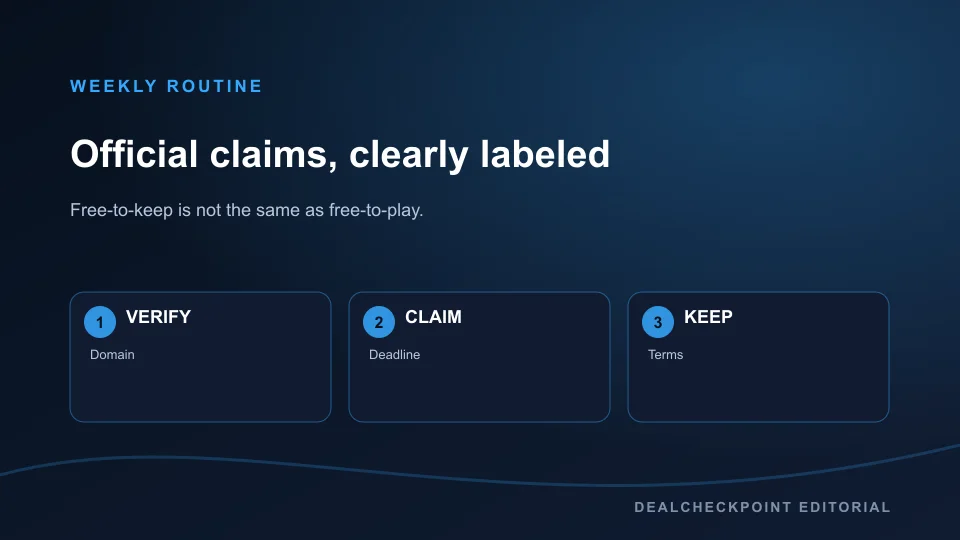
For a verified free-to-keep promotion, claiming the offer during its live window normally attaches that game licence to the store account used at checkout. You usually do not need to download the game before the deadline; the important step is completing the store’s $0 transaction and confirming that the title appears in your library or order history. Always read the individual offer terms because regions, age restrictions, account requirements and editions can differ.
‘Keep forever’ is useful shorthand, not a promise that every online service will operate forever. The licence remains tied to the account under that store’s terms, but a publisher can retire servers, remove online features or stop supporting a live-service game. The entitlement also does not move between stores: claiming an Epic version does not create a Steam licence, and a console claim does not automatically include a PC copy unless the product explicitly supports cross-buy.
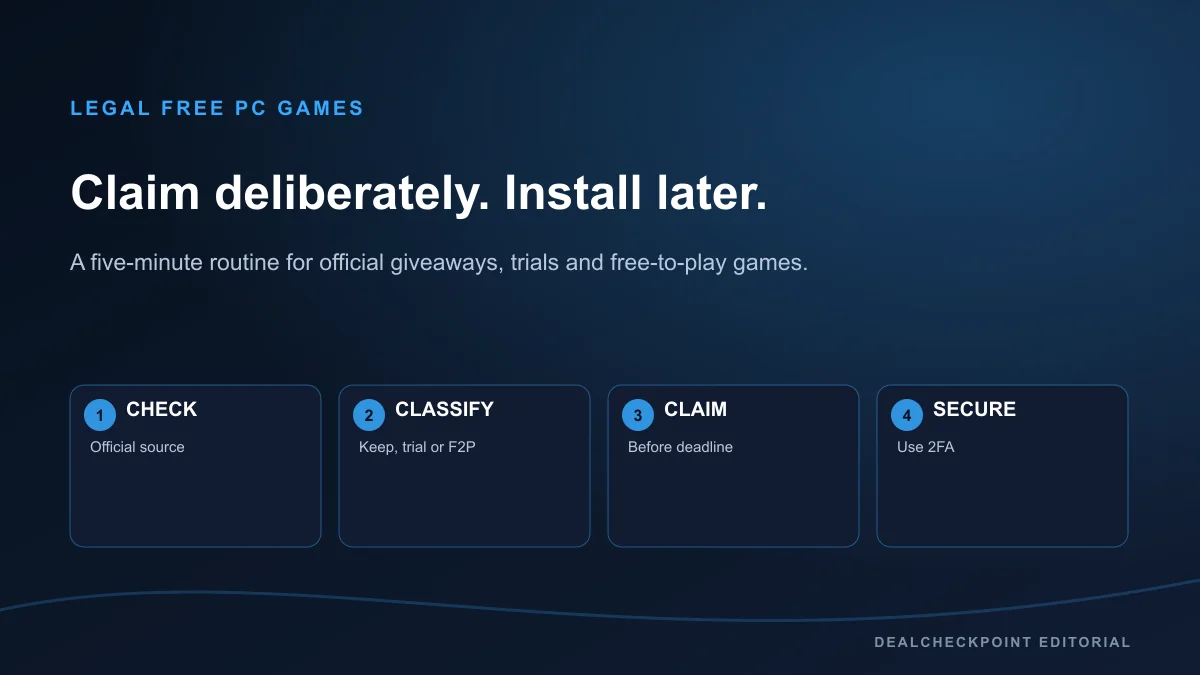
A 60-second verification routine
1. Open the publisher or storefront’s official product page instead of following an unknown key link. Check that the web address belongs to Epic, Steam, GOG, Xbox, Amazon or the named publisher.
2. Confirm the exact label. ‘Get’ with a $0 checkout commonly signals a giveaway; ‘Play Game’ or ‘Install’ on a permanently free product normally signals free-to-play; ‘Free Weekend’, ‘Free Play Days’ or trial wording means temporary access.
3. Read the deadline and timezone. A headline saying ‘this week’ is not enough, especially when the store rotates offers globally. Use the date and time on the live product page.
4. Check the edition and dependency. Some promotions give DLC, a starter pack or an in-game item that requires the base game. Others provide a subscription benefit rather than a standalone store licence.
5. Finish the official checkout and save the receipt. Confirm the game appears in your library or transaction history before closing the page.
Common mistakes that make a free offer disappointing
A free weekend is not a free-to-keep game. Access usually closes when the event ends, although progress may remain if you later buy the same version. A free-to-play game is also not a temporarily discounted paid game: there is no reason to rush the base-game install, but optional characters, cosmetics, expansions or faster progression may cost money.
Prime Gaming and similar membership offers need extra care. The benefit may require an active subscription, a linked publisher account or redemption through a separate launcher. Some rewards are full games, while others are cosmetic packs or in-game currency. Read the reward title, delivery method and membership terms before treating it as ownership.
DLC giveaways can look like complete games in social posts. On the official page, look for phrases such as ‘downloadable content’, ‘base game required’, ‘starter pack’ or ‘add-on’. If the checkout page names another required product, the offer is not a standalone playable game.
Account safety and proof of ownership
Use the store’s official site or launcher, enable two-factor authentication and never enter credentials into a giveaway form hosted on an unrelated domain. Legitimate platform promotions do not need cracked files, key generators, remote-access software or payment outside the listed storefront. A $0 order receipt, library entry and account transaction record are the best proof that a claim completed successfully.
If an offer asks you to connect another account, inspect the permission screen and confirm the named publisher relationship. Remove unused connections later, keep recovery details current and avoid buying or trading accounts: the entitlement belongs to the account that legitimately claimed it, not to a screenshot or a shared password.
How DealCheckpoint labels them
Giveaway cards emphasize claim-by dates. Free-to-play cards emphasize install and play without a keep-forever claim clock. Trial cards state when access ends, while membership offers identify the subscription or linked account they require. When several types appear together, read the verdict, price, platform and deadline fields before acting.
Do I need to install a giveaway before the deadline?
Usually no. For a normal free-to-keep store promotion, completing the $0 claim during the offer window is what matters. Confirm the licence in your library or order history, and follow any different instructions shown on that offer’s official page.
Can a free-to-play game disappear?
Yes. Free-to-play describes the entry price, not a lifetime availability guarantee. Publishers can close servers, change supported regions or platforms, or adjust monetisation. Check the current official service status before investing substantial time or money.
Current availability status
Epic’s free-games rotation and publisher F2P catalogs change weekly. This explainer’s definitions were checked against Epic’s Free Games destination on July 20, 2026 — always open the live store page for the current offer window.