Fit and not a fit
Fit: players who already know a title lives outside Steam and need the correct official launcher. Not fit: anyone hoping these games appear on Steam tomorrow, or looking for keyshop installers instead of publisher clients.
Current availability status
Launcher requirements and storefront ownership change. Entries were checked against official publisher destinations on July 20, 2026. Always open the publisher’s current download page before installing.
Steam is the default PC storefront, but several of the world's most-played games never appear there at all. They run on Riot Client, HoYoPlay, Epic Games Store, Battle.net, Minecraft Launcher, RSI or another official client — so they will not show up in Steam search, wishlists or Steam price comparisons. This guide lists only games that are not sold as Steam products, with the launcher you need and what each one is for.
How we chose these games
Every title below was checked against the Steam store: if a game has an official Steam store page as a primary PC distribution channel, it is out of scope here. Apex Legends, Warframe, Guild Wars 2, Overwatch 2 and Call of Duty: Warzone are on Steam and therefore not on this list — even when they also use another launcher.
1. League of Legends — Riot Client
The definitive free 5v5 MOBA. Install through the Riot Client from leagueoflegends.com. Competitive ranked play, frequent balance patches and a huge esports scene. Cosmetics are optional; the full game mode rotation is free.
2. VALORANT — Riot Client
Tactical 5v5 gunplay with agent abilities. Free on the Riot Client. Best if you want precise shooting plus ability utility rather than a pure classic FPS.
3. Teamfight Tactics — Riot Client
Riot's auto-battler, also free via Riot Client. Draft, position and outthink the lobby in short rounds. Ideal if you like strategy without a full MOBA commitment.
4. Fortnite — Epic Games Store
Battle royale, creative modes and live events. Install from the Epic Games Store / Epic launcher — not Steam. The core battle royale modes are free-to-play.
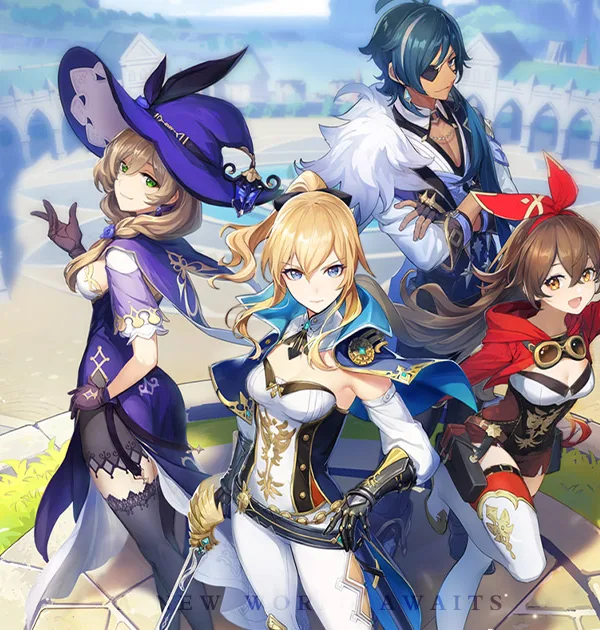
5. Genshin Impact — HoYoPlay
HoYoverse's free open-world action RPG. Download via HoYoPlay. Exploration and story are free; the gacha is optional. Not distributed on Steam.
6. Honkai: Star Rail — HoYoPlay
Turn-based space fantasy RPG from HoYoverse, free through HoYoPlay. Strong story and character builds without a Steam listing.
7. Zenless Zone Zero — HoYoPlay
Urban action RPG / stylish combat from HoYoverse on HoYoPlay. Free-to-play with optional purchases; not on Steam.
8. World of Warcraft — Battle.net
Blizzard's classic MMORPG lives on Battle.net only. Subscription-based retail WoW is not sold as a Steam product. Create a Battle.net account and install from battle.net.
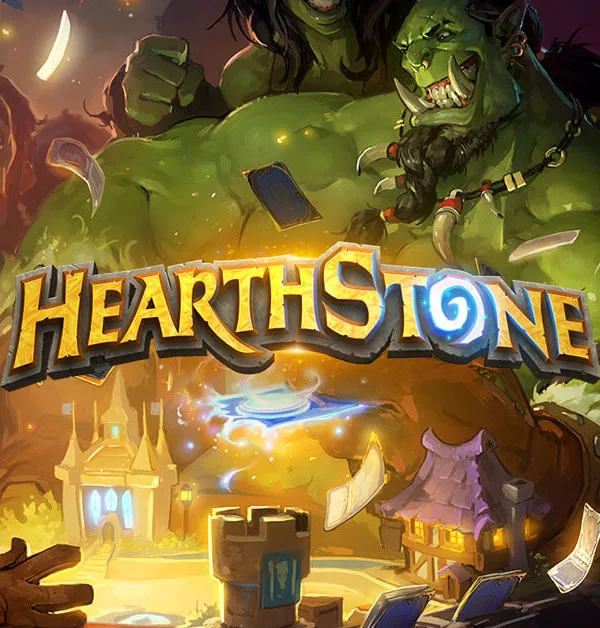
9. Hearthstone — Battle.net
Blizzard's free digital card game. Battle.net exclusive on PC. Core modes are free; card packs and cosmetics are optional.
10. Diablo Immortal — Battle.net
Blizzard's free-to-play ARPG on Battle.net for PC. Not a Steam product. Expect live-service monetisation — try the free combat loop before spending.
11. StarCraft II — Battle.net
Blizzard's RTS campaigns and multiplayer remain on Battle.net. Wings of Liberty's multiplayer core has long been free-to-play via Battle.net, not Steam.
12. Minecraft — Minecraft Launcher
Java and Bedrock editions are sold and launched through Minecraft / Microsoft accounts — not Steam. Buy and install from minecraft.net.
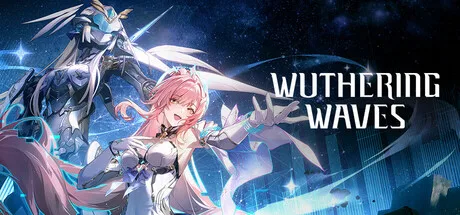
13. Wuthering Waves — Kuro Launcher
Kuro Games' free open-world action RPG. Install with the official Kuro launcher. Not listed as a Steam game.
14. Star Citizen — RSI Launcher
Cloud Imperium's ambitious MMO sandbox. Pledge and install through robertsspaceindustries.com / the RSI launcher. There is no Steam store page for the live game.
15. Rocket League — Epic Games Store
Car soccer is free-to-play on the Epic Games Store after leaving Steam. Install through Epic — Steam owners were migrated; new players use Epic.
16. Fall Guys — Epic Games Store
Party battle royale, free on Epic Games Store. Not sold as a Steam product for new installs.
17. osu! — Official osu! client
The rhythm game downloads from osu.ppy.sh. Community beatmaps and ranked play run through the official client, not Steam.
Quick comparison
| Game | Launcher | Access | Best for |
|---|---|---|---|
| League of Legends | Riot Client | Free-to-play | Competitive MOBA |
| VALORANT | Riot Client | Free-to-play | Tactical FPS |
| Fortnite | Epic Games Store | Free-to-play | Battle royale / live events |
| Genshin Impact | HoYoPlay | Free-to-play | Open-world exploration |
| World of Warcraft | Battle.net | Subscription | Classic MMORPG |
| Minecraft | Minecraft Launcher | Paid | Sandbox creation |
| Star Citizen | RSI Launcher | Paid pledge | Ambitious MMO sandbox |
| osu! | osu! client | Free-to-play | Rhythm / competitive aim |
What about games that use Steam and another launcher?
Many big titles (Apex Legends, Warframe, Guild Wars 2, Overwatch 2, Destiny 2, Path of Exile) appear on Steam and may also offer a publisher launcher. Those games are covered elsewhere on DealCheckpoint under Steam prices and free-to-play guides — they do not belong on a not-on-Steam list.
Where to go next on DealCheckpoint
Open any of the related Play guides on this page for launcher details, FAQs and whether the game is free-to-play or paid. For weekly free-to-keep giveaways (Epic and others), use Free games this week. For Steam discounts, use Deals.