Steam Deck support is decided game by game. DealCheckpoint uses Verified only when Valve's Deck Verified system applies that badge, Playable when Valve lists manual caveats, and Unsupported when a title is currently not functional on stock SteamOS. Windows installs, unofficial launchers and cloud workarounds are labelled separately because they change the setup, support and offline experience.
The short answer
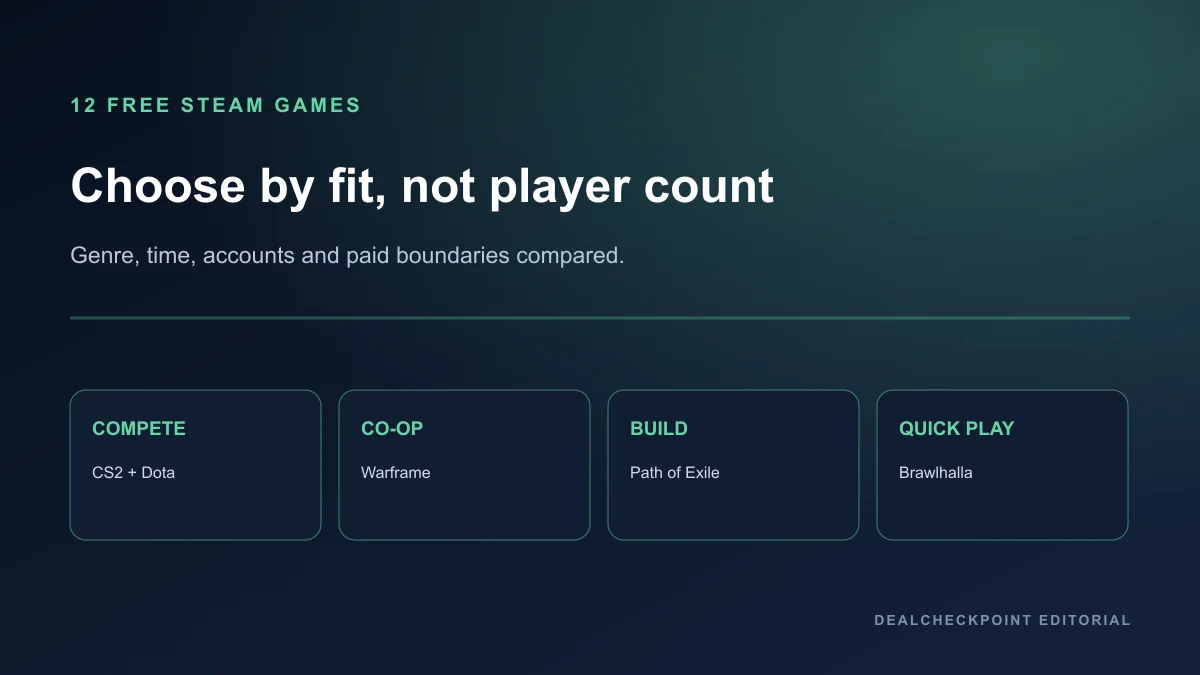
Start with Warframe or Brawlhalla if you want the lowest-friction choices in this shortlist: both currently carry Valve's Verified badge on their Steam records. Counter-Strike 2 is Playable rather than Verified. Apex Legends is not an active stock-SteamOS recommendation, while Fortnite is a cloud-streaming case rather than a native install. Genshin Impact has no official SteamOS path documented by HoYoverse.
What Valve's four labels mean
| Valve label | What it tells you | What it does not promise | Decision |
|---|---|---|---|
| Verified | Valve says input, display, launcher and system-support checks pass | A fixed frame rate or battery-life target after every update | Best first filter |
| Playable | The game works but may require manual input, launcher or display adjustments | A console-like setup with no intervention | Read every compatibility detail |
| Unsupported | Valve says the game is currently not functional on Deck | That it can never change after an update | Skip on stock SteamOS |
| Unknown | Valve has not completed a compatibility review | That the game definitely works or fails | Research before downloading |
Valve's standard covers controller input, the 1280x800 or 1280x720 display, readable text, launcher navigation and system support including Proton middleware and anti-cheat. Those checks are more useful than a generic handheld list, but they are not a DealCheckpoint performance test. Battery life, heat and frame pacing can still vary with settings and updates.
Current compatibility shortlist
| Game | Official status or path | Stock SteamOS install? | DealCheckpoint decision | Checked |
|---|---|---|---|---|
| Warframe | Valve Verified | Yes | Best fit for long-form co-op progression | Jul 26, 2026 |
| Brawlhalla | Valve Verified | Yes | Best fit for small downloads and short sessions | Jul 26, 2026 |
| Counter-Strike 2 | Valve Playable | Yes, with caveats | Try only if handheld competitive controls suit you | Jul 26, 2026 |
| Apex Legends | Unsupported after Linux anti-cheat change | No active recommendation | Use a supported system instead | Jul 26, 2026 |
| Fortnite | Epic documents cloud access, not native Deck play | Cloud only | Treat as streaming, not a Deck install | Jul 26, 2026 |
| Genshin Impact | No official SteamOS support path | Not recommended here | Use an officially supported platform | Jul 26, 2026 |
Best overall: Warframe
Warframe is the strongest fit here for players who want a substantial co-op game that can live on the Deck for months. Its mission structure suits short sessions, while progression, crafting and story systems provide a much longer runway. The trade-off is density: menus, resources and years of accumulated systems can overwhelm a new player, and a Verified badge does not simplify the game's learning curve.
Choose Warframe if portable co-op progression matters more than immediate clarity. Skip it if you want a self-contained campaign with a clean ending or dislike free-to-play crafting timers and layered currencies. Check the current storage requirement before installing because live-service games grow over time.
Best for quick sessions: Brawlhalla
Brawlhalla is the easier recommendation for a small, repeatable competitive game. Matches are short, controller play is central, and the free rotation lets you learn the platform-fighter structure before deciding whether to unlock more Legends. Monetisation focuses on roster access and cosmetics rather than buying a separate premium campaign.
It fits commuters and shared-device households better than a giant always-updating install. It is not the right choice if you want grounded traditional fighting-game systems or a story-led solo mode. Local and online play solve different needs, so confirm the mode you care about before treating it as your default Deck fighter.
Counter-Strike 2: Playable is not Verified
Counter-Strike 2 can run through SteamOS, but Valve's Playable classification means the experience carries caveats. The bigger decision is control fit: a competitive mouse-led shooter can technically launch yet still be a poor personal match on handheld controls. Text size, community layouts and precision expectations matter more here than the free price.
Use it if you already understand Counter-Strike and want portable practice or casual access. Do not install it solely because a list calls every Playable game 'Deck-friendly.' Open the compatibility details inside the Deck store before downloading; Valve can revise the review when the game or Proton layer changes.
Apex Legends: old compatibility lists are no longer enough
EA's official Linux and anti-cheat update is the reason Apex Legends is excluded from active stock-SteamOS recommendations. Old articles and videos may describe a period when it worked, but that history is not evidence of current support. For a live competitive title, the publisher's present anti-cheat position outweighs an outdated roundup.
Installing Windows creates a different device configuration and support burden; it does not turn the SteamOS status into Verified. DealCheckpoint does not present that route as a one-click workaround. Players who mainly want Apex should use a currently supported PC or console rather than buying a Deck around an unofficial expectation.
Fortnite: cloud access is not native support
Epic Support directs Steam Deck users toward cloud gaming rather than a direct SteamOS installation. Streaming can be useful, but it depends on connection quality, service availability, account linking and latency. It also changes the travel story: a streamed game is not available offline just because the Deck has enough local storage.
Choose the cloud path only if you already have a stable connection and accept those limits. Do not compare its battery, storage or responsiveness with a locally installed Verified title. The correct label for this guide is cloud workaround, not 'runs on Steam Deck.'
Genshin Impact: no official SteamOS route
HoYoverse's official PC requirements describe Windows support. Community launchers and compatibility methods may exist, but they add account-security, update and support questions that a beginner guide should not hide. We therefore do not rank Genshin Impact as a supported stock-SteamOS recommendation.
If Genshin is your priority, use an officially supported PC, mobile or console path. If you want a free portable progression game specifically for Deck, Warframe is the clearer fit from this shortlist because the platform compatibility claim is visible in Valve's own system.
Storage, controls and account friction
Free does not mean low-cost in every practical sense. Live-service downloads compete for internal storage, updates consume bandwidth, and publisher accounts add login steps. A title can be Verified while still asking for a separate account, a permanent internet connection or enough storage to crowd out several smaller games. Decide which inconvenience you tolerate before starting the download.
Controls deserve the same attention. Controller-led action or platform fighting usually translates more naturally than a precision shooter built around mouse input. Valve's badge tells you whether the interface meets compatibility criteria; it cannot decide whether you personally enjoy that genre on a seven-inch handheld.
Before you install a free live-service game
- Open the game's Steam page on the Deck and read the current compatibility details, not only the badge color.
- Confirm the download and installed size, then leave room for updates and shader data.
- Check whether the game requires a separate publisher account or launcher.
- Read the anti-cheat status for competitive multiplayer titles.
- Decide whether handheld controls fit the genre; technical launch support is not the same as personal comfort.
- Install one large game at a time and test menus, text and suspend behavior before filling the drive.
- Re-check the official status after a major game or SteamOS update.
Who this guide is for
Fit: Steam Deck owners who want an evidence-based shortlist and are willing to match the compatibility label to the type of game they actually play. Not a fit: readers looking for unsupported performance promises, unofficial account workarounds or a claim that every free PC game becomes portable because the Deck is a PC.
Does Verified mean 60 FPS?
No. Valve's label covers compatibility criteria such as input, display, seamless operation and system support. It is not a permanent 60 FPS, graphics-quality or battery-life guarantee. Current player reports can add context, but the official badge remains the compatibility baseline used here.
Can a rating change later?
Yes. Valve says its review process is ongoing, and game updates, Proton improvements or anti-cheat changes can alter compatibility. This page records the date of its source check so readers can distinguish a current decision from an old recommendation.
Current-status check
Compatibility and support paths were source-checked July 26, 2026. Re-check Valve's live compatibility details and the linked publisher support page immediately before a large download, especially for competitive games that depend on anti-cheat.