The Sims 4
Create people, build homes, and tell your own stories.
VRCHAT INC. · STEAM
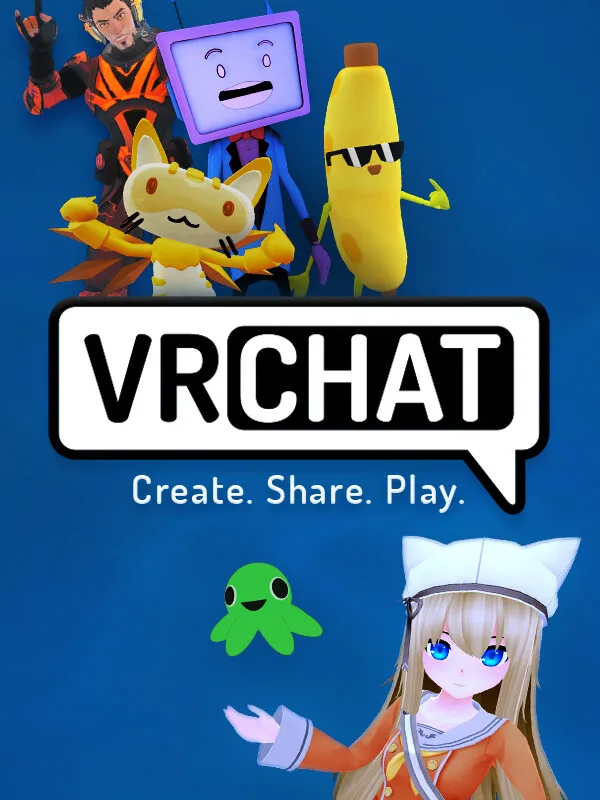
Hang out in thousands of player-made worlds.
VRChat is a free-to-play social platform built almost entirely by its community. You pick or build an avatar and explore an endless, ever-growing library of player-made worlds — from games and clubs to art galleries and hangout spaces. Despite the name, it does not require a VR headset; it runs fine in desktop mode on PC through Steam, which is a big reason it consistently ranks among Steam's most-played free titles.
It is unmoderated in places and very open-ended, so quality of worlds and lobbies varies a lot.
VRChat is free to play and available on Steam. Install it straight from Steam, or use the official VRChat Inc. site, then create or sign in to your account and you are ready to play. Its pricing and availability are always managed by VRChat Inc. on the official channels.
MORE LIKE THIS
FAQ
Yes — VRChat is free to play. You can download and start playing at no cost via Steam. It may offer optional purchases, but they are not required to play.
Yes — VRChat is on Steam, where it is free to play. You can install it straight from your Steam library.
You can install VRChat from Steam, or from the official VRChat Inc. site. Create the required account, then install and launch the game.
VRChat is a social sandbox game by VRChat Inc.. A free social platform where you explore thousands of user-created worlds as a custom avatar — playable with or without a VR headset.
Compare live prices and find discounts on thousands of PC games across Steam, Epic, GOG and 14+ stores.