WHAT YOU SHOULD KNOW
DealCheckpoint take
- Free to play
What stands out
- No independent performance testing is available yet
Potential concerns
Pre-release store information can change, and hands-on performance or balance cannot yet be verified.
Solo or co-op?
The current Steam record does not clearly confirm a co-op mode, so treat this as a solo-first recommendation until the developer says otherwise.
Wishlist if
- the official footage and stated feature set match what you want to play
Wait if
- you need launch reviews or verified PC performance
- your PC does not comfortably meet the official requirements
Official description
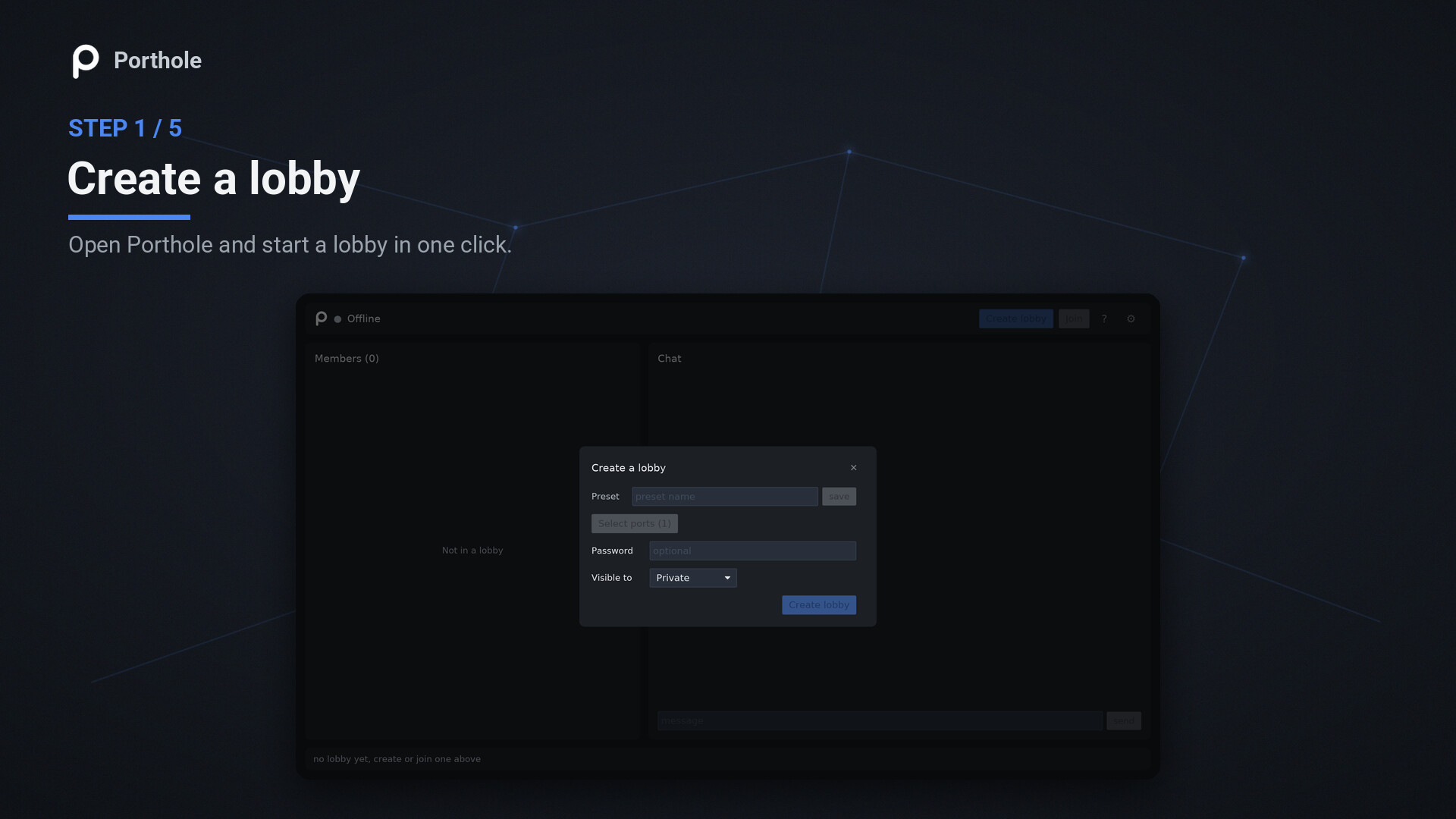
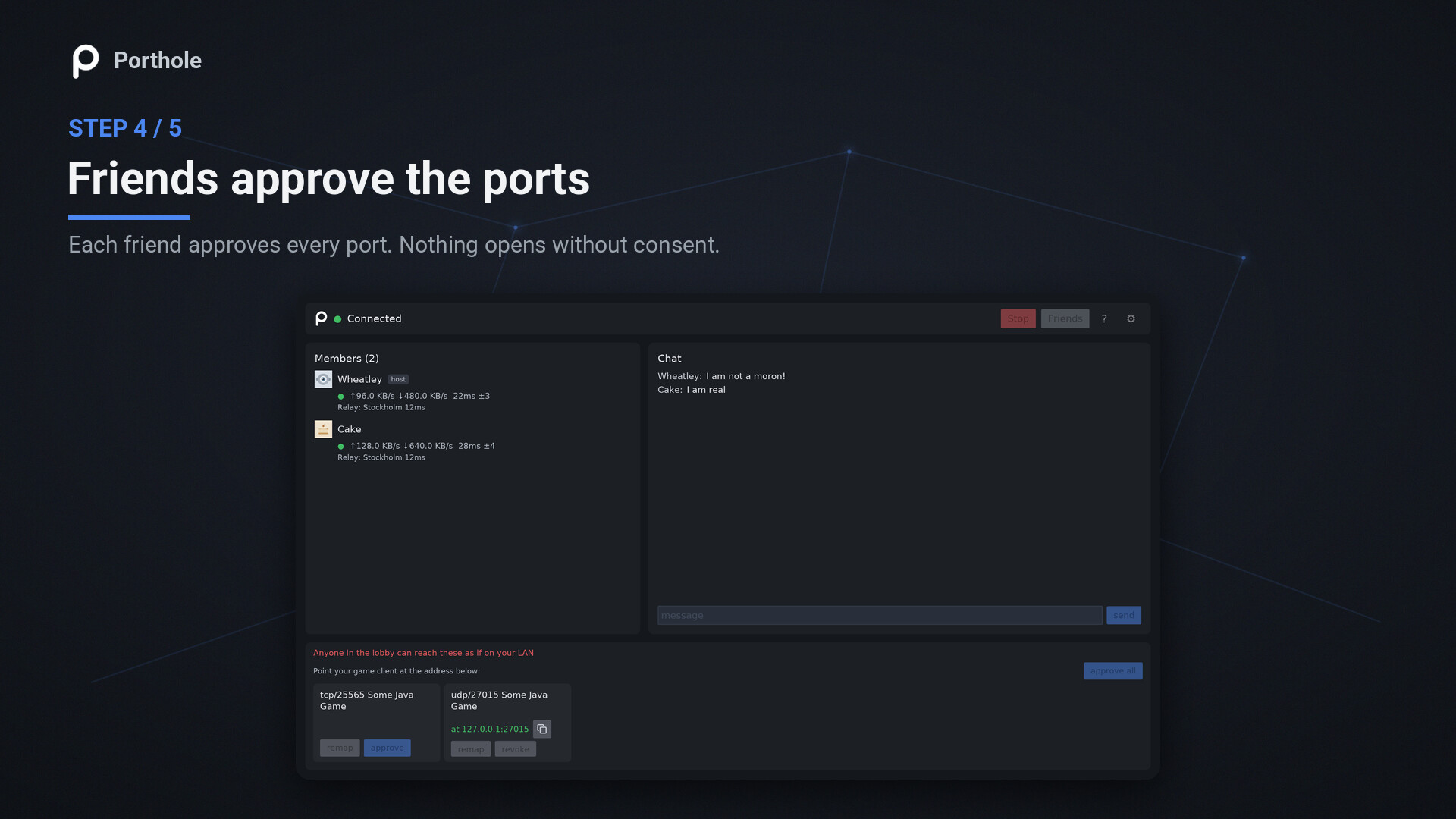
You found a great co-op game, and it only does local multiplayer. Same network, no online option, so the friend across the country is out of luck. Porthole makes that friend show up as if they were on your local network, so you can play together over the internet. What is Porthole? Porthole is a lightweight desktop proxy that lets you share a local TCP or UDP port with your Steam friends over Steam's own network. They connect to your server (or any local service) as if it were running on their own machine - with no port forwarding, no public IP, and no router setup. It is a free Hamachi and Radmin alternative built for gamers: instead of putting your whole machine on a virtual LAN, it proxies only the ports you pick, so you get port forwarding without a router. It's a networking utility, not a full VPN: Porthole shares the specific ports you choose, not your whole network. Use it to Let friends into a server you host, like a Minecraft world or a dedicated game server, without touching your router. Play LAN-only and local-multiplayer games over the internet, as if everyone were on the same LAN. Share any other local TCP or UDP service with people you trust. How it works 1. Pick the local ports to share (or auto-detect them from a running game) and create a lobby. 2. Friends join with a short share code or from your Steam friends list. 3. You offer each port; they approve it and it binds on their own machine. 4. Traffic tunnels over Steam's network, either directly peer-to-peer or through Valve's relay. Key features Works with both TCP and UDP servers. Built-in port detection - find the ports a running game or app is using, no lookup needed. No port forwarding and no public IP - works behind NAT and CGNAT. Join by share code or from the Steam friends list. Optional password-protected lobbies. Per-port approval, local remapping, and host kick/ban controls. Automatic peer-to-peer or Valve relay routing. Adaptive rate control tuned for the Steam relay. Clean native GUI that runs from the system tray, plus a scriptable command-line interface. Windows and Linux/SteamOS support. FAQ Is this a VPN? No. A VPN joins whole machines into one network. Porthole tunnels only the individual ports you choose to share, and guests approve each port before it binds on their machine. Do my friends need Porthole too? Yes, and it's free. Joining takes one share code, with nothing to set up. Can the people I share with see my network or files? No. A guest can reach only the ports you offered and they accepted, nothing else. You can kick or ban anyone at any time. How do my friends connect once they join? The shared port opens on their own machine, so they point the game at their local address, for example a Direct Connect to 127.0.0.1 on the port they approved. What about latency? Porthole runs over Steam's networking, routing each connection over a direct peer-to-peer link or Valve's relay network, the same infrastructure Valve's own multiplayer games use. Both add minimal overhead, and the relay is often as fast or faster, since it runs over Valve's backbone rather than the open internet's default path. Is it really free? Yes, it's completely free. Pick a port, sha...